Description
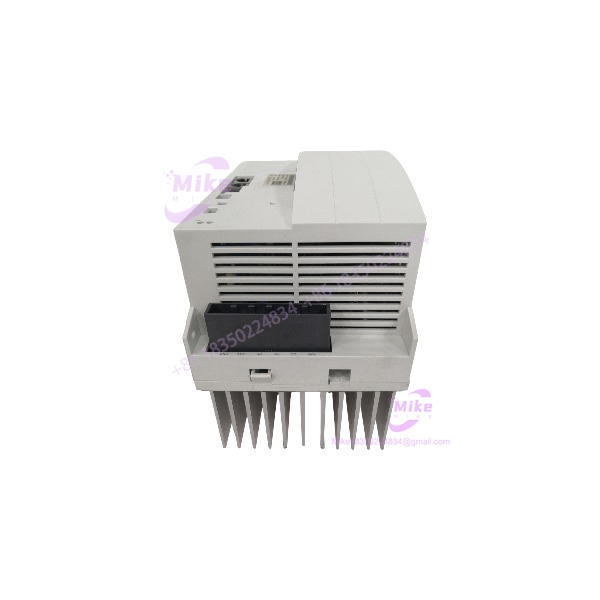
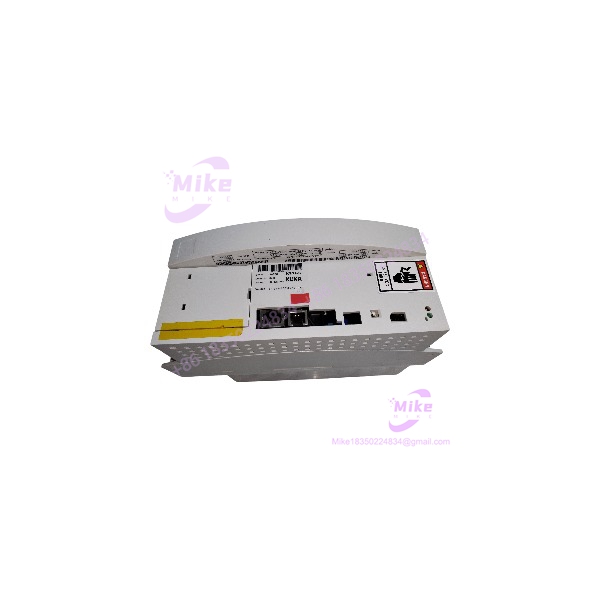
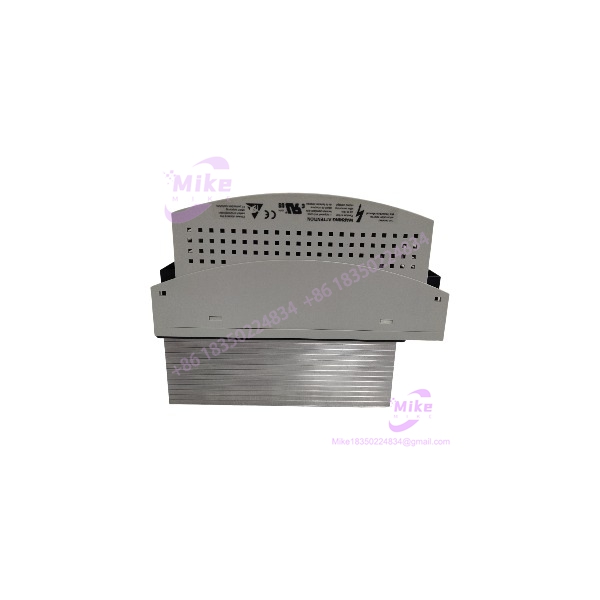
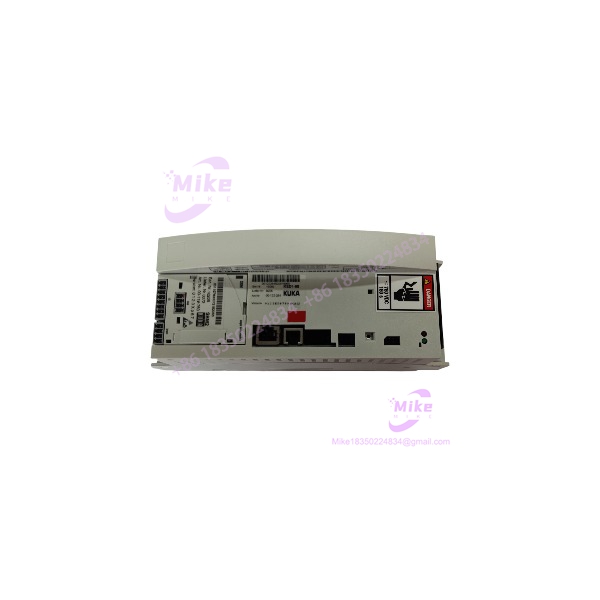
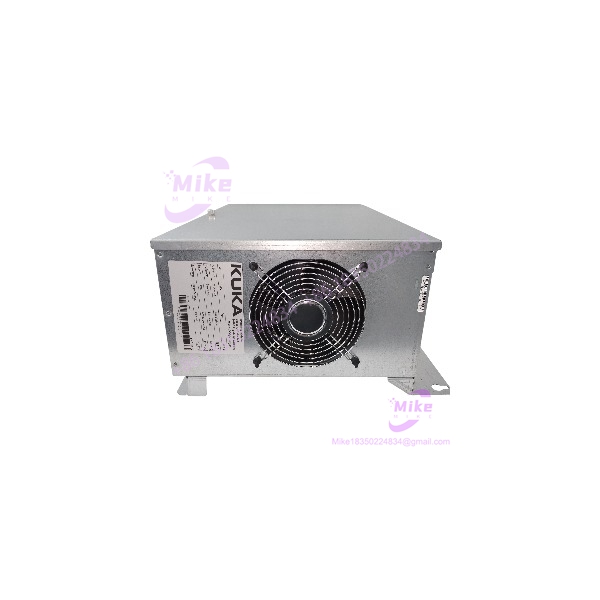
KUKA KPC4 00-284-170 | KR C4 Industrial PC
Product Introduction
A failed robot controller PC can stop production even when the robot mechanics and drive hardware remain serviceable. The KUKA KPC4 00-284-170 is identified in industrial parts catalogs as the KPC computer used with the KR C4 robot controller. It is a controller-computing component—not a servo drive, motor amplifier, or generic PLC CPU.
For a legacy KR C4 installation, the main procurement risk is not simply finding a KPC4 with the same label. The replacement must suit the target controller configuration and required KUKA System Software (KSS) environment. Confirm the exact hardware reference, software image, system configuration, and included components before treating a surplus unit as a drop-in replacement.
The part number 00-284-170 is listed by industrial robotics suppliers as a KRC4/KPC PC, with repair and exchange options offered by some vendors. Actual condition, software availability, and replacement suitability remain seller- and system-specific.
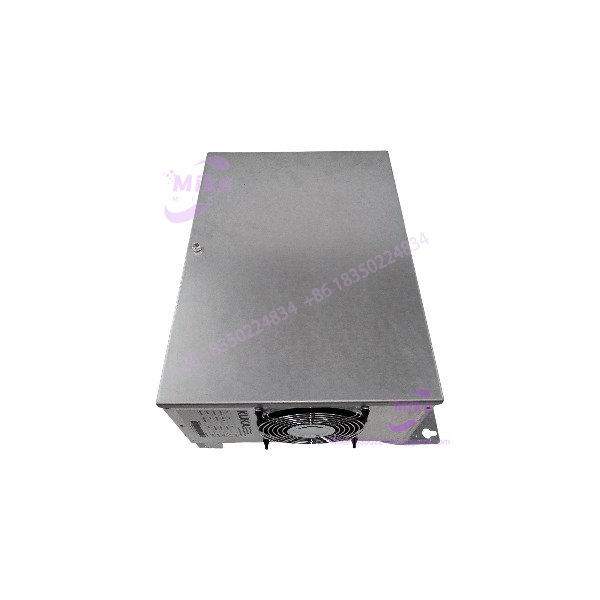
KPC4 00-284-170
Key Technical Specifications
- Model Designation: KPC4
- KUKA Part Number: 00-284-170
- Manufacturer: KUKA
- Controller Platform: KR C4
- Hardware Category: Industrial PC / controller computer
- System Role: Computing platform within the robot controller
- Installation Context: KR C4 control cabinet
- Processor: Exact processor configuration not independently verified for this part number
- Memory: Exact capacity not verified
- Storage: Confirm installed storage device and condition on the actual unit
- Operating System: Verify installed operating system and image
- KUKA System Software: Confirm KSS version and compatibility with the target robot
- Power Input: Verify from the actual nameplate and OEM documentation
- Communication Interfaces: Confirm port types and configuration against the specific hardware revision
- Cooling: Inspect installed cooling components and airflow path
- Environmental Ratings: Confirm from the applicable KUKA technical documentation
- Firmware / BIOS: Record existing version and configuration before replacement
- Compatibility: Must be validated against the installed KR C4 controller, robot configuration, and software environment
Specification note: Some third-party listings advertise 24 VDC input and general-purpose PC interfaces for KPC4 units, but the exact configuration should be confirmed from the 00-284-170 nameplate and KUKA documentation. Do not use generic supplier claims as the basis for wiring, power design, or controller compatibility.
Global Sourcing & Live-Test SOP
A surplus KPC4 should be evaluated as a controller-computing component, not accepted on the basis of a successful power-up alone.
5.1 Inbound Verification
- Photograph the full nameplate and all part-number labels.
- Confirm / 00-284-170 exactly.
- Record serial number, hardware revision, and available manufacturing identifiers.
- Photograph the complete unit, connectors, cooling assembly, and mounting features.
- Inspect for impact damage, corrosion, contamination, and unauthorized repairs.
- Check cooling fans, vents, and accessible connector interfaces.
- Record installed storage hardware and any visible software or configuration labels.
- Request the source KR C4 controller model and available service history from the seller.
- Confirm whether the sale includes only the PC or additional controller components.
5.2 Controlled Power-Up
- Obtain the applicable KUKA service documentation before applying power.
- Verify the actual unit’s supply requirements and connector pinout.
- Use an approved test setup with suitable current protection.
- Do not apply power through unidentified connectors.
- Observe startup behavior and any hardware diagnostic indicators.
- Record abnormal fan noise, unexpected resets, or visible thermal issues.
- Do not modify BIOS settings or storage contents before documenting the original configuration.
5.3 Software and Configuration Verification
A that reaches a boot screen is not necessarily ready for installation in a production robot.
- Confirm the installed KSS version, where accessible.
- Verify whether the original system image and robot-specific configuration are available.
- Check the target controller’s hardware and software compatibility requirements.
- Preserve the original controller configuration before any migration.
- Confirm that required licenses, software media, and configuration backups are available through authorized channels.
- Do not assume a generic or donor image will support the target robot.
- Record all configuration differences before approving the replacement.
5.4 Functional and Extended Testing
Where an approved KUKA-compatible test setup is available:
- Verify startup and operating-system loading.
- Check system diagnostics and hardware recognition.
- Inspect available Ethernet, USB, and other interfaces using the approved test procedure.
- Monitor fan operation and thermal behavior.
- Check for unexpected resets, storage errors, and diagnostic faults.
- Perform an extended run appropriate to the test environment and application.
Document the test date, hardware revision, software version, test setup, duration, and observed results. Do not advertise a full robot-motion test or 24-hour burn-in unless it was actually performed and recorded.
5.5 Final Preparation and Packaging
- Preserve the original labels and configuration records.
- Photograph the unit and connector interfaces before packing.
- Use ESD-safe packaging and rigid impact protection.
- Protect exposed connectors from mechanical damage.
- Include available test reports and software/configuration information.
- Clearly identify the condition as new, used, refurbished, or untested.
- State whether storage media or software is included; do not imply that a working KSS image is supplied unless verified.
Field Engineer’s Pitfall Guide
❗ Do not mistake the for a servo drive or the complete controller
The is identified as the KR C4 PC/controller-computing component. It should not be described as a servo amplifier or assumed to include all controller, drive, and safety hardware. Confirm the failed component’s identity before ordering.
❗ A matching part number does not guarantee software compatibility
The ‘s replacement suitability depends on the target KR C4 configuration and software environment. Confirm the required KSS version, robot-specific configuration, and available backup before replacing the original PC. Do not assume a donor unit’s installed image is suitable for another robot.
❗ Do not interrupt controller power or remove hardware without the approved shutdown procedure
The is part of an integrated robot-control system. Follow the applicable KUKA shutdown, isolation, and service instructions before disconnecting or replacing it. Do not use a cabinet power interruption as an improvised PC-reset method, and do not assume that the unit is hot-swappable.
Intent-Driven FAQ
What is the KUKA 00-284-170?
It is a KUKA KR C4 industrial PC/controller-computing component, listed by robotics parts suppliers as a KRC4/KPC PC.
Is the 00-284-170 a servo drive?
No. It is identified as an industrial PC for the KR C4 controller. A servo drive is a different hardware component within the robot-control system.
What controller does the 00-284-170 belong to?
Supplier catalogs associate the 00-284-170 with the KUKA KR C4 controller family. Compatibility with a specific robot and cabinet configuration must still be verified.
What power supply does the 00-284-170 require?
Confirm the required supply from the actual unit’s nameplate and applicable KUKA documentation. Do not rely on generic supplier descriptions for wiring or power-connection decisions.
Does the come with KUKA System Software installed?
That depends on the specific unit and seller. Confirm the installed KSS version, storage condition, and availability of the required robot-specific configuration before purchase.
Can I replace a failed with another 00-284-170?
The matching part number is an important starting point, but it does not establish complete software or configuration compatibility. Verify hardware revision, target controller, KSS version, and configuration-backup requirements before installation.
What should I check before buying a replacement?
Confirm the complete 00-284-170 designation, serial number, hardware revision, physical condition, installed storage, software status, and source controller configuration. Request clear nameplate photographs and test documentation tied to the actual unit.
Bottom Line for Buyers
The KUKA 00-284-170 is a KR C4 industrial PC/controller-computing component used in KUKA robot-control systems. Its value as a replacement depends on more than the hardware label: software compatibility, configuration recovery, and the condition of the actual unit all matter.
For procurement, request the complete nameplate, hardware revision, software status, and a clear statement of what is included. Confirm the target KR C4 configuration before treating a used or refurbished as a production-ready replacement.