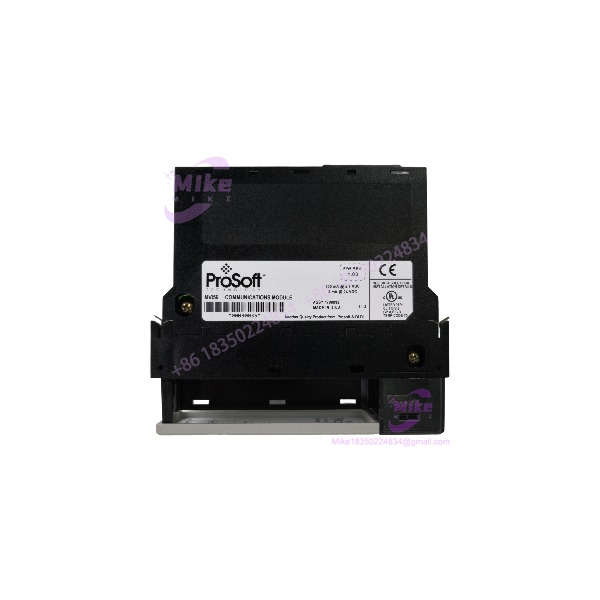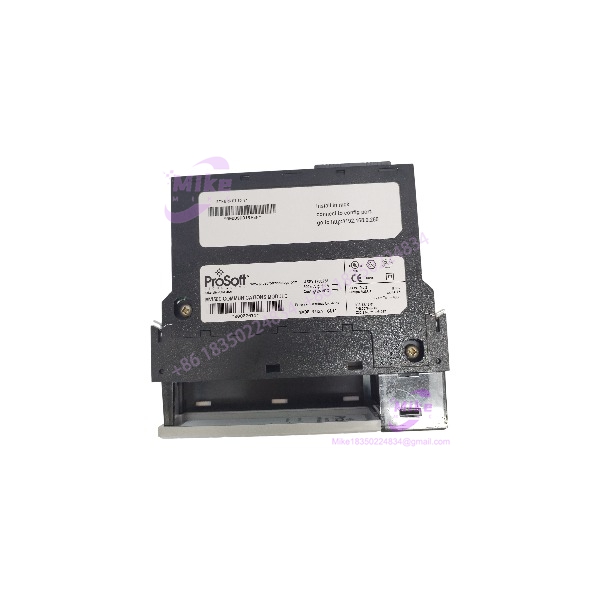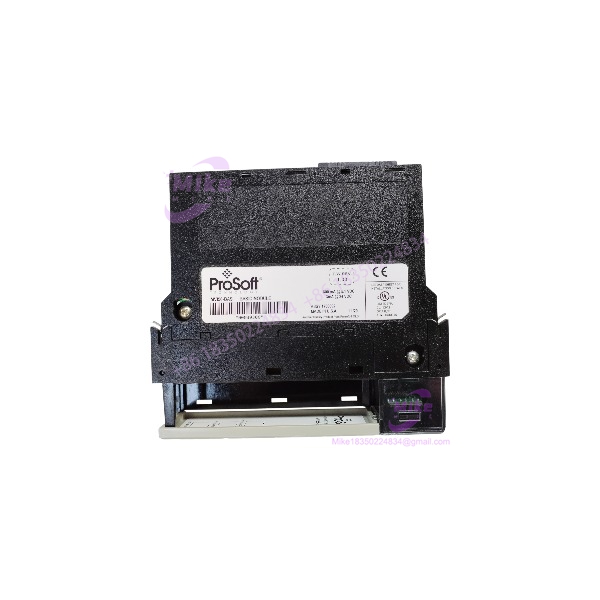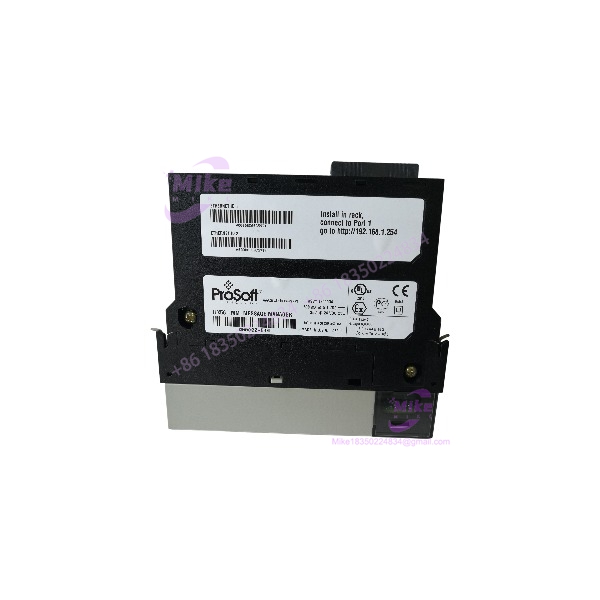
Description
ProSoft ILX56-MM | ControlLogix Message Manager Module
Product Introduction
When a ControlLogix system needs to exchange data with equipment using different industrial communication protocols, the challenge is often integration—not raw I/O capacity. The ProSoft ILX56-MM inRAx Message Manager is a single-slot 1756 communication module designed to manage data transfers between ControlLogix-compatible processors and supported industrial systems.
The ILX56-MM uses its onboard Ethernet ports for Modbus TCP/IP and Siemens Industrial Ethernet communications, while Rockwell protocols can be accessed through compatible 1756 bridge modules. It supports up to 16 individually configurable communication interface connections, making it relevant to established multi-protocol control architectures. For maintenance and migration planning, verify the original project configuration and connected protocol bridges before ordering a replacement.
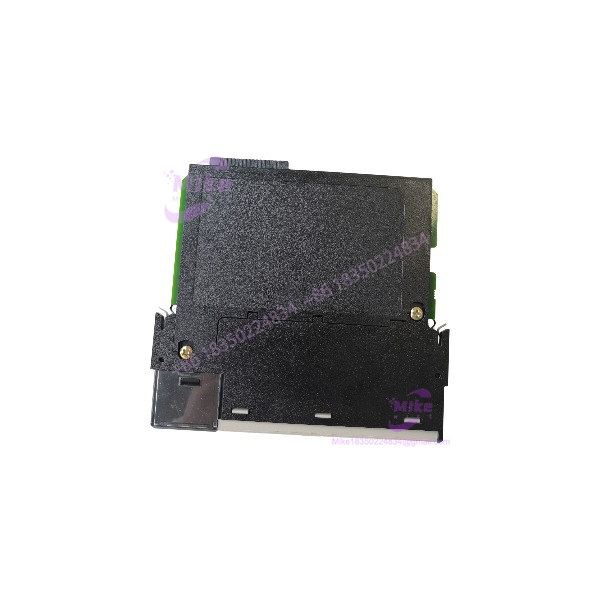
ILX56-MM
Key Technical Specifications
- Model: ILX56-MM
- Manufacturer: ProSoft Technology
- Product Family: inRAx
- Module Function: Message Manager for Industrial Communication
- Platform Compatibility: Rockwell Automation ControlLogix
- Form Factor: Single-slot 1756 module
- Chassis Installation: Local or remote ControlLogix rack
- Onboard Ethernet Ports: 2
- Ethernet Protocols: Modbus TCP/IP and Siemens Industrial Ethernet
- Rockwell Protocol Support: EtherNet/IP, ControlNet, DH+, and DH-485 through compatible Rockwell communication bridge modules
- Configurable Communication Connections: Up to 16
- Data Transfer: Between configured communication interfaces and compatible ControlLogix processors
- Configuration Utility: Built-in web-based configuration utility
- Configuration Storage: Offline file storage or onboard CompactFlash
- Status Display: Four-character alphanumeric display for status and diagnostics
- Power Requirement: 1,000 mA at 5 V DC
- Maximum Power Consumption: 5 W
- Operating Temperature: 0°C to 60°C (32°F to 140°F)
- Storage Temperature: -40°C to 80°C (-40°F to 176°F)
- Removal Under Power: RIUP support, subject to applicable ControlLogix system procedures
- Timekeeping: Onboard real-time clock
- Configuration Access: Web-based utility; legacy documentation references Internet Explorer 7 for full implementation
Specifications are based on ProSoft Technology’s ILX56-MM datasheet and user manual. Confirm the applicable hardware revision and firmware documentation before commissioning.
Global Sourcing & Live-Test SOP
A legacy communication module can power up normally while retaining an unusable configuration or having an Ethernet interface fault. Incoming inspection should therefore distinguish basic hardware condition from verified protocol-level operation.
Incoming Verification
- Confirm the manufacturer label and exact ILX56-MM model.
- Inspect the 1756 backplane connector, housing, Ethernet ports, and display.
- Record serial number, hardware revision, and visible manufacturing identifiers.
- Check for damaged contacts, corrosion, cracked housing, or evidence of repair.
Authenticity & Configuration Checks
- Compare module markings with available ProSoft documentation.
- Record firmware and configuration identifiers where accessible.
- Check whether the onboard CompactFlash card is present, if applicable.
- Do not assume a used module contains the previous owner’s configuration or that the configuration is compatible with the buyer’s application.
Functional Test Recommendations
- Install in a compatible ControlLogix chassis and verify module recognition.
- Confirm the module display and diagnostic status.
- Test Ethernet link and communication with a compatible test network.
- Where suitable hardware and configuration are available, verify data exchange using the intended protocol and a known test endpoint.
- Record the protocols, bridge modules, firmware, and configuration used during testing.
- Document any untested functions or unavailable legacy equipment.
Extended Test & Packaging
- Record the actual duration and conditions of any extended run.
- Do not claim a 24-hour heat run unless completed and documented.
- Preserve inspection results and any included configuration media.
- Use ESD-aware handling and protective packaging suitable for international shipment.
Condition Transparency: State whether the module is used, tested, untested, or factory sealed based on the actual unit. Warranty coverage and included accessories must match the seller’s terms and the physical contents of the shipment.
Field Engineer’s Pitfall Guide
❗ Do not treat the as a generic Ethernet gateway. Modbus TCP/IP and Siemens Industrial Ethernet use the onboard ports, while Rockwell protocols such as ControlNet and DH+ require compatible bridge modules. Confirm the architecture before planning a replacement.
❗ Verify the configuration and legacy software environment. The uses a built-in web configuration utility, and legacy documentation references older browser requirements. Confirm that your engineering workstation and saved configuration files can support the required setup process.
❗ Check the ControlLogix chassis power budget and removal procedure. The module draws 1,000 mA at 5 V DC and supports removal under power, but RIUP should not be interpreted as permission to remove it without considering controller state, process impact, and site procedures.
Intent-Driven FAQ
Q1: What is the ProSoft used for?
A: It is a ControlLogix inRAx Message Manager designed to exchange data between compatible industrial communication systems and ControlLogix processors.
Q2: Does the support Modbus TCP/IP?
A: Yes. Modbus TCP/IP is supported through the module’s onboard Ethernet ports.
Q3: Can the communicate with Siemens systems?
A: Yes. ProSoft documents Siemens Industrial Ethernet support through the onboard Ethernet ports. Verify the exact Siemens-side interface and configuration required for your application.
Q4: Is this a standalone Ethernet switch or protocol converter?
A: No. It is a single-slot ControlLogix communication module that operates within a compatible 1756 system and uses configured communication interfaces.
Q5: Can I replace another 1756 communication module with the ?
A: Not automatically. Confirm the required protocols, bridge-module architecture, controller configuration, and application data mapping before substituting hardware.
Q6: Does the module support removal under power?
A: The OEM datasheet identifies RIUP support. Follow the applicable ControlLogix and site procedures, and assess process impact before removing a module from an operating system.
Q7: Is the still supported, and does a used unit include its configuration?
A: ProSoft maintains legacy documentation for the model. Confirm current service and lifecycle status with the manufacturer. A used module should not be assumed to include a valid project configuration, CompactFlash card, or required accessories unless verified by the seller.
Reference Documentation
- ProSoft Technology datasheet and legacy downloads: https://www.prosoft-technology.com
- ProSoft User Manual: available through the manufacturer’s legacy-download documentation.