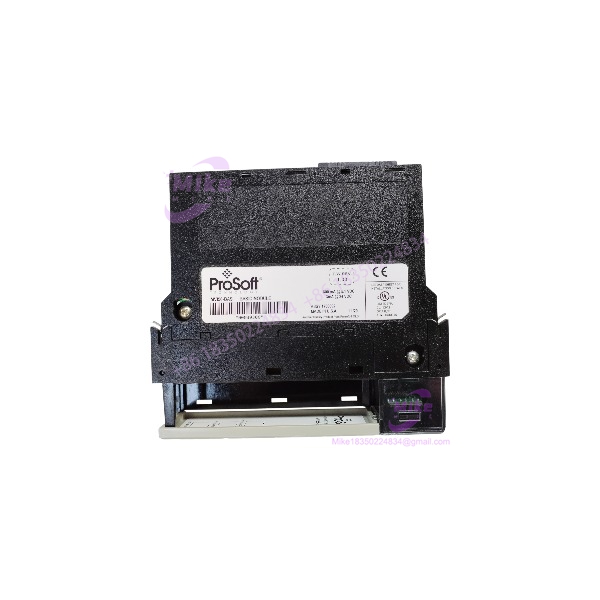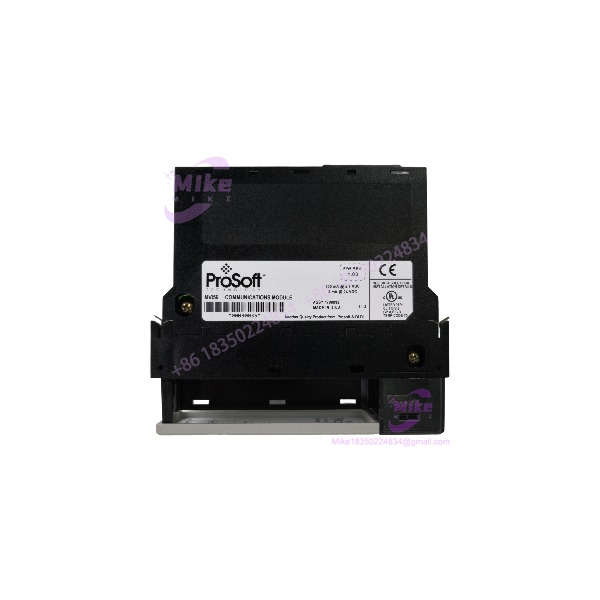
Description
MVI56-MCMR | ControlNet Remote Rack Modbus RTU/ASCII, In Stock
Architect’s Product Breakdown
The MVI56-MCMR exists because of a constraint most engineers only hit once: ControlNet bandwidth. The standard MVI56-MCM moves a large backplane data image between module and processor. That’s fine in a local chassis, but put the module in a remote rack across ControlNet, and that oversized I/O image eats a permanent slice of your scheduled (or unscheduled) network bandwidth on every transfer. The MCMR solves it with a reduced I/O data image — roughly a 42-word block — that slashes the backplane-to-processor transfer footprint. Same Modbus engine, same two independent serial ports, a fraction of the network cost. That’s why the part exists, and why it’s almost always found in remote I/O buildings, satellite pump stations, and distributed water-treatment architectures where the controller chassis lives somewhere else.
Functionally, everything else matches the MCM family. The module drops into one 1756 slot — local or remote — and behaves as an I/O module on the backplane, with backplane transfers asynchronous from Modbus network activity. The two independently configurable serial ports run RS-232, RS-422, or RS-485, each set as Modbus RTU/ASCII master or slave, on the same or different networks. Port 1 can poll a bank of feeder meters while Port 2 serves data up to a SCADA master. It can also be installed remotely over EtherNet/IP as well as ControlNet — but here’s the honest engineering note that ProSoft themselves make: if you’re on EtherNet/IP and bandwidth is not a constraint, use the standard-block MVI56-MCM (or MVI56E-MCM) instead. The reduced block trades convenience for bandwidth; take the trade only when the network forces it.
The reduced block changes your integration work in one important way: you can’t just dump large contiguous datasets across the backplane in a single image like the MCM does. Data moves through the compact block in structured transfers handled by the sample ladder logic and, on the E-series successor, Add-On Instructions. That adds a little latency and a little ladder complexity in exchange for the bandwidth savings. Configuration is through the serial Configuration/Debug port with ProSoft Configuration Builder, port electrical type by jumpers, same as the MCM. The upgrade path to the MVI56E-MCMR is direct and documented — PCB even has an explicit “Upgrading from MVI56-MCMR” procedure — and the E-series adds the Ethernet config port and CIPconnect remote diagnostics, which is genuinely useful when the module sits in an unstaffed remote building three hours from the plant.
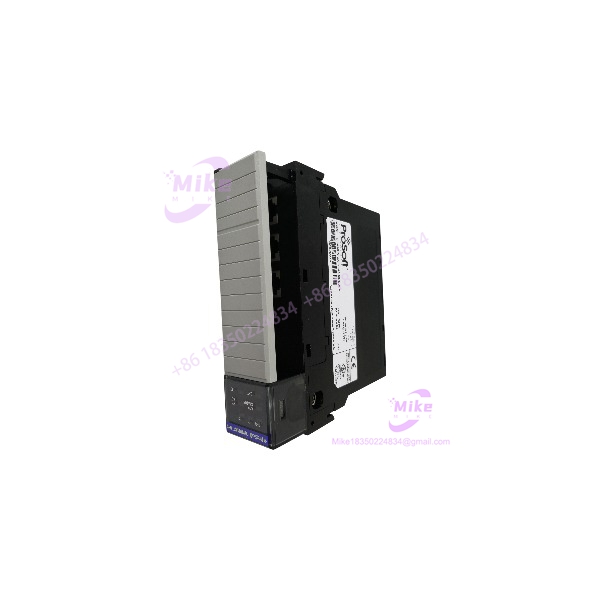
MVI56-MCMR
Key Technical Specifications
| Parameter | Specification |
|---|---|
| Part Number | MVI56-MCMR |
| Manufacturer | ProSoft Technology |
| Compatible Platform | Allen-Bradley ControlLogix (1756 chassis, 1 slot, local or remote rack) |
| Remote Networks | ControlNet or EtherNet/IP communication with the processor |
| Protocol | Modbus RTU / Modbus ASCII, master and/or slave per port |
| Serial Ports | 2 independently configurable ports — RS-232, RS-422, or RS-485 (jumper-selected) |
| Baud Rate | Up to 115.2 kbps per port |
| Backplane Data Image | Reduced block (~42 words) — bandwidth-optimized vs. standard MCM |
| Data Transfer | Asynchronous backplane transfer via ladder logic; structured transfers through the reduced image |
| Configuration | Serial Configuration/Debug port; ProSoft Configuration Builder (PCB) |
| Backplane Current Load | 800 mA @ 5 VDC |
| Operating Temperature | 0°C to 60°C (32°F to 140°F) |
| Storage Temperature | ‘-40°C to 85°C |
Field Engineer’s Pitfall Guide
⚠️ The reduced data image changes how your ladder logic must be written — MCM code will not run unmodified on the MCMR. The data transfer structure is different. I’ve watched an integrator port an entire MCM application to an MCMR in a remote rack, copy the ladder over, and spend two days chasing “missing” data that was actually stuck behind a block-transfer scheme his code never issued. Start from the MCMR sample code, not from your MCM program. Treat it as a different module that happens to speak the same field protocol.
⚠️ Verify the ControlNet path budget before installation, not after. The whole reason this module exists is ControlNet scheduled-connection bandwidth. Do the network load calculation for the remote rack’s connections: if adding a 42-word image still pushes the scheduled bandwidth over the limit, the fix is network redesign (rephasing, different NUT, or dropping the rack to a different segment), not module selection. I’ve seen a team “save bandwidth” with the MCMR and still choke the segment because three other racks got added later without recalculating the load. ControlNet doesn’t forgive unplanned growth.
⚠️ Port jumpers, termination, and the usual serial discipline — same as the MCM, same failure modes. Electrical port type is jumper-selected, not software. Photograph the jumper positions of the outgoing unit. On RS-485 trunks, 120-ohm termination at both physical ends and a single-point shield ground are non-negotiable — especially in remote buildings where the serial trunk may run parallel to power feeds for hundreds of meters. One grounding fault in a distant pump station can put noise on the line that only shows up when the well pump starts, and you’ll be chasing “random comm faults” for a week.
QA & Testing SOP (Transparency)
Every MVI56-MCMR unit passes a documented four-stage process before shipping:
- Visual & Origin Check: OEM label and serial verified against ProSoft production records; board inspected for stress marks, connector wear, or field-repair soldering. Jumper positions photographed and documented. New surplus stock confirmed factory-sealed.
- Live Rack Test: Module installed in a 1756 ControlLogix test chassis with a known-good processor; minimum 30-minute powered burn-in; backplane enumeration confirmed with the reduced data block configured as documented for remote-rack use.
- Functional Diagnostics: Both serial ports exercised — RTU master polling against a slave simulator (reads, writes, Diagnostics), RTU slave response to an external master, ASCII spot-check at 9600 and 115.2 kbps; reduced-block transfer integrity verified under sustained traffic; Configuration/Debug port read/write confirmed; timeout handling tested against a deliberately unresponsive slave.
- Documentation & Packing: Firmware revision, jumper map, and test results recorded on the unit certificate; module set to as-specified configuration; sealed in ESD-safe anti-static bag with conductive foam.
Technical FAQ
Q: Can I hot-swap the MVI56-MCMR while the process is running?
No. Beyond both Modbus networks dropping instantly, if the module sits in a remote rack over ControlNet or EtherNet/IP, pulling it faults the rack connection, which can take down every other module in that rack with it. Remote-rack swaps should be treated as scheduled outages for the whole satellite location, not just the module.
Q: What’s the actual difference between the MVI56-MCM and the ?
The Modbus engine is the same — two independent serial ports, RTU/ASCII, master or slave each. The difference is the backplane data image: the MCMR uses a reduced block (~42 words) instead of the MCM’s larger image, minimizing the bandwidth consumed by module-to-processor transfers across ControlNet. If your module is in the local chassis, the reduced block buys you nothing. If it’s in a remote rack on a loaded ControlNet segment, it’s the difference between fitting and not fitting.
Q: Is there an enhanced replacement, and is the upgrade painful?
Yes — the MVI56E-MCMR is the current part, adding a 10/100 Mbps Ethernet configuration/diagnostic port, CIPconnect remote access, and an on-board web server. The upgrade path is explicitly supported: ProSoft Configuration Builder includes an “Upgrading from ” procedure, and your configuration carries over. For a module in an unstaffed remote building, the E-series Ethernet diagnostics alone justify the swap at the next scheduled outage.
Q: Can this module handle Modbus TCP?
No. The MCMR is serial-only — Modbus RTU and ASCII over RS-232/422/485. If you need Modbus TCP with a reduced data block for a remote rack, the parallel product is the MVI56-MNETR / MVI56E-MNETR family. Same reduced-block concept, Ethernet protocol instead of serial.
Q: Will the configuration survive a power loss?
Yes — port settings, command lists, and database mapping are stored in the module’s non-volatile memory, so power cycles don’t clear them. But with no removable Personality Module on this legacy series, a dead module takes its configuration with it. For remote installations especially, keep the PCB configuration file backed up on your engineering server — you may not get easy physical access to that building again for months, and rebuilding the config from scratch on-site is a bad day in a bad place.