Description
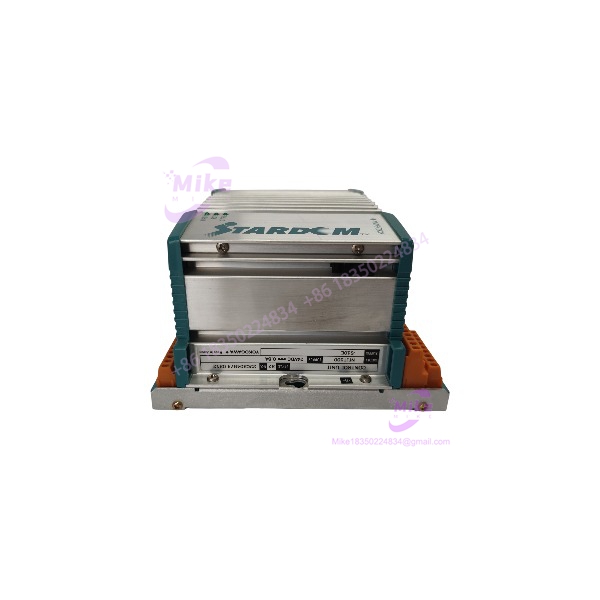
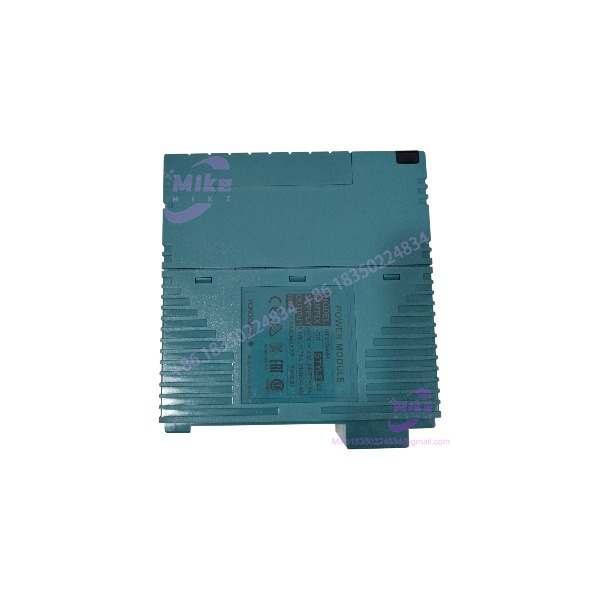
NFPW444-51 S2 | Yokogawa STARDOM Power Supply Module
Dynamic Product Introduction
When a central control node suddenly loses backplane power, an entire rack of critical process control loops goes dark. In automated facilities, sudden DC power loss usually stems from an internal capacitor failure or line-surge breakdown inside the rack power supply module. Replacing a dead unit with a factory-tested NFPW444-51 S2 instantly restores power rail stability across the entire backplane without forcing you to re-engineer cabinet wiring or replace downstream controllers.
The NFPW444-51 S2 provides clean, regulated DC voltage to Yokogawa STARDOM CPU processors and I/O cards. Engineered for continuous operation in demanding environments, it features internal line filtering to absorb line transients and voltage dips before they can reach sensitive control microprocessors.
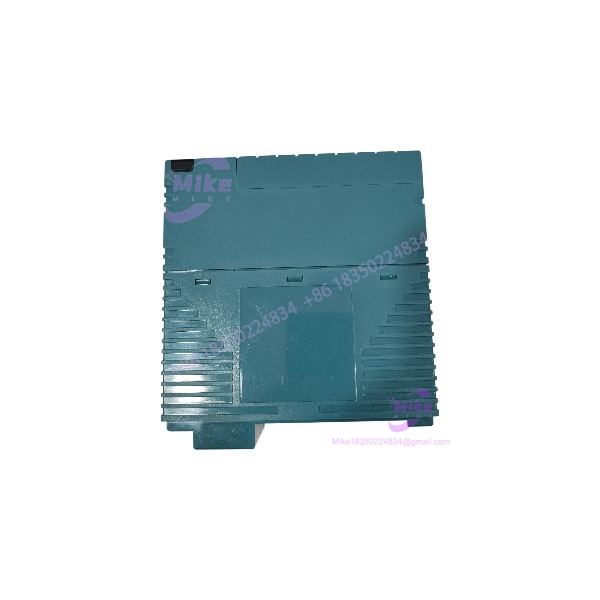
NFPW444-51 S2
Key Technical Specifications
- Model Number: NFPW444-51 S2
- Manufacturer: Yokogawa
- Module Classification: System Rack Power Supply
- Input Voltage Range: 100 V AC to 240 V AC (Wide Range)
- Input Frequency: 50/60 Hz (±3 Hz)
- Output Voltage: Regulated backplane DC voltage outputs
- Style Code: Style S2 execution
- Diagnostic Output: Power-good status relay contact output
- Operating Temperature Range: -10°C to +55°C (14°F to 131°F)
- Mounting Method: Dedicated power supply slot on STARDOM base racks
Global Sourcing & Live-Test SOP (Transparency Core)
To ensure maximum uptime when sourcing surplus or replacement power hardware, every module undergoes a strict multi-step testing procedure before shipment.
1.Inbound Physical & Inspection Audit:Prerequisite。
Inspect the housing for heat discoloration, check internal electrolytic capacitors for bulging or leaks, and verify backplane connector pins for wear or corrosion.
2.No-Load & Boot Test:5 min。
Insert the NFPW444-51 S2 into a test rack and apply 120 V AC power. Verify output voltage levels and confirm power LED initialization.
3.Full-Load Rail & Ripple Test:20 min。
Apply a simulated full backplane load across all output rails. Measure voltage stability and high-frequency ripple using a digital storage oscilloscope under fluctuating AC input voltages (85 V AC to 264 V AC).
4.Thermal Burn-In & ESD Packaging:24 Hours。
Operate the unit under full electrical load inside a 50°C thermal chamber for 24 hours. Once verified, record inspection metrics and seal the unit in an ESD shield bag with desiccant.
The Field Engineer’s Pitfall Guide
Critical Installation Warnings
Verify AC line input voltages, grounding connections, and total rack power loads prior to energizing power supply modules.
❗ 1. Overloading Rack Power Capacity During System Expansion
—In field deployments, engineers often add extra high-density I/O modules to an existing base rack without checking the total backplane current budget. Exceeding the output power rating of the NFPW444-51 S2 can cause thermal shutdown or subtle voltage dips that trigger random backplane bus errors.
❗ 2. Loose Protective Earth (PE) Connections
I’ve seen plants experience unexplainable CPU resets simply because a technician forgot to securely tighten the protective earth ground wire on the power terminal block. A poor ground path allows electrical noise from variable frequency drives to enter the DC control bus.
❗ 3. Swapping Under Live AC Mains
Disconnecting or inserting a power supply module while the main AC line feed is live can create arcing at the terminal block or damage the backplane power pins. Always de-energize the incoming AC breaker before removing or inserting the unit.
Intent-Driven FAQ
Will swapping the power supply module affect my stored controller logic?
No. Control logic and parameters reside in the CPU’s non-volatile memory or on flash memory cards. Replacing the power module only restores electrical power to the backplane.
Does the NFPW444-51 S2 support redundant power supply configurations?
Yes. When installed in dual-power STARDOM base racks alongside a second power unit, the operates in a hot-swappable, parallel-redundant configuration.
What causes the front panel POWER LED to remain dark after energizing?
Check incoming AC line voltage at the terminal block with a multimeter. If incoming voltage is within spec, an unlit LED indicates an internal blown fuse or an active short circuit on the backplane DC bus.
How do I connect the alarm output contact?
The alarm output terminals provide a dry contact relay interface. Connect these terminals to an external alarm light or digital input point to monitor power supply health in real time.
What warranty is provided on replacement power supply modules?
Standard replacement units include a 12-month full warranty covering electrical performance and component stability under normal operating conditions.