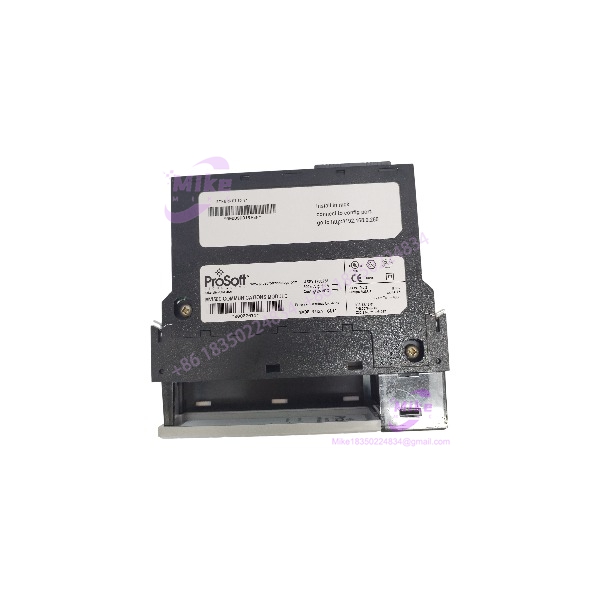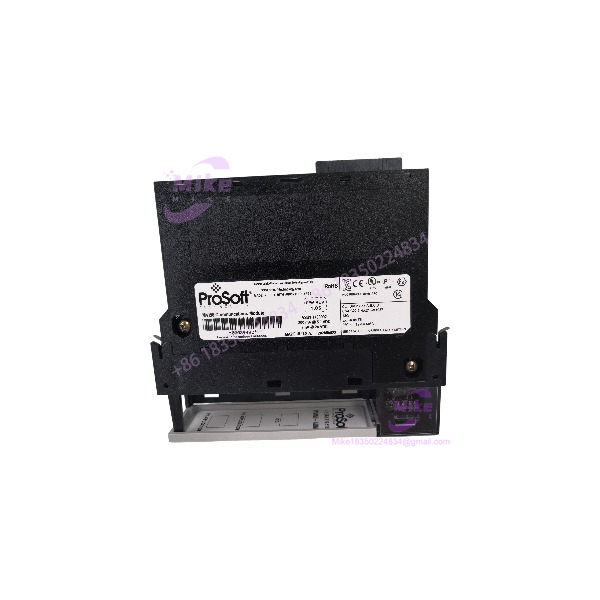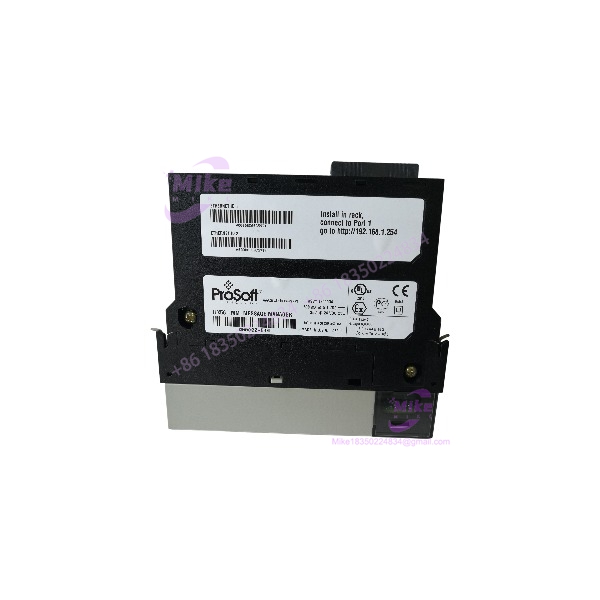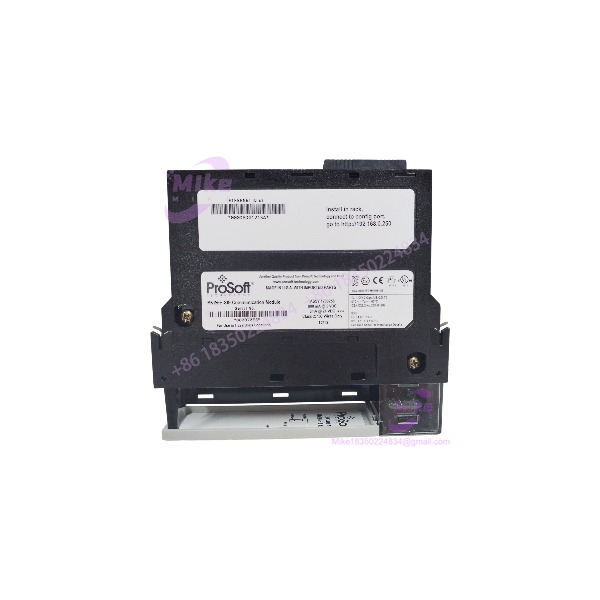
Description
ProSoft MVI56E-SIE | ControlLogix Module Availability
Architect’s Product Breakdown
The ProSoft Technology MVI56E-SIE occupies the communication layer between a Rockwell Automation ControlLogix controller and Siemens PLCs operating as Industrial Ethernet servers. Installed in a single slot of a compatible 1756 chassis, the module allows a plant to exchange process data across two automation platforms without replacing the existing controller architecture. Typical applications include legacy system integration, equipment package interfacing, supervisory data collection, and phased control-system migration.
Communication is client-driven. The MVI56E-SIE supports up to 20 Siemens PLC connections, with up to 16 commands per client. Supported Siemens data areas include data blocks, inputs, outputs, flags, counters, and timers. Its configurable data mapping supports up to 5,000 16-bit registers, while ControlLogix ladder logic and Add-On Instructions (AOIs) handle the transfer between the communication module and controller tags. Do not mistake the 10/100 Mbps Ethernet interface for a guarantee of deterministic end-to-end update times; actual performance depends on command scheduling, Siemens CPU response, network loading, and the amount of data exchanged.
For replacement planning, verify the exact catalog number, module configuration, firmware, and existing ControlLogix project before removing the installed unit. The MVI56E-SIE uses ProSoft Configuration Builder for configuration and diagnostics, and its nonvolatile CompactFlash-based Personality Module can preserve configuration for field replacement. This is particularly useful in older plants where an unplanned configuration rebuild can extend downtime. Compatibility with a Siemens S7 family does not automatically guarantee compatibility with every CPU firmware revision, data-block layout, or protection setting.
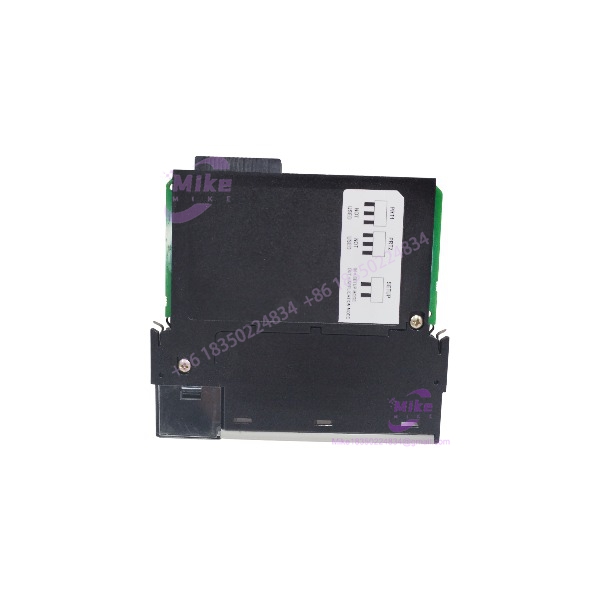
MVI56E-SIE
Key Technical Specifications
| Parameter | Specification |
|---|---|
| Model | MVI56E-SIE |
| Manufacturer | ProSoft Technology |
| Host platform | Rockwell Automation ControlLogix |
| Chassis interface | Single-slot 1756 backplane |
| Communication role | Siemens Industrial Ethernet client |
| Siemens PLC families | S7-200, S7-300, S7-400, S7-1200, S7-1500 |
| Maximum client connections | 20 |
| Commands per client | Up to 16 |
| Data mapping capacity | Up to 5,000 16-bit registers |
| Ethernet interface | 10/100BASE-T, RJ45, CAT5 |
| Backplane current draw | 800 mA at 5 VDC; 3 mA at 24 VDC |
| Operating temperature | 0°C to 60°C (32°F to 140°F) |
| Storage temperature | −40°C to 85°C (−40°F to 185°F) |
| Relative humidity | 5%–95%, noncondensing |
| Configuration software | ProSoft Configuration Builder |
| Diagnostics | Status LEDs and four-character scrolling alphanumeric display |
| Configuration retention | Nonvolatile CompactFlash-based Personality Module |
Field Engineer’s Pitfall Guide
- Warning — Siemens data addressing and protection: A successful Ethernet connection does not prove that the requested data is accessible. Verify data-block numbers, offsets, data types, read/write permissions, and the Siemens CPU’s communication access settings. A mismatched offset or floating-point interpretation can produce incorrect process values without an obvious physical wiring fault.
- Warning — ControlLogix memory mapping and AOIs: The controller-side tag structure must match the module’s configured data layout and the applicable AOI or sample ladder implementation. A replacement may establish network communication yet deliver stale or misaligned values if the controller project uses a different mapping. Back up the running configuration and compare tag definitions before switching over.
- Warning — Chassis power and network timing: Confirm that the 1756 power supply has sufficient remaining capacity for the module’s 800 mA at 5 VDC and 3 mA at 24 VDC requirements. Also verify IP addressing, subnet settings, and command response delays. When several Siemens PLCs share the workload, excessive command traffic or slow server responses can delay data refreshes.
A common commissioning failure pattern is to replace the hardware, see a healthy Ethernet link, and assume the integration is complete. It is not. Validate actual read/write transactions and process values before returning the system to production.
QA & Testing SOP — Transparency
A suitable inspection and test procedure for an MVI56E-SIE should include the following checks. These are recommended acceptance steps, not a claim that a specific unit has already passed them.
- Visual and origin verification: Inspect the OEM label, exact model number, serial number, connectors, backplane contacts, enclosure, and signs of corrosion or unauthorized repair. Check traceability records where available.
- Powered hardware test: Install the module in a compatible 1756 test chassis with adequate power capacity. Confirm startup behavior and inspect the OK, APP, and ERR indicators and scrolling diagnostic display.
- Communication test: Connect the Ethernet port to an isolated test network. Verify configuration access, IP addressing, and Ethernet link status.
- Functional data test: Using an authorized test configuration and compatible Siemens PLC or simulator, verify representative read/write transactions, data mapping, command status, and error reporting.
- Firmware and configuration records: Record the installed firmware revision and configuration details. Verify the Personality Module’s presence and configuration-retention behavior where applicable.
- Packaging: Apply ESD-safe handling and antistatic packaging. Protect the backplane connector against mechanical damage during shipment.
Procurement note: Request the test report, confirmed condition, warranty terms, and photographs of the actual unit. Do not treat a seller’s description of “tested” as proof of full protocol-level functional testing.
Technical FAQ
Q1: Can I install the in any ControlLogix chassis?
No. It is designed for a compatible 1756 ControlLogix chassis. Check the host controller project, available slot, chassis configuration, and power-supply capacity. The module is not a universal plug-in replacement for CompactLogix or other controller platforms.
Q2: Does the work with Siemens S7-1200 and S7-1500 PLCs?
Yes, these PLC families are included in the documented support list. However, the specific CPU, firmware, network configuration, accessible data areas, and communication permissions must be validated before commissioning.
Q3: Do I need to flash firmware when replacing an existing module?
Not necessarily. First compare the replacement’s firmware with the existing configuration and applicable software requirements. Upgrade or downgrade only when the documentation for the installed hardware and project requires it. Record the original revision before making changes.
Q4: Will the configuration survive a power loss?
The uses a nonvolatile CompactFlash-based Personality Module to store network and module configuration. This supports configuration recovery, but it should not be treated as a substitute for backing up the ControlLogix project, AOIs, ladder logic, and Siemens PLC program. Verify the configuration media and restore procedure before relying on it during an outage.
Q5: Is a used or refurbished acceptable for a production-line replacement?
It can be, provided its condition and application compatibility are verified. Confirm the exact model, inspect the backplane connector, obtain firmware and configuration details, and request evidence of functional testing. Clarify whether the warranty covers hardware failure only or includes a defined return period. A used unit should not be represented as new surplus unless its condition supports that description.