Description
ProSoft MVI56-ADM | Serial Interface and ASCII Gateway, In Stock
Architect’s Product Breakdown
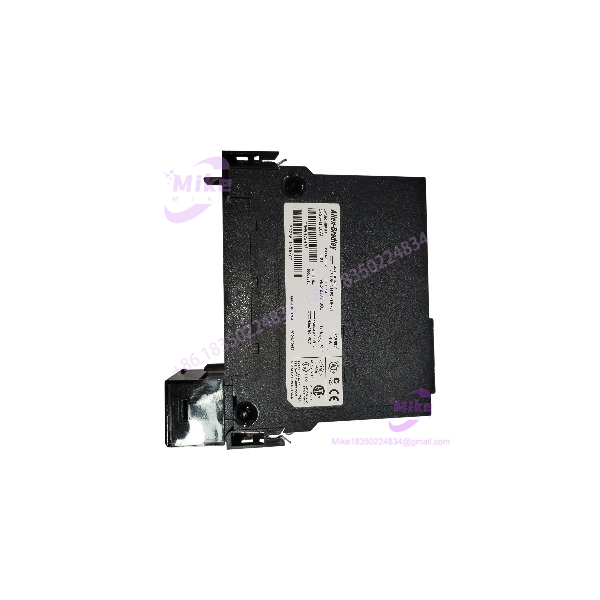
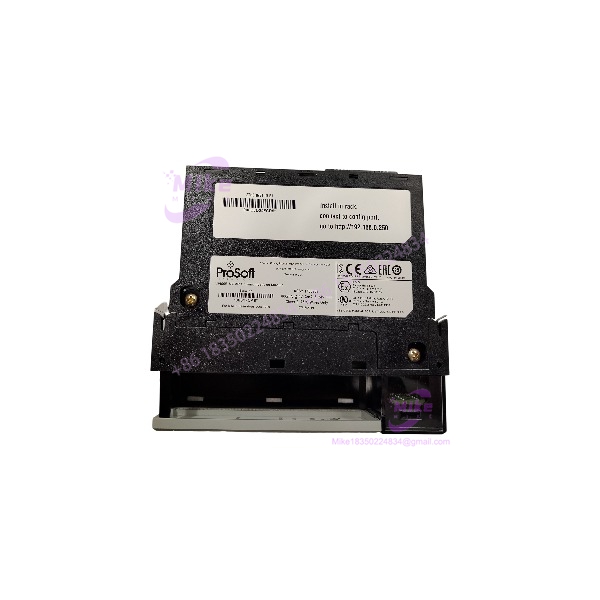
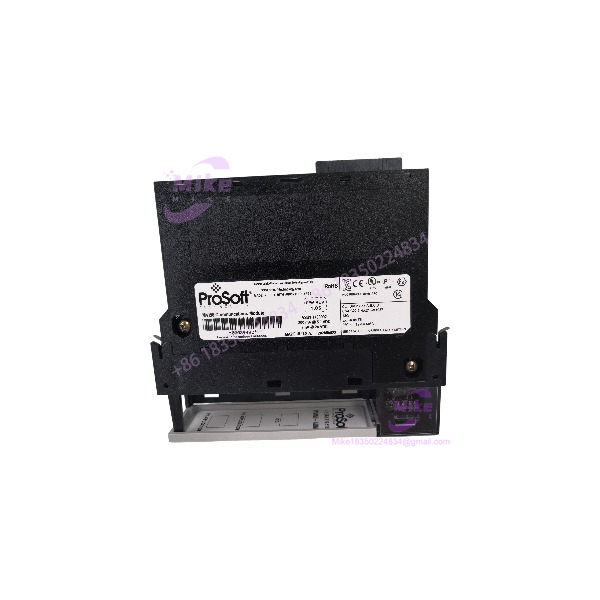
The ProSoft Technology MVI56-ADM operates as a powerful application development and serial interface module engineered to integrate custom ASCII field devices, barcode scanners, printers, and proprietary protocol instruments directly into Allen-Bradley ControlLogix automation architectures. Within a control system layout, this specific model allows engineers to deploy custom C-language applications directly on the module hardware, offloading complex string manipulation and serial communication overhead from the main programmable automation controller (PAC).
Deploying this communication model into an existing control cabinet requires careful consideration of backplane power distribution, slot allocation, and physical serial layer wiring. Because industrial environments present severe electromagnetic interference challenges, system architects must ensure that all RS-232, RS-422, or RS-485 serial cables are properly shielded and grounded to prevent data packet corruption and communication timeouts. Furthermore, ladder logic must be correctly structured to handle seamless data exchange between the module memory registers and controller tags.
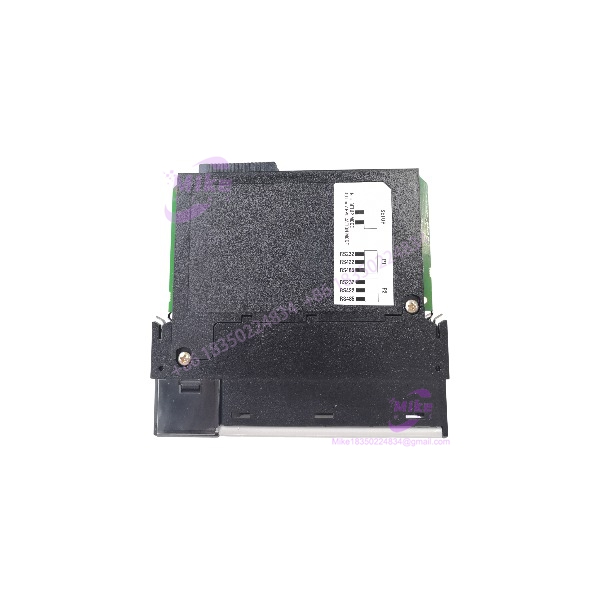
MVI56-ADM
Key Technical Specifications
| Parameter | Specification |
| Manufacturer | ProSoft Technology |
| Model Designation | MVI56-ADM |
| System Compatibility | Rockwell Automation ControlLogix Chassis (1756 Backplane) |
| Backplane Current Load | 800 mA at 5 V DC; 3 mA at 24 V DC |
| Communication Ports | 1 x CFG (RS-232 Debug/Config), 2 x Isolated Application Ports (PRT1 & PRT2: RS-232, RS-422, RS-485) |
| Protocol Support | Custom user-developed C applications, ASCII, terminal emulation, barcode/printer drivers |
| Ambient Operating Temperature | 0°C to 60°C |
| Enclosure Rating | IP20 Open-style industrial module |
Field Engineer’s Pitfall Guide
- WARNING: Backplane Slot Power Limitations. Never insert this module into a heavily loaded chassis without verifying available 5V DC backplane capacity. Overloading a rack power supply will cause intermittent module reboots and fault out the main controller.
- WARNING: Serial Port Transceiver Damage. Double-check physical layer configuration settings and jumper placements before landing field wiring. Connecting high-voltage differential lines to an unconfigured port will burn out internal optical isolation barriers.
- WARNING: Custom Firmware / C-Code Version Mismatches. Ensure that any custom C-language application compiled for the module matches the exact firmware revision loaded on the hardware to avoid runtime faults during execution.
QA & Testing SOP
- Visual & Origin Verification: Inspect the molded circuit board housing for physical defects, verify OEM tracking labels, and check backplane connection pins for oxidation or bending.
- Chassis Seating Test: Mount the MVI56-ADM model into an isolated ControlLogix test rack and power up the backplane to verify normal LED status initialization and processor handshake.
- Port Loopback & Communication Test: Connect a serial loopback harness to the isolated application ports to verify error-free packet transmission and custom program response.
- Packaging: Seal in heavy-duty anti-static shielding material and pack with dense anti-static foam inside a rigid outer carton.
Technical FAQ
Can this module run standard Modbus protocols out of the box?
While custom C-code can implement various protocols, standard Modbus implementations are typically handled by dedicated modules like the MVI56-MCMR, whereas this specific model is tailored for custom C applications and ASCII devices.
What is the purpose of the isolated application ports on this hardware?
The dual isolated application ports (PRT1 and PRT2) provide robust 500V optical isolation from the backplane, protecting controller hardware from ground loops and electrical transients in harsh industrial field environments.
Does the MVI56-ADM require ladder logic programming for basic operation?
Yes, ladder logic data transfer blocks are required within the ControlLogix processor program to move data blocks seamlessly between processor memory tags and module registers.
How do I configure and debug custom C-applications on this module?
Configuration text files and custom C-programs are loaded and debugged via the dedicated front configuration port using terminal emulation software and ProSoft development tools.