Description
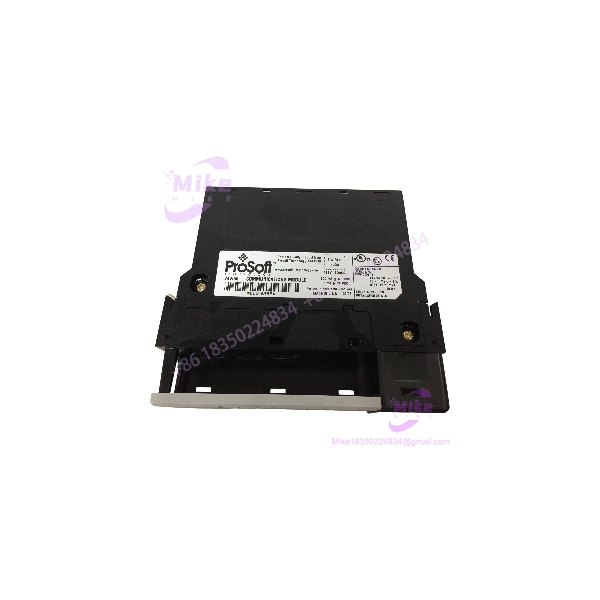
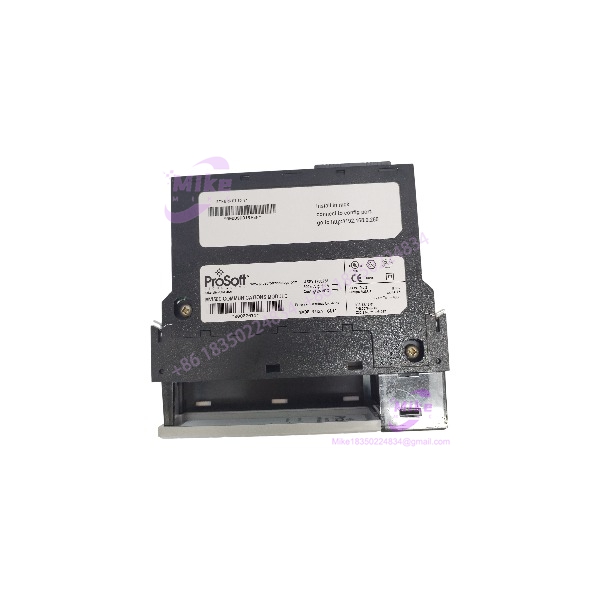
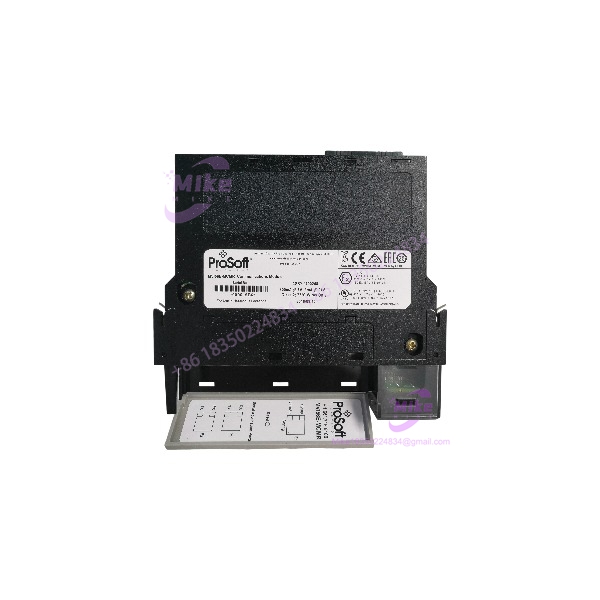
ProSoft MVI56E-PDPMV1 | PROFIBUS DP-V1 Master Module for ControlLogix
Architect’s Product Breakdown
The MVI56E-PDPMV1 occupies one slot in a 1756 ControlLogix chassis and does one job very well: it turns your Allen-Bradley processor into a PROFIBUS DP-V1 Class 1 master. The module behaves as a generic I/O module on the backplane — the controller hands it data through user-defined database blocks, and the module asynchronously exchanges that data with up to 125 PROFIBUS slave devices at bus speeds up to 12 Mbps. This is the module you reach for when a plant has Siemens ET200 remote I/O, ABB drives, Pepperl+Fuchs gateways, or any of the thousands of DP-V0/V1 field devices that Rockwell hardware simply cannot talk to natively. It supports complete master specifications per IEC 61158, including acyclic Class 1 and Class 2 DPV1 services — which matters, because parameter upload/download to drives and remote diagnostics is where the older DP-V0-only modules left you blind.
The “E” in MVI56E-PDPMV1 is not cosmetic. Compared to the legacy MVI56-PDPMV1, the enhanced version adds a built-in 10/100 Mbps Ethernet port for module configuration and diagnostics. On the old unit, you configured the PROFIBUS network through the backplane or pulled the module and cabled it up. On this one, you open ProSoft Configuration Builder (PSW-PCB) or an FDT/DTM frame application over Ethernet routing and edit the slave database live. It is also CIPconnect-enabled, so you can route to it through Rockwell EtherNet/IP infrastructure and reach a PROFIBUS segment sitting behind a bridged network — useful in large distributed plants where you don’t want to haul a laptop into a dusty MCC room to re-map one drive.
Integration pain points are real, so let’s be direct. The controller-to-module data transfer is asynchronous with the PROFIBUS scan, and you move data with ladder logic using the included Add-On Instruction. Plan your tag database around the 1536-byte I/O capacity before you start mapping slaves — run the math on your GSD files first, because exceeding the database size means splitting segments across two modules or trimming acyclic traffic. Backplane budget: at 800 mA @ 5 VDC, three or four ProSoft modules in a 13-slot chassis will bite into a 1756-PA75 power supply’s margin faster than most engineers expect. And while the module is a master on the PROFIBUS side, it’s a passive I/O-style module on the Rockwell side — the controller owns the logic, the module owns the bus.
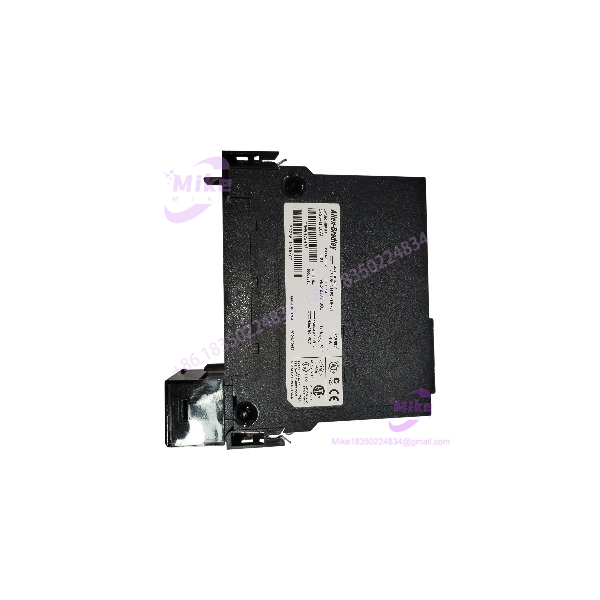
MVI56E-PDPMV1
Key Technical Specifications
| Parameter | Specification |
|---|---|
| Part Number | MVI56E-PDPMV1 |
| Manufacturer | ProSoft Technology |
| Compatible Platform | Allen-Bradley ControlLogix (1756 chassis), suitable for CompactLogix with 1769 backplane adapter variants |
| Protocol | PROFIBUS DP-V0 / DP-V1 master, IEC 61158 compliant |
| PROFIBUS Port | 1× RS485, optically isolated |
| Max Slave Count | 125 PROFIBUS slaves per module |
| Bus Speed | 9.6 kbps to 12 Mbps |
| I/O Database Size | 1536 bytes |
| Configuration Port | 10/100 Mbps Ethernet (E-Series) via ProSoft Configuration Builder / FDT comDTM |
| Backplane Current Load | 800 mA @ 5 VDC, 3 mA @ 24 VDC |
| Operating Temperature | 0°C to 60°C (32°F to 140°F) |
| Storage Temperature | ‘-40°C to 85°C |
| Operating Humidity | 5–95% non-condensing |
| Shock / Vibration | 30 g operational, 50 g non-operational; IEC 61131-2 compliant |
Field Engineer’s Pitfall Guide
⚠️ Don’t assume the E-series is a drop-in flash-and-go swap for the legacy MVI56-PDPMV1. The database layout and configuration file are generally compatible, but the Ethernet config interface changes how ProSoft Configuration Builder talks to the module. Old PCB versions won’t see the new module at all. Update PCB before you bench-test, not after the outage window opens. I’ve watched a crew burn half a planned 8-hour window because the laptop in the panel had a 2013-era Configuration Builder that refused to enumerate the E-series module.
⚠️ Your backplane budget is tighter than you think. At 800 mA @ 5 VDC, a chassis loaded with several communication modules plus standard I/O can push a 1756-PA75 supply near its limit. Brownouts on the 5 V rail don’t trip a fault cleanly — they show up as intermittent module faults and corrupted backplane transfers that look like a bad network. Calculate chassis power consumption in the Counterselect tool before adding this module to a loaded rack.
⚠️ Set PROFIBUS bus parameters to match the slowest device, not the fastest. The module will happily run 12 Mbps, but an older drive or remote I/O slice rated at 1.5 Mbps will token-timeout and drop off the bus intermittently — often only under EMI load when a VFD starts. I’ve debugged this at 2 AM more than once: everything polls clean in a quiet panel, then the shredder motor kicks in and two slaves vanish. Also respect PROFIBUS segment rules — 32 devices per segment, repeaters beyond that, 120-ohm termination at both physical ends. A missing terminator on a long trunk will ghost you for hours.
⚠️ Grounding and isolation: the RS485 port is optically isolated for a reason. If you tie the PROFIBUS shield to a dirty ground reference different from the chassis ground, you’ll inject noise straight into your fieldbus.
QA & Testing SOP (Transparency)
Every MVI56E-PDPMV1 unit passes through a documented four-stage process before it ships:
- Visual & Origin Check: OEM label, serial number, and barcode verified against ProSoft’s production records; enclosure inspected for prior mounting marks, connector wear, or reseal evidence. New surplus stock is confirmed factory-sealed.
- Live Rack Test: Module is installed in an actual 1756 ControlLogix test chassis with a known-good processor, powered for a minimum 30-minute burn-in.
- Functional Diagnostics: Backplane enumeration verified; a simulated PROFIBUS slave network confirms cyclic I/O exchange at 1.5 Mbps and 12 Mbps; acyclic DPV1 read/write handshake tested; Ethernet config port verified against ProSoft Configuration Builder.
- Documentation & Packing: Firmware revision and module status recorded on the test certificate; unit sealed in ESD-safe anti-static bag with conductive foam. Non-volatile configuration memory is confirmed blank so you start from a clean slate.
Technical FAQ
Q: Can I hot-swap the MVI56E-PDPMV1 while the process is running?
No — not on a running PROFIBUS segment in any practical sense. The 1756 chassis supports hardware insertion/removal, but pulling the master drops the entire PROFIBUS network: all 125 possible slaves go to fault state and drives revert to their fault reactions. Treat replacement as a scheduled outage, and back up the module configuration first.
Q: Is this a direct replacement for my old MVI56-PDPMV1, or the older MVI56-PDPM?
The replaces the MVI56-PDPMV1 functionally — same PROFIBUS DP-V1 master role, same 125-slave capacity, plus the added Ethernet configuration port. If you’re migrating from the original MVI56-PDPM, note the I/O database grew to 1536 bytes and DPV1 acyclic services were added; your configuration file will need review, but the upgrade path is straightforward and the AOI-based ladder logic carries over with minimal rework.
Q: Does the module need firmware flashing before first use?
Usually no. New units ship factory-current. But record the installed revision against your project requirements anyway — if your plant standardizes on a specific firmware revision for spares interchangeability, verify before the module goes on the shelf, not during a 3 AM failure. Firmware updates, when needed, go through the Ethernet config port with ProSoft Configuration Builder.
Q: Will I lose my PROFIBUS configuration if the module loses power?
No. The network configuration is stored in the module’s non-volatile memory, so a power cycle does not wipe it. What you should protect is the PC-side configuration file — always keep a current PCB backup in your project archive, because rebuilding a 60-slave database from GSD files by hand is a genuinely painful exercise in patience.
Q: Can this module act as a PROFIBUS slave instead of a master?
No. The is a master/scanner only. If you need to put ControlLogix data onto someone else’s PROFIBUS network as a slave, you need the MVI56E-PDPS (slave variant) or a gateway product. Buying the PDPMV1 for a slave application is a common and expensive procurement mistake — check the last three letters before ordering: PDPM = master, PDPS = slave.