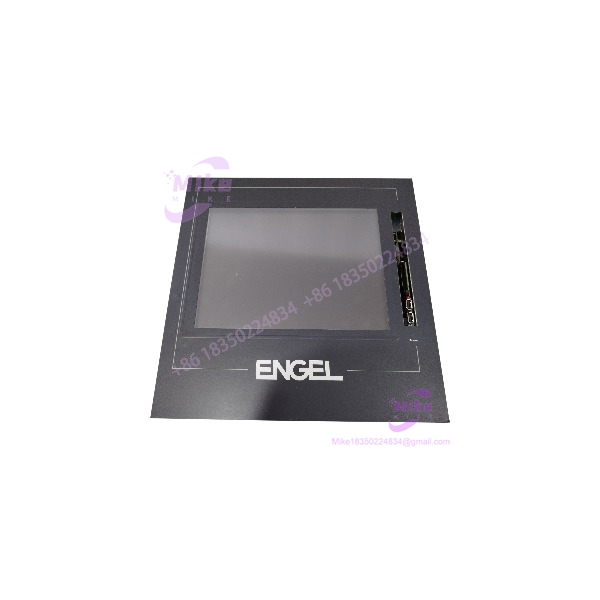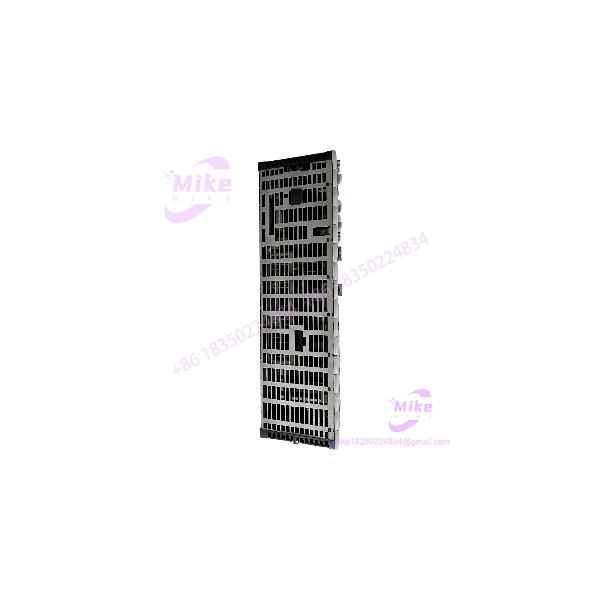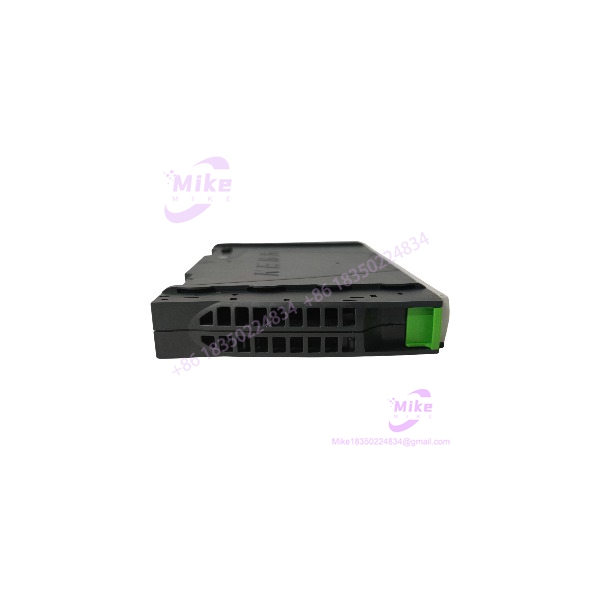
Description
KEBA DI 470/A | KEMRO K2-400 PLC Input Module
Product Introduction
A digital input module is only useful when its electrical interface and system configuration match the machine. The KEBA K2-400 DI470A is identified in KEBA parts catalogs as the DI 470/A digital input module, catalog number 054943, with a 24 VDC rating and 3.5 W power consumption.
The DI470A belongs to the KEMRO K2-400 automation platform. It is not a CPU or standalone controller. Before purchasing it as a replacement, compare the complete module designation, catalog number, connector arrangement, and installed system configuration. The channel count, input grouping, and terminal-level specifications should be confirmed from the applicable KEBA documentation rather than inferred from the DI designation.
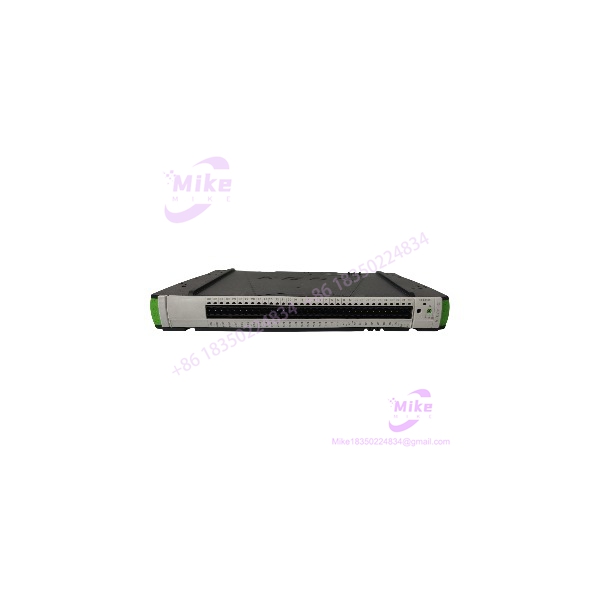
DI 470/A K2-400
Key Technical Specifications
- Model: DI470A
- Formal Type Designation: DI 470/A
- Catalog Number: 054943
- Manufacturer: KEBA
- Automation Platform: KEMRO K2-400
- Module Category: PLC digital input module
- Signal Function: Digital input acquisition
- Rated Input Voltage: 24 VDC, supplier-listed
- Power Consumption: 3.5 W, supplier-listed
- Number of Inputs: Not verified
- Input Current per Channel: Not verified
- Input Logic / Thresholds: Not verified
- Electrical Isolation: Not verified for this exact module
- Terminal / Connector Pinout: Confirm from the module label and KEBA documentation
- Mounting / Backplane Interface: Verify against the original K2-400 installation
- Operating Temperature: Not independently verified
- Lifecycle Status: Legacy K2-400 platform; confirm current support and availability with KEBA
Specification note: The 24 VDC and 3.5 W figures are supplier-catalog data. They should not be treated as a complete wiring specification. Confirm the exact input characteristics and terminal assignments before connecting field devices.
Global Sourcing & Live-Test SOP
For a used or surplus KEBA DI470A, verify both the module identity and its ability to operate in a compatible K2-400 system.
1. Incoming Verification
- Photograph the complete module, front and rear.
- Confirm the DI 470/A marking and catalog number 054943.
- Record serial number, revision, and secondary labels.
- Inspect connectors, terminals, mounting features, and housing.
- Check for corrosion, contamination, heat damage, cracked components, or repair evidence.
- Compare the physical module with the original installed card.
- Document missing connector plugs or accessories.
- Retain supplier traceability and condition records where available.
2. Electrical and Hardware Inspection
- Verify the module’s supply and input requirements against the applicable KEBA documentation.
- Treat 24 VDC as a supplier-reported rating—not a substitute for checking terminal assignments.
- Inspect field wiring terminals and mating connectors for damage.
- Check for bent contacts, loose terminals, or signs of overheating.
- Use ESD-safe handling when removing or installing the module.
- Do not apply field voltage to unidentified terminals.
3. Functional Input Simulation
Use a compatible K2-400 system or approved test fixture.
- Confirm that the controller recognizes the DI470A.
- Verify the expected module status and diagnostics.
- Apply known 24 VDC input signals only to documented input terminals.
- Test each available input channel according to the module’s verified configuration.
- Confirm that input states are correctly reflected in the controller or diagnostic interface.
- Check for stuck inputs, intermittent transitions, or channel-to-channel inconsistencies.
- Record test conditions and observed results.
Do not claim full functionality based only on a powered module or a single successful input test.
4. Extended Run and Stability Check
Where a compatible test setup is available, perform an extended operating test.
Monitor:
- Controller recognition
- Input-state stability
- Intermittent channel faults
- Diagnostic alarms
- Connector stability
- Abnormal heating or unexpected interruptions
Record the test duration, host-system configuration, input test conditions, and results. A test in a different platform does not establish K2-400 compatibility.
5. Final Preparation and Shipment
- Record the complete module designation and catalog number.
- Photograph labels, connectors, and terminal condition.
- Document whether the module is untested, visually inspected, or functionally tested.
- Preserve customer-specific identification labels.
- Protect the module with ESD-safe packaging.
- Cushion connectors and exposed terminals against impact.
- Clearly disclose missing accessories or known defects.
- State warranty terms only when explicitly offered for the individual unit.
Field Engineer’s Pitfall Guide
❗ Do not confuse DI470A with DO470A
The DI 470/A is cataloged as a digital input module, while the KEBA DO 470/A is a separate digital output module. Confirm the full designation and catalog number; input and output cards are not interchangeable simply because they share the K2-400 platform.
❗ Do not assume the 24 VDC rating defines the field wiring
The supplier listing identifies 24 VDC, but exact input thresholds, common-terminal arrangement, channel grouping, and isolation details were not verified. Use the correct KEBA documentation before wiring field signals.
❗ Verify the K2-400 system interface before substitution
A matching family name does not establish compatibility with every K2-400 rack or configuration. Compare the original module number, connector arrangement, revision, and controller documentation before installation.
Intent-Driven FAQ
What is the KEBA K2-400 ?
The KEBA , formally designated DI 470/A, is a digital input module for the KEMRO K2-400 platform. Its catalog number is 054943.
Is the a CPU or controller?
No. It is a digital input I/O module used within a compatible KEBA automation system.
What voltage does the KEBA use?
Supplier catalog data lists a 24 VDC rating. Confirm the module’s actual electrical requirements and terminal assignments from the applicable KEBA documentation before wiring it.
What is the power consumption of the ?
A KEBA parts catalog listing reports 3.5 W. Confirm the rating against the applicable module documentation when calculating system power requirements.
How many digital inputs does the have?
A verified channel count was not established from the available catalog information. Do not infer the number of inputs from the model designation alone.
Can I replace a KEBA with a DO470A?
No—not as a direct functional substitute. The is a digital input module, while the DO470A is a digital output module. They serve different I/O functions.
What should I verify before buying a ?
Confirm the DI 470/A designation, catalog number 054943, 24 VDC rating, physical condition, connector arrangement, and compatibility with the installed K2-400 system. Request documented input-channel testing if the module is being purchased for critical machinery.
Bottom Line for Buyers
The KEBA K2-400 (DI 470/A, catalog number 054943) is a 24 VDC digital input module with a supplier-listed power consumption of 3.5 W. It is a legacy KEMRO K2-400 I/O component, not a standalone controller.
For procurement, match the complete module designation and catalog number, verify the input wiring and system interface, and request clear condition and test documentation. Do not approve a replacement based on the K2-400 family name alone.