Description
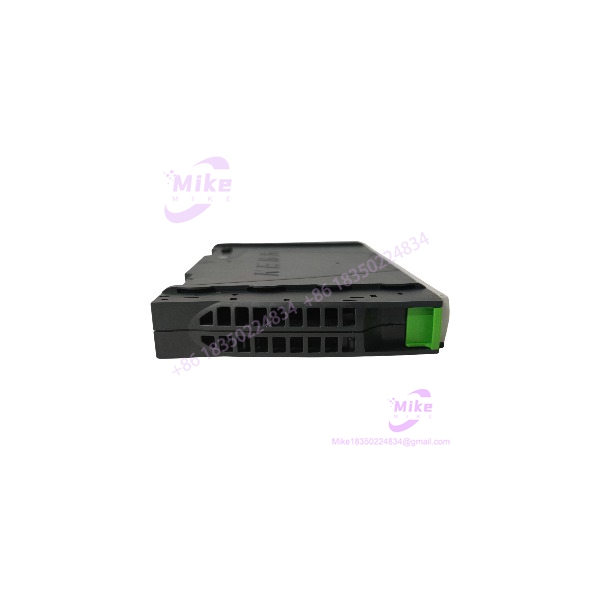
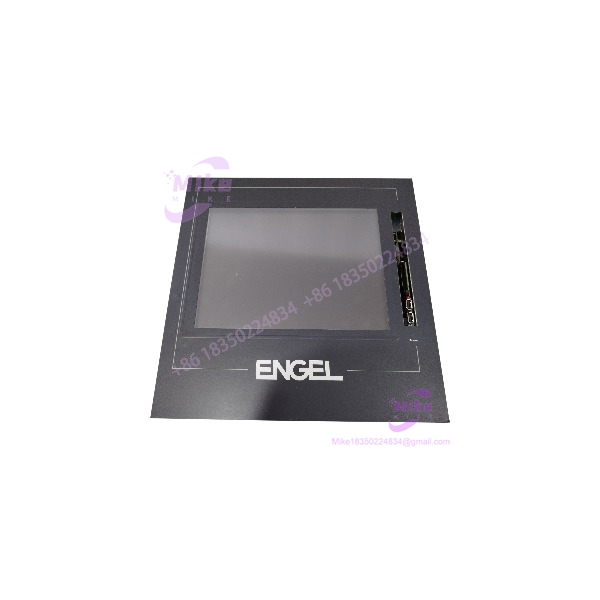
KEBA OF457A K2-400 Industrial HMI Operator Interface, 24 VDC
Product Introduction
When an older machine depends on its original HMI for operator commands, process visualization, and alarm review, a failed display can become a production bottleneck. Replacing the panel with a different model is not always straightforward: mechanical cutout dimensions, electrical connections, visualization software, and controller communication settings may all be specific to the installed system.
The KEBA OF457A K2-400 is a candidate replacement for compatible legacy Kemro installations. Its published product description identifies a 12.1-inch display and 24 VDC power supply. Related product documentation describes the K2-400 operating-panel family as a stationary operator interface whose visualization is handled centrally by the controller CPU.
Before purchasing, establish whether the requirement is for a complete operator panel, a front overlay, or a touchscreen repair component. These are different items, even when their model references look similar. A replacement overlay alone will not resolve a failed display controller, power circuit, or communication interface.
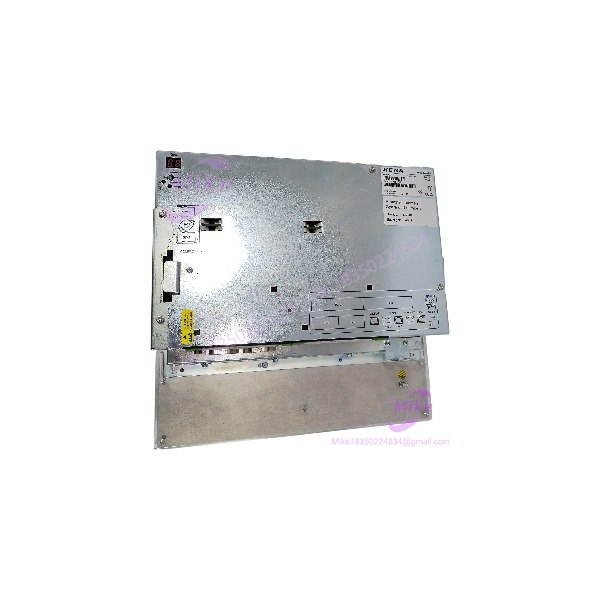
OF457A K2-400
Key Technical Specifications
The following details are supported by available product listings. Confirm the unit’s nameplate and applicable KEBA documentation before using these values for engineering approval.
- Manufacturer: KEBA
- Model: OF457A
- Platform: Kemro K2-400
- Product category: Industrial HMI / operator interface
- Display size: 12.1 inches
- Supply voltage: 24 VDC
- Listed power consumption: 42 W
- Application: Machine operation and industrial process visualization
- Product status: Listed as discontinued by a third-party industrial parts supplier
- Condition options: New-old-stock, used, or refurbished inventory may be offered by resellers; actual condition depends on the individual listing.
Specifications requiring confirmation
The available references do not establish a complete, manufacturer-verified specification sheet for every OF457A variant. Confirm the following before purchase or installation:
- Exact display resolution and supported color modes
- Touchscreen type and calibration procedure
- Connector types, pin assignments, and communication interfaces
- Front-panel dimensions, mounting cutout, and depth clearance
- Supported firmware, visualization software, and controller compatibility
- Operating and storage temperature limits for the exact unit
Do not assume that specifications published for a similar KEBA operator panel apply to this model.
Application Scenarios & Pain Points
Legacy machine HMI replacement
The OF457A may be relevant when restoring an existing machine that was designed around the Kemro K2-400 platform. Verify the original panel designation, cable arrangement, and mechanical mounting before removing the installed unit.
Operator display failure
If the original panel has a blank screen, intermittent startup, or unstable image, determine whether the fault originates in the display assembly, power supply, cable, or controller. A replacement panel is not guaranteed to correct faults elsewhere in the system.
Touchscreen or front-overlay damage
Scratches, worn touch surfaces, or damaged overlays may justify component-level repair rather than replacing the entire HMI. Confirm whether the supplier is offering the complete OF457A operator interface or only a glass, membrane, or touchscreen component.
Industrial equipment maintenance
For production equipment where an unexpected HMI failure can interrupt operation, keeping a verified spare can shorten repair time. The spare should be checked for hardware revision, compatible software, and condition before it is placed into service.
Practical limitation: Replacing an HMI does not automatically restore the original visualization project or machine configuration. Back up the existing configuration where possible, and establish how the replacement will be loaded and commissioned before taking the machine offline.
QA & Live Testing SOP
Use the following inspection sequence for incoming OF457A K2-400 inventory. These are recommended inspection steps, not a claim that a particular unit has already passed testing.
1. Verify the product identity. Check the label for KEBA, OF457A, and the K2-400 designation. Record serial number and hardware revision where available.
2. Inspect the enclosure and front panel. Look for cracks, damaged mounting points, corrosion, liquid ingress, and deterioration around the display or touch surface.
3. Check connectors and cables. Inspect contacts for bent pins, looseness, and oxidation. Confirm the connector pinout from the appropriate documentation before applying power.
4. Verify the power supply. Confirm the specified 24 VDC input and inspect the power supply for correct polarity and adequate capacity. Do not energize a unit with visibly damaged wiring or connectors.
5. Perform a controlled startup. Use a compatible test setup and observe startup behavior, display stability, and any diagnostic indicators. Record abnormal resets, flickering, or unexpected shutdowns.
6. Test display and touch operation. Check the full visible screen area for dead pixels, discoloration, image instability, and touch-position errors. If touch calibration is required, use the documented procedure for the exact model.
7. Verify controller communication. Test with a compatible Kemro K2-400 installation or an approved service setup. Confirm that the panel communicates correctly and displays the expected application.
8. Check configuration compatibility. Establish whether the replacement requires project transfer, software installation, parameter restoration, or firmware matching. Do not overwrite the original configuration without a backup.
9. Document acceptance results. Record model and serial number, physical condition, power-up results, display and touch checks, communication status, and any configuration limitations.
For a used or refurbished unit, request actual test records and a clear statement of what is included. A seller’s “tested” description should specify whether it covers only power-up or full functional operation.
Field Engineer’s Pitfall Guide
- Confusing the HMI with a CPU module: The OF457A is identified as an operator interface. Do not order it as a replacement for a failed controller CPU without verifying the equipment architecture.
- Buying only the overlay: A front overlay or touchscreen component is not equivalent to the complete operator panel. Check the exact contents of the package.
- Assuming all K2-400 panels are interchangeable: Similar platform names do not prove identical wiring, mounting, display hardware, or software compatibility.
- Overlooking the legacy status: Because the model is listed as discontinued by a third-party supplier, confirm availability, repair options, warranty terms, and return conditions before placing a critical spare order.
- Ignoring configuration recovery: A replacement panel may require the correct visualization project or system-specific configuration. Confirm access to backups and engineering tools before the shutdown.
- Treating power-up as a full functional test: A screen that turns on may still have defective touch sensing, intermittent communication, or display faults that appear only after extended operation.
- Skipping dimensional checks: Verify the front-panel size, mounting cutout, connector clearance, and enclosure depth. These checks are particularly important when replacing an obsolete operator interface.
Intent-Driven FAQ
Q1: What is the KEBA OF457A K2-400?
It is an industrial operator interface associated with the KEBA Kemro K2-400 platform. Published listings identify it as a 12.1-inch display with a 24 VDC supply and a listed power consumption of 42 W.
Q2: Is the OF457A K2-400 a PLC CPU?
It is categorized as an HMI/operator interface, not the main CPU module. Confirm the exact hardware reference if the intended replacement is a controller rather than an operator panel.
Q3: Is the KEBA OF457A discontinued?
A third-party industrial parts supplier lists it as discontinued by the manufacturer. Confirm current support and replacement options directly with an appropriate supplier before finalizing a maintenance plan.
Q4: Can I replace a faulty OF457A with another KEBA K2-400 panel?
Not without checking the exact model, hardware revision, wiring, mechanical dimensions, and software compatibility. Similar platform naming alone is insufficient evidence of interchangeability.
Q5: Does a replacement panel include the original machine program?
Do not assume so. Confirm whether the unit includes the required visualization project or whether it must be restored from a backup using compatible engineering tools.
Q6: What should I check before purchasing a used unit?
Request clear photographs of the nameplate and connectors, confirmation of the physical condition, power-up and touch-test results, communication-test status, warranty terms, and a precise list of included components.
Q7: What information should I provide when requesting a quotation?
Provide the full model designation KEBA OF457A K2-400, quantity, required condition, destination country, and any testing or documentation requirements. If this is a replacement, include the original unit’s label details and the machine or controller model.
Q8: What is the most important procurement check?
Confirm that the offered item is the complete OF457A operator interface rather than a front overlay or repair component, then verify functional condition and compatibility with the installed Kemro system.