Description
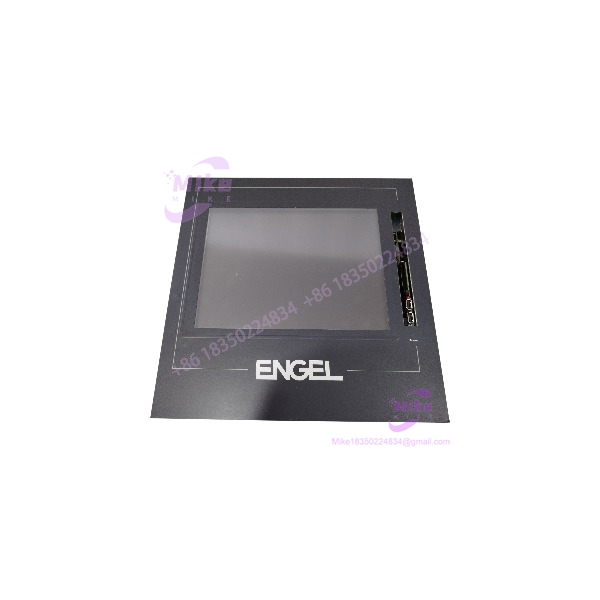
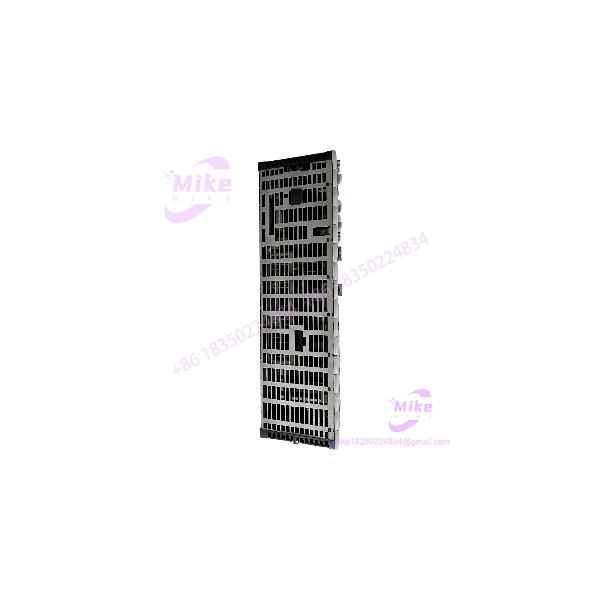
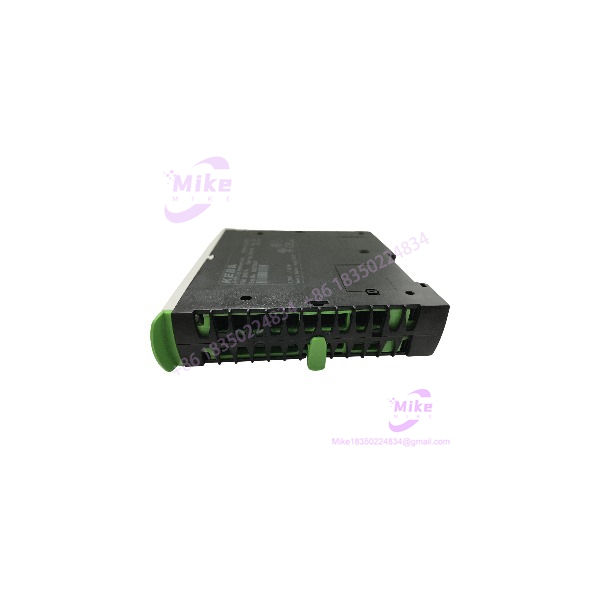
KEBA FB201 | Industrial PLC I/O Board
Product Introduction
When a legacy machine stops because one control board fails, the replacement problem is rarely solved by matching the model number alone. KEBA FB201 is identified in available industrial automation listings as a KEBA PLC/control board, while other sources specifically classify the FB201 as an I/O board used in KEBA NC equipment.
That distinction matters. A substitute controller may physically fit and still fail at the application level because of firmware, machine configuration, connector assignment, or I/O mapping differences. For this reason, KEBA FB201 should be treated as a system-specific replacement component rather than a generic PLC expansion module.
The FB201 is associated with older KEBA industrial machinery and NC control applications. Current KEBA documentation is centered on newer modular platforms such as the KeConnect C5 I/O family, so buyers dealing with an FB201 replacement should verify the original machine configuration before approving a substitute.
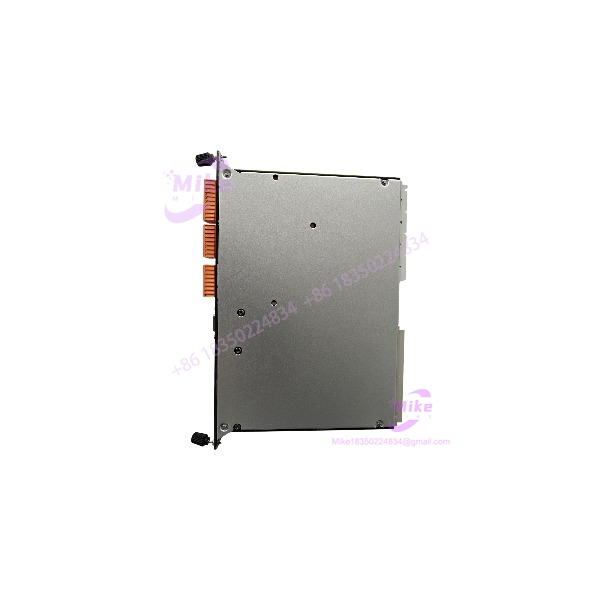
FB201
Key Technical Specifications
- Manufacturer: KEBA
- Model:
- Product classification: PLC / industrial control module
- Application category: Machine control / NC automation
- Board type: Control or I/O board
- Mounting: System-dependent; legacy rack/control-system installation
- System compatibility: Must be matched to the original KEBA machine/control configuration
- Status: Legacy product; one industrial automation source lists as discontinued by the manufacturer.
- Weight: Approximately 0.5 kg is listed by one industrial automation supplier; other listings report different values, so confirm the physical unit before shipment.
- I/O configuration: Exact channel count and signal type are not sufficiently verified from authoritative documentation
- Power requirements: Exact rating should be confirmed from the nameplate/manual for the specific revision
- Firmware/software: Verify against the machine’s existing KEBA control platform before replacement
Important Specification Note
Several online sellers publish detailed specifications that conflict with one another. For example, one source describes a 16-input/16-output configuration, while another identifies specifically as a KEBA NC I/O card for Bühler press equipment. These descriptions are not sufficient to establish a universal electrical specification.
For procurement, the safest identification method is:
+ machine model + board revision + connector layout + existing controller/software version.
Global Sourcing & Live-Test SOP
1. Inbound Verification
- Confirm the PCB marking reads .
- Record all visible revision codes, serial numbers, date codes, and manufacturer markings.
- Photograph both sides of the board before testing.
- Check connectors, terminal blocks, edge contacts, and mounting hardware for oxidation or mechanical damage.
- Compare the board layout against the customer’s failed unit.
- Verify customs and OEM paperwork against the physical serial information.
2. Live Simulation
For a used or refurbished , testing should be performed on an appropriate KEBA test rack rather than by applying power blindly.
Recommended checks include:
- Correct supply voltage verification before energization.
- Current draw at idle and during normal operation.
- LED/status-indicator behavior.
- Controller-to-board communication.
- Digital input response where applicable.
- Digital output switching where applicable.
- Connector continuity and signal mapping.
- Machine-specific fieldbus or backplane communication where applicable.
Do not assume a generic 24 VDC test setup is sufficient until the exact revision has been identified.
3. Diagnostics
- Record firmware/software identification where accessible.
- Check diagnostic codes and controller alarms.
- Verify I/O state transitions using an appropriate simulator.
- Use a calibrated multimeter for supply and signal verification.
- Check for intermittent connector faults after thermal stabilization.
- Compare actual behavior with the customer’s known-good configuration.
A 24-hour heat run is recommended for refurbished stock when the application is production-critical.
4. Final Preparation
After testing:
- Clean the PCB using an appropriate electronics-safe process.
- Protect exposed contacts against contamination.
- Package in ESD-safe material.
- Include serial/revision traceability.
- Separate tested status from untested surplus status.
- Do not claim factory-sealed or factory-tested condition unless documentary evidence exists.
Field Engineer’s Pitfall Guide
❗ Firmware and machine configuration mismatch:
A physically identical may not be an electrically or logically interchangeable replacement if the machine configuration, controller software, or parameter set differs. Back up the existing machine configuration before replacement whenever possible.
❗ Do not trust generic online I/O tables:
Multiple reseller listings provide different channel counts and electrical specifications. Treat those values as unverified until they match the actual board revision and machine documentation.
❗ Connector and backplane identification:
Before removing the failed board, document connector positions, cable orientation, jumper/DIP-switch settings, and board revision. A replacement with the same designation but a different revision can require additional compatibility checking.
Intent-Driven FAQ
What is the KEBA ?
The KEBA is a legacy KEBA industrial automation board associated with PLC/machine-control and NC applications. Available sources classify it both as a PLC module and as an I/O board, so the exact machine configuration should be confirmed before replacement.
Is the still a current KEBA product?
Available industrial automation inventory sources list the as discontinued by the manufacturer. KEBA’s current I/O portfolio is centered on newer platforms such as KeConnect C5.
Can I replace an with another PLC module?
Not automatically. Compatibility depends on the machine architecture, connector arrangement, firmware/software, I/O mapping, and board revision. A generic PLC module should not be treated as a drop-in replacement.
Should the be hot-swapped?
Do not assume hot-swap capability. Unless the original KEBA system documentation explicitly permits live replacement, power down and isolate the equipment before removing the board.
How should a used be tested?
At minimum, verify board identity and revision, inspect connectors and PCB condition, check power consumption, confirm status indicators, and perform system-level I/O and communication tests using the appropriate KEBA test environment.
What information should I provide when sourcing a replacement?
Provide the part number, board revision, serial/date code, machine manufacturer and model, controller model, photographs of the board, and connector layout. This greatly reduces the risk of supplying a visually similar but incompatible legacy board.
Is the suitable as a generic PLC?
No. It should be considered a machine/system-specific KEBA component. Its value is primarily in maintaining compatibility with an existing KEBA-controlled machine rather than serving as a modern standalone PLC.