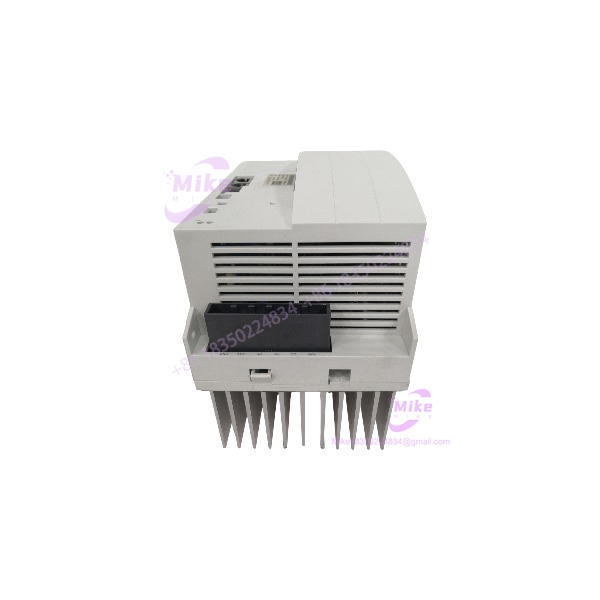
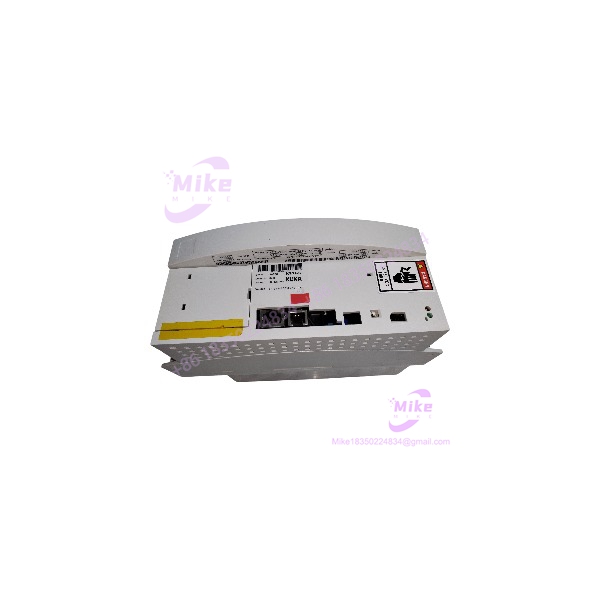
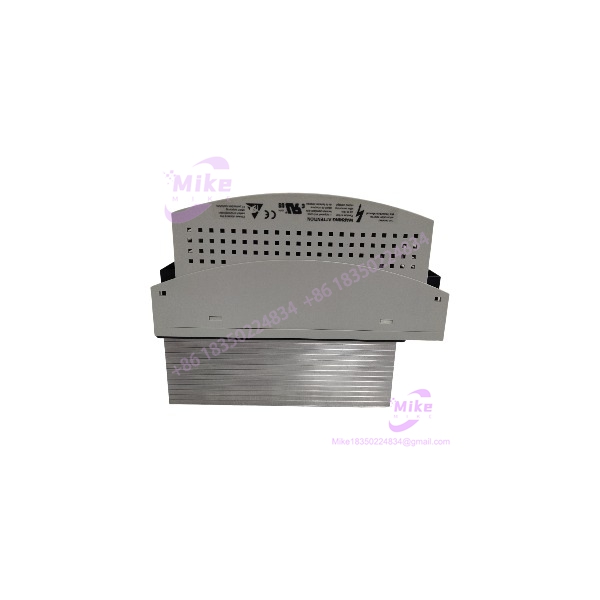
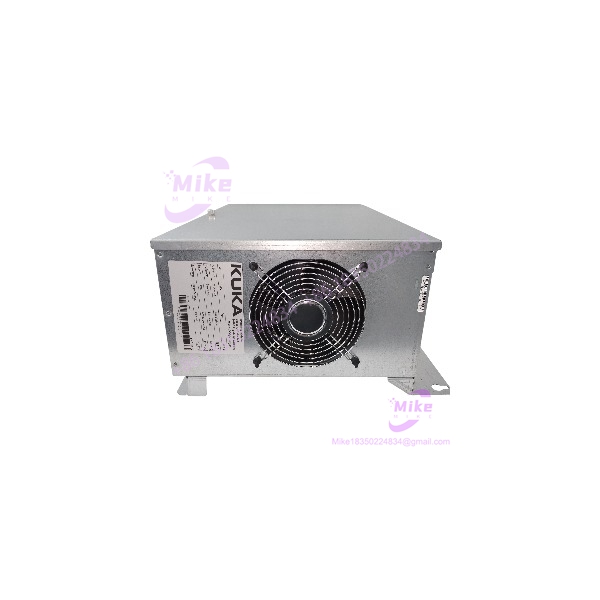
Description
KUKA KCP2 00-130-547 | Safe Robot Teach Pendant
Product Introduction
A KUKA robot pendant is not just a screen and keypad. It is the operator’s interface to the robot controller—and, in safety-configured cells, part of a system whose hardware variant matters. The KUKA KCP2 00-130-547 is identified in supplier references as a KR C2 teach pendant associated with the Safe Robot variant.
This distinction is important during replacement. The KCP2 family includes different article numbers and cable configurations, and the 00-130-547 is not simply interchangeable with every KCP2 pendant. Before purchasing, confirm the installed controller generation, pendant article number, safety configuration, connector, and cable length. A matching-looking handheld unit is not proof of compatibility.
For legacy robot maintenance, the KUKA KCP2 00-130-547 should be sourced as a configuration-specific operator device. Request clear photos of the label, connector, cable, emergency-stop assembly, and enabling switch. Treat any unverified safety or controller compatibility claim as requiring confirmation against the machine’s KUKA documentation.
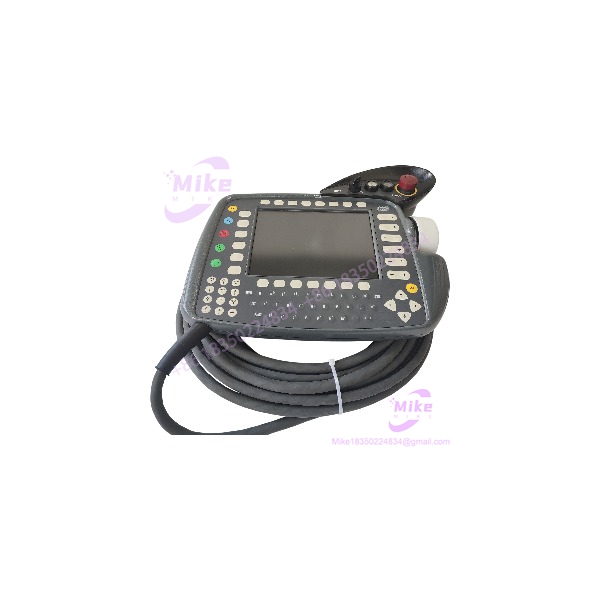
KCP2 00-130-547
Key Technical Specifications
- Manufacturer: KUKA
- Product Designation: KCP2 / KUKA Control Panel 2
- Article Number: 00-130-547
- Equipment Category: Robot teach pendant / hand programming unit
- Controller Context: KR C2 family
- Variant: Reported as Safe Robot
- Display Size: 8 inches, supplier-reported
- Display Resolution: 640 × 480 pixels, VGA, supplier-reported
- Operator Input: Membrane keypad
- Emergency Stop: Integrated E-stop reported
- Enabling Device: 3-position enabling switch reported
- Cable Length: 10 m commonly reported for this article number; verify against the actual unit
- Primary Use: Robot teaching, manual operation, and program interaction
- Electrical Details: Verify the exact unit label and applicable KUKA documentation; do not infer a complete electrical rating from the article number alone
- Safety Compatibility: Must be confirmed against the controller, robot-cell safety architecture, and installed KUKA safety options
Specification boundary: Display, cable, and control details above are supplier-reported characteristics. Confirm them against the physical unit and OEM documentation before using them as acceptance criteria. The exact hardware revision, firmware, connector configuration, and current condition cannot be established from the article number alone.
Global Sourcing & Live-Test SOP
A used KUKA 00-130-547 should be inspected as a robot operator and safety-related interface—not accepted on cosmetic condition alone.
1. Inbound Verification
- Photograph the complete KUKA nameplate and article number.
- Confirm 00-130-547 rather than another variant.
- Record serial number, hardware revision, and any visible firmware or configuration labels.
- Inspect the housing, display, keypad, emergency-stop button, and enabling switch.
- Examine the full cable length for cuts, crushing, kinks, repaired sections, or exposed conductors.
- Inspect the connector and pins for corrosion, bent contacts, or mechanical damage.
- Record whether the cable and connector are original to the pendant.
- Document all included accessories; do not assume a connection cable or protective cover is included unless shown and confirmed.
2. Visual and Mechanical Inspection
- Check the display for cracks, dead areas, abnormal contrast, or signs of liquid ingress.
- Test keypad buttons for physical sticking or damaged membranes.
- Inspect the emergency-stop actuator for damage and abnormal mechanical travel.
- Inspect the enabling switch for smooth, consistent mechanical action.
- Check the cable strain relief at both the pendant and connector ends.
- Look for evidence of unauthorized repair, missing screws, or damaged enclosure seals.
3. Controlled Functional Test
Testing should be performed by qualified robot personnel using the appropriate KUKA controller and approved procedures.
- Verify the pendant is recognized by the intended controller.
- Confirm normal startup and display operation.
- Check keypad response and operator-interface navigation.
- Verify the pendant’s displayed status and controller communication.
- Test the enabling device and emergency-stop function only through the controller’s documented safety-validation procedure.
- Confirm that the pendant does not generate unexplained controller or safety-system faults.
- Record any intermittent display, input, cable, or communication behavior.
Do not validate a safety function solely by observing that a switch or E-stop button moves or changes state. Safety-related functions require the applicable controller diagnostics and documented validation process.
4. Controller and Safety-Configuration Verification
Before declaring the pendant a suitable replacement:
- Identify the exact KR C2 controller generation and installed software configuration.
- Confirm that article number 00-130-547 is appropriate for the machine’s safety setup.
- Verify connector and cable compatibility against the original pendant.
- Check for controller-side safety faults after connection.
- Confirm the correct operation of the enabling device and emergency-stop circuit under the approved procedure.
- Do not bypass safety faults or modify safety wiring to force an incompatible pendant into service.
5. Extended Run and Final Documentation
Where practical, conduct an application-appropriate extended test on a compatible controller.
Record:
- Test date and duration
- Pendant article number and serial number
- Controller family and software context
- Cable length and connector condition
- Display and keypad test results
- Enabling-device and E-stop validation status
- Controller diagnostics or observed faults
- Any limitations or functions not tested
Protect the display and controls during shipment. Use suitable ESD-aware packaging and cable protection. Clearly distinguish a visually inspected unit from one that has completed controller-level functional and safety validation.
Field Engineer’s Pitfall Guide
❗ 1. Do not substitute a standard for a Safe Robot pendant by appearance
The 00-130-547 article number is associated with the Safe Robot variant, while other numbers identify different configurations. A standard pendant may not satisfy the installed safety configuration. Confirm the exact article number and controller requirements before replacement.
❗ 2. Cable length and connector details are part of the replacement
variants are reported with different cable lengths. Do not assume a 10 m pendant is equivalent to a 20 m unit, or that the connector and cable assembly match simply because both are devices. Verify the physical assembly and the machine’s original configuration.
❗ 3. A working display does not prove the safety functions are valid
The emergency-stop and enabling-device functions must be validated through the applicable controller and safety procedures. A pendant that powers up or communicates is not automatically cleared for robot operation. Do not bypass safety faults or represent an unvalidated pendant as safety-ready.
Intent-Driven FAQ
What is the KUKA 00-130-547?
It is a KUKA teach pendant, also called a hand programming unit, identified in supplier references for use with the KR C2 robot controller family. The 00-130-547 article number is associated with the Safe Robot variant.
Is the 00-130-547 a PLC or robot controller?
No. It is a handheld operator interface used to interact with a robot controller. It is not a standalone PLC or robot controller CPU.
Is the 00-130-547 compatible with every KUKA KR C2 controller?
Do not assume universal compatibility. Verify the exact controller generation, software configuration, pendant connection, and safety requirements before ordering or installing a replacement.
Is the 00-130-547 a Safe Robot pendant?
Supplier and technical-reference material identifies 00-130-547 as the Safe Robot variant. The machine’s required safety configuration should still be checked against KUKA documentation before use.
What display does the 00-130-547 have?
Supplier listings report an 8-inch color display with 640 × 480 VGA resolution. Verify the actual unit and revision before treating those details as guaranteed acceptance specifications.
Does the 00-130-547 include a cable?
A 10 m cable is commonly reported for this article number, but the actual cable length and whether it is included must be confirmed from the unit and seller’s listing. Do not assume the cable is included with a pendant-only offer.
What should I check before buying a used KUKA 00-130-547?
Confirm the complete article number, serial number, controller and safety configuration, cable length, connector condition, display, keypad, E-stop, and enabling switch. Ask whether the unit has been tested on a compatible controller and whether safety functions were validated. Do not assume a warranty or tested condition unless explicitly documented.
Bottom Line for Buyers
The KUKA 00-130-547 is a legacy KR C2 teach pendant associated with the Safe Robot variant. Its replacement suitability depends on more than the name: the exact article number, controller generation, cable assembly, and safety configuration must match the intended installation.
For procurement, request clear nameplate and connector photos, verify cable length, and obtain a written statement of functional-test status. For safety-configured robot cells, require appropriate controller-level safety validation before returning the pendant to service.