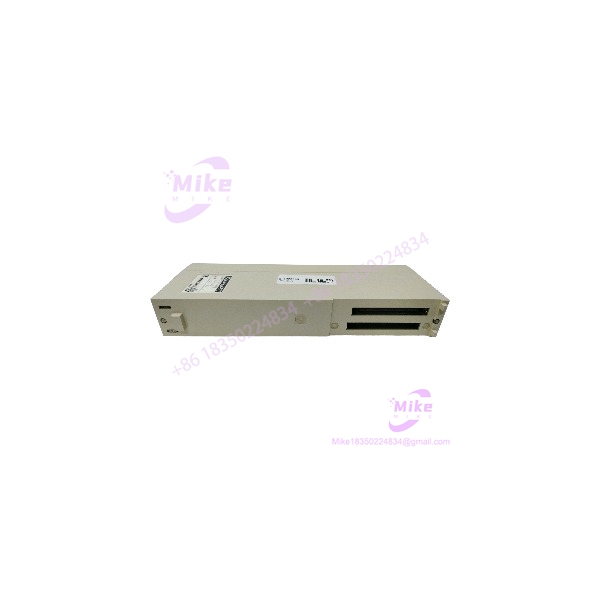
Description
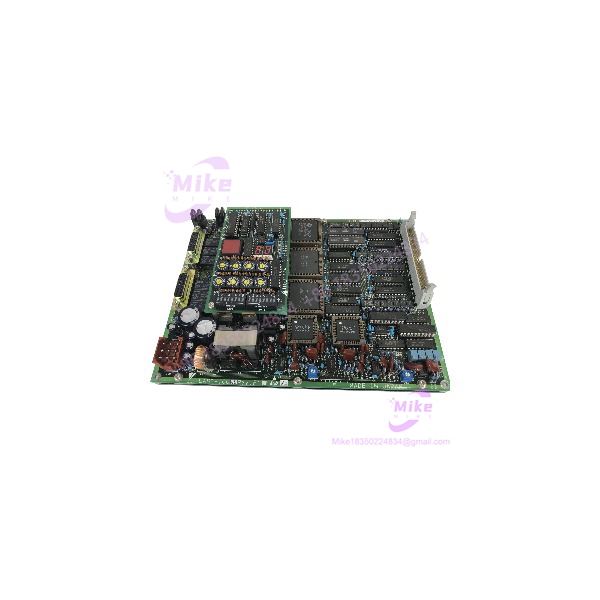
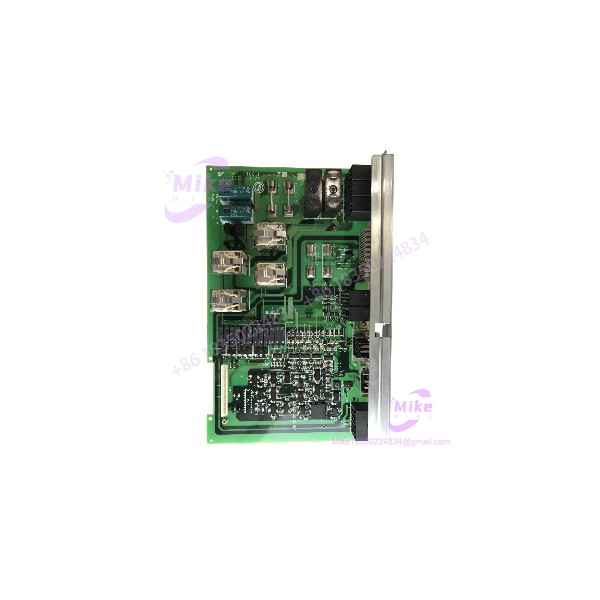
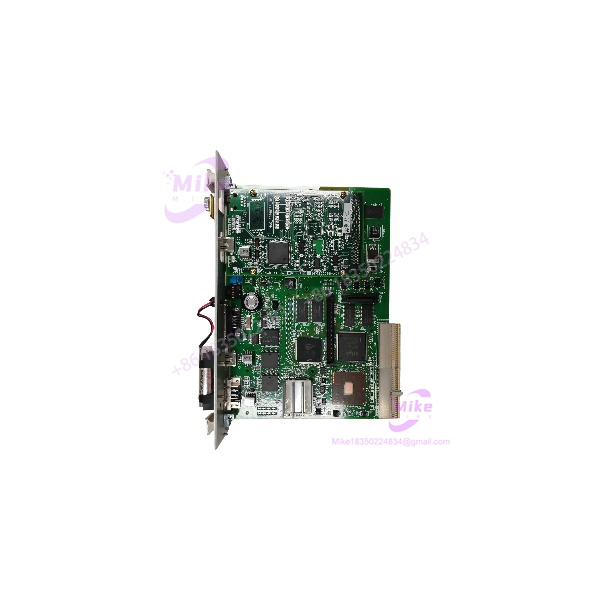
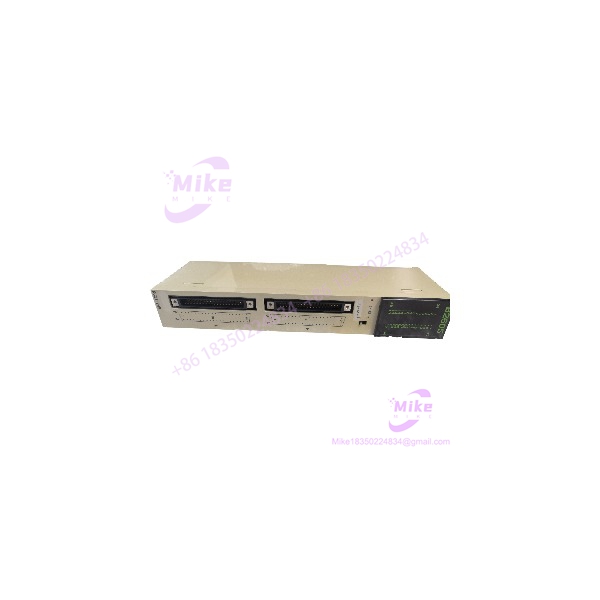
Yaskawa JAMSC-IF62AV | MEMOCON-SC I/O Driver Module
Product Introduction
A remote I/O driver is a system-specific component. In a legacy PLC installation, it links the controller to distributed I/O hardware, so an incorrect replacement can interrupt communication with field devices even when the module physically fits the rack.
The Yaskawa JAMSC-IF62AV is identified in secondary industrial-parts references as a discontinued MEMOCON-SC remote I/O driver module with LED indication and a single-line port. Related IF62-family models exist, but the exact hardware and communication compatibility should be established from the complete model number and original system documentation.
For maintenance teams, this is a legacy system spare—not a generic network adapter. Before ordering, compare the original module’s label, connector and port arrangement, rack configuration, and remote I/O architecture. The actual unit’s condition and test scope should also be documented before it is approved for production use.
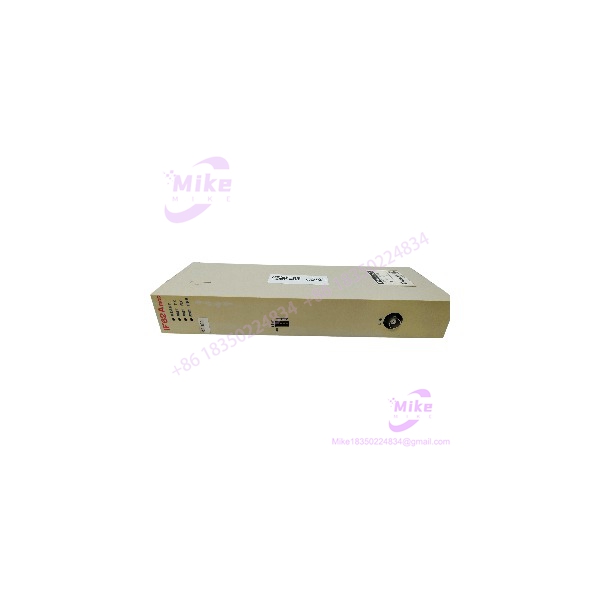
JAMSC-IF62AV
Key Technical Specifications
- Model Number: JAMSC-IF62AV
- Manufacturer: Yaskawa
- Product Family: MEMOCON-SC
- Module Classification: PLC remote I/O driver module
- Primary Function: Remote I/O interface/driver
- Port Configuration: Single-line port, according to secondary catalog descriptions
- Status Indication: LED indicators
- Communication Protocol: Exact protocol and transmission characteristics require OEM documentation
- Supply Voltage: Not independently verified for this exact model
- Current Consumption: Not independently verified
- Connector Type: Confirm from the physical module and system documentation
- Rack/Backplane Compatibility: Verify against the installed MEMOCON-SC system
- Remote I/O Compatibility: Confirm the matching remote I/O equipment and configuration
- Hardware Revision: Record from the actual unit
- Firmware Requirements: Verify against the target system, if applicable
- Operating Environment: Confirm from the model-specific OEM documentation
Specification note: The exact transmission rate, cable specification, maximum remote I/O distance, station capacity, and electrical ratings should not be inferred from related IF62-series modules. Obtain the correct JAMSC-IF62AV documentation before using those values for engineering or commissioning.
Global Sourcing & Live-Test SOP
For discontinued Yaskawa modules, the procurement process should establish exact identity, physical condition, and system-level test results.
1. Inbound Verification
- Photograph the complete nameplate and all identification labels.
- Confirm JAMSC-IF62AV, including the suffix.
- Record serial number, hardware revision, and additional OEM codes.
- Photograph the front panel, LEDs, communication port, rear connector, and mounting features.
- Inspect for corrosion, damaged pins, cracked housings, contamination, or evidence of repair.
- Compare the module with the customer’s original unit.
- Retain available supplier documentation and traceability records.
2. Physical and Electrical Inspection
- Confirm the intended MEMOCON-SC rack and interface before installation.
- Verify supply and backplane requirements from the applicable OEM documentation.
- Inspect connector contacts for oxidation, bending, or mechanical damage.
- Check for heat discoloration, loose hardware, or visible PCB damage where accessible.
- Do not apply power based on assumptions drawn from another IF62-family module.
- Avoid insulation testing through connected electronic circuitry.
- Record any mismatch between the supplier’s description and the physical unit.
3. Controlled Functional Test
A meaningful functional test requires compatible Yaskawa hardware and the correct remote I/O configuration.
- Confirm compatibility with the target MEMOCON-SC controller and rack.
- Verify the correct module position and connection scheme.
- Check startup behavior and LED status.
- Confirm that the controller recognizes the module, where supported.
- Establish communication with compatible remote I/O equipment.
- Verify data exchange and diagnostic status under controlled conditions.
- Record the test setup, observed status, and any communication faults.
A module that powers up or displays normal LEDs should not automatically be classified as fully functional.
4. Extended Run and Diagnostic Record
Where a compatible test setup is available, perform an extended communication test.
Monitor:
- Module recognition
- LED status and diagnostic changes
- Remote I/O communication stability
- Intermittent communication loss
- Unexpected resets
- Abnormal temperature
Record the test duration, controller and remote I/O hardware used, connection configuration, and results. Do not claim a 24-hour run or full-system validation unless it was actually completed and documented.
5. Final Preparation and Shipment
- Photograph the actual unit being shipped.
- Record the full model number, serial number, and revision.
- Protect the communication port and rear connector against impact.
- Use ESD-safe packaging where appropriate.
- Include available inspection and test documentation.
- Clearly state the unit’s condition and warranty terms.
- Do not claim OEM certification or factory testing without supporting evidence.
Field Engineer’s Pitfall Guide
❗ Do not treat IF62-series suffixes as interchangeable
The JAMSC-IF62AV is a distinct ordering designation. Similar IF62, IF62A, and IF62V models appear in legacy parts references, but a related model number does not prove identical hardware or system compatibility. Match the full part number and OEM documentation before substitution.
❗ Verify the remote I/O architecture before commissioning
The IF62AV is described as a remote I/O driver module. Confirm the compatible controller, remote I/O equipment, port type, cable requirements, and communication parameters. Incorrect assumptions about the network interface can prevent the controller from exchanging I/O data.
❗ LED activity alone does not prove communication integrity
Status LEDs provide useful diagnostic information, but they do not establish that all remote I/O data is being exchanged correctly. Validate controller recognition, communication stability, and I/O data exchange using the appropriate system-level test.
Intent-Driven FAQ
What is the Yaskawa ?
It is identified in legacy parts references as a MEMOCON-SC PLC remote I/O driver module with LED indication and a single-line port.
Is the a remote I/O module?
It is described as a remote I/O driver module. Confirm the specific remote I/O system and communication arrangement from the applicable Yaskawa documentation before installation.
What communication protocol does the use?
The exact protocol and transmission parameters have not been independently confirmed for this model. Verify the interface, cable requirements, and communication specifications from the correct OEM manual.
Can the replace a JAMSC-IF62 or JAMSC-IF62V?
Do not assume so. Related models may differ in hardware or application compatibility. Confirm the complete part number and system requirements before approving a replacement.
Is the obsolete?
Legacy parts references identify the as discontinued. Current support and remaining inventory should be confirmed with Yaskawa or a qualified industrial automation supplier.
What should I request before buying a used ?
Request actual-unit photographs, a clear nameplate image, serial and revision details, confirmation of the target MEMOCON-SC system, condition disclosure, test scope, and written warranty terms.
Does a powered-up module qualify as fully tested?
No. Power-up and LED activity establish only limited behavior. Remote I/O communication and controller-level operation require a compatible test setup and documented results.
Bottom Line for Buyers
The is a legacy MEMOCON-SC remote I/O driver module. Its reported role and single-line-port configuration make it relevant to maintenance of older Yaskawa PLC installations, but exact communication and electrical specifications still require model-specific verification.
For procurement, match the full part number, controller/rack configuration, remote I/O interface, and physical connector arrangement. Request actual-unit photographs and a documented communication test before treating it as a production-ready replacement. If compatibility cannot be established, classify it as an unverified legacy spare, not a guaranteed drop-in replacement.