

Description
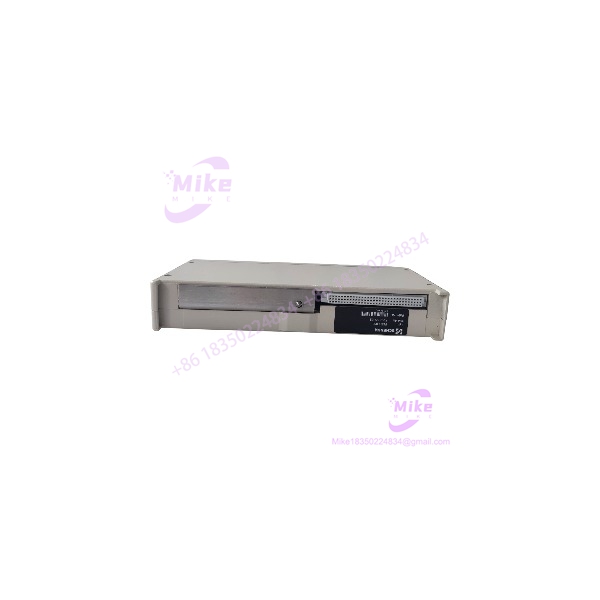
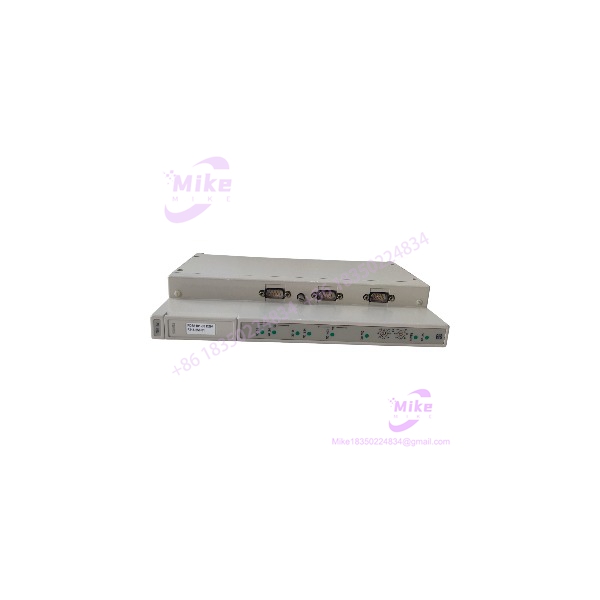
SCHENCK FSE L003 | Industrial PLC Control Module
Dynamic Product Introduction
The SCHENCK FSE L003 is a part number where identification discipline matters more than filling a product page with guessed specifications. Public industrial-service records consistently identify FSE L003 / FSEL003 as Schenck automation hardware, with one established repair source categorizing it specifically as a PLC module.
There is an additional clue in Schenck parts listings: FSE L003-FSE L001 is identified as a communication card, with an associated internal code. That makes the exact installed configuration important. The available evidence does not justify treating every FSE L003 listing as a standalone force or torque transducer.
This is a common problem with older Schenck equipment. The part number may survive in distributor databases long after the original engineering documentation becomes difficult to locate. Different sellers then attach different descriptions to the same reference. One source calls FSE L003 a PLC module, another calls the combined -L001 item a communication card, and another publishes sensor specifications without providing an OEM document tying those numbers to the claimed measurement range.
For procurement, the correct approach is simple: match the physical hardware and machine BOM before accepting any functional description.
FSE L003
Key Technical Specifications
- Manufacturer: SCHENCK / Schenck Process
- Model: FSE
- Model Variant: FSEL003
- Product Category: Industrial automation / PLC hardware
- System Role: Control or communication hardware within a Schenck automation installation
- Associated Reference: FSE -FSE L001 appears in industrial parts records as a communication card.
- Repair Classification: PLC module in established industrial repair records.
- Application Context: Schenck process-control and weighing/automation equipment
- Procurement Status: Legacy/industrial spare; availability varies by inventory channel
- Identification: Verify the complete FSE nameplate and any secondary Schenck part number
- Replacement Basis: Exact hardware and system compatibility should be established before substitution
- Documentation Status: Publicly indexed exact technical specifications are limited
Specification Warning
I would not currently publish the following figures as confirmed FSE specifications:
- 0–1000 N force range
- 0–1000 Nm torque range
- ±0.5% full-scale accuracy
- 4–20 mA output
- 0–5 V output
- RS-232
- IP65
- -20°C to +70°C
Those values appear on one reseller page, but the same exact FSE is classified elsewhere as a PLC module, and the available evidence does not establish that those sensor specifications belong to this part number.
For an engineering procurement listing, leaving an unverified parameter blank is safer than converting a reseller’s generic specification into a contractual requirement.
Global Sourcing & Live-Test SOP
Inbound Verification
Start with physical identification.
Record:
- FSE marking
- FSEL003 model reference
- Schenck identification label
- Secondary part number
- Serial number
- Revision/date code
- Connector arrangement
- PCB condition
- Terminal condition
- Mounting hardware
- Evidence of previous repair
The model number should be photographed before the unit enters stock.
A Schenck parts stock list independently includes , confirming that the designation is an established Schenck spare reference rather than an isolated seller-created model number.
System Verification
Because the exact electrical function is configuration-dependent, identify the equipment from which the module was removed.
Check:
- Machine/system model.
- Existing Schenck controller architecture.
- Adjacent modules.
- Backplane or rack identification.
- Connector keying.
- Wiring diagrams.
- Original module position.
- Software configuration.
- Communication architecture.
- Existing fault history.
This is especially important if the FSE is being purchased as a replacement for an installed FSE -FSE L001 assembly.
Live Simulation
Do not perform a blind power test on an unknown legacy control module.
Use the correct Schenck test rack or an equivalent engineering fixture where available.
A sensible validation sequence is:
- Inspect PCB and connectors.
- Verify supply conditions against the actual system documentation.
- Install the module in the correct rack/backplane.
- Confirm initialization.
- Check diagnostic indicators.
- Verify communication with the host controller.
- Exercise the relevant I/O or communication path.
- Monitor for abnormal temperature or fault conditions.
- Record the final diagnostic state.
If the module’s exact role cannot be established, classify it as identity verified / function not verified rather than calling it fully tested.
Diagnostics
For an incoming QC report, record:
- Model and revision
- Power-up behavior
- LED/display status
- Communication status
- Controller recognition
- Error/fault status
- Connector integrity
- PCB condition
- Thermal behavior
- Test-rack configuration
For communication-related testing, use the actual protocol and host equipment specified for the Schenck installation. Do not assume Ethernet, RS-232, Profibus, or another interface merely because a reseller page lists it.
Final Preparation
Before shipment:
- Photograph the nameplate.
- Record the exact revision.
- Protect connectors.
- Use ESD-safe packaging.
- Secure the PCB/module against impact.
- Document whether the unit was tested or only inspected.
- Include the test environment if functional testing was performed.
For obsolete automation hardware, this information can be more valuable than a generic “tested” label.
Field Engineer’s Pitfall Guide
❗ Do not assume FSE is a force/torque sensor
One online reseller describes FSE as a force-and-torque transducer, complete with measurement and output specifications. However, established industrial repair documentation identifies FSE as a Schenck/Siemens PLC module, while another Schenck parts reference identifies the -L001 combination as a communication card.
That conflict is too large to ignore.
Verify the physical unit and original machine application before specifying its function.
❗ Do not substitute based on the suffix alone
and FSE L001 appear together in Schenck parts references, but that does not establish that one is a drop-in replacement for the other.
The combined reference FSE -FSE is separately identified in parts documentation.
Match the complete part number and hardware configuration.
❗ Do not power an unknown module outside its intended rack
Legacy Schenck hardware may rely on rack/backplane power and communication connections that are not obvious from the front panel.
A field technician once sees a spare module, applies bench power, gets no useful indication, and writes it off as defective. The real problem is often that the module was never designed to be tested as a standalone device.
Use the correct rack, wiring, and host controller whenever possible.
Intent-Driven FAQ
What is the SCHENCK FSE ?
The SCHENCK FSE , also written FSEL003, is legacy Schenck industrial automation hardware. An established repair database categorizes it as a PLC module, while another parts reference associates FSE -FSE with a communication-card function.





