

Description
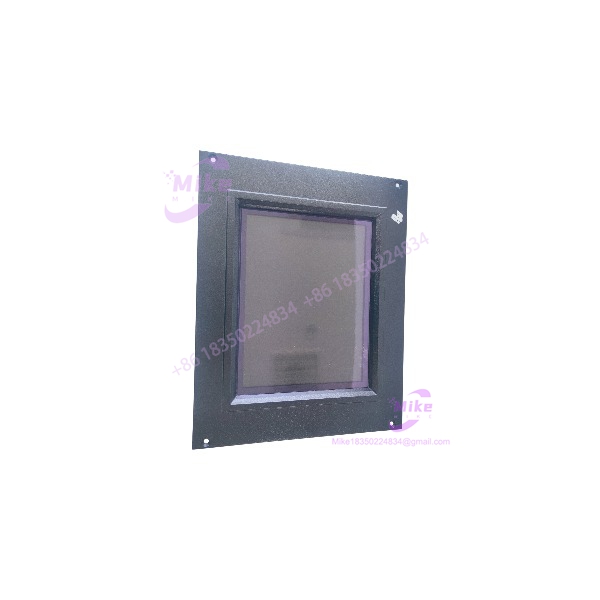
Micro Innovation GF1-10TVD-100 | 10-Inch 24VDC HMI Panel
Product Introduction
The Micro Innovation GF1-10TVD-100 belongs to the GF-1 Micro Panel family, a dedicated operator-interface platform designed for automation systems that need local visualization and touch-based control. The manufacturer’s technical description identifies the GF-1 as a visualization unit for medium- to high-complexity automation systems, with project data loaded through an external PC Card and communication handled through dedicated expansion modules.
The specific GF1-10TVD-100 configuration is the 10-inch, 24 VDC version. Current component records identify it as an HMI/MMI/operator-interface product and also classify the part as discontinued, which explains why this model is now primarily encountered through industrial surplus and replacement channels.
This distinction matters when planning a replacement. The GF1-10TVD-100 is not simply a monitor with a touchscreen. The HMI contains the visualization runtime and requires its project data, communication hardware, and compatible system configuration to operate as part of the original automation system. A mechanically compatible modern display therefore does not automatically constitute a functional replacement.
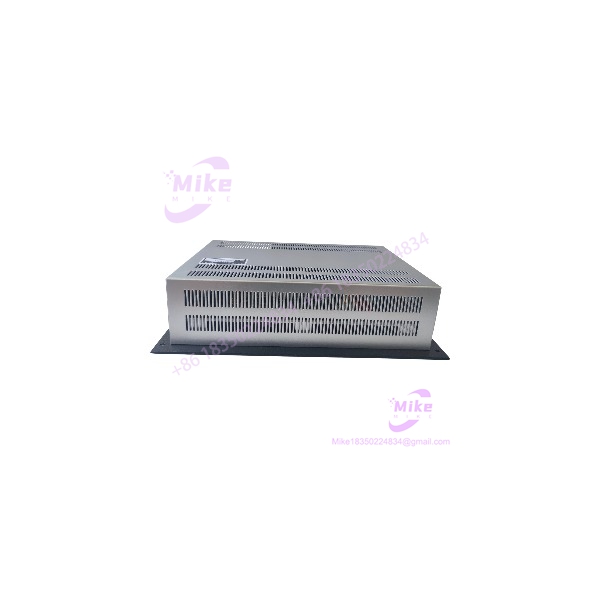
GF1-10TVD-100
Key Technical Specifications
- Manufacturer: Micro Innovation
- Model: GF1-10TVD-100
- Family: Micro Panel GF-1
- Device Type: HMI / MMI / operator interface
- Display Size: 10-inch version
- Input: Touch interface
- Supply: 24 VDC
- Project Storage: External PC Card
- Project Development: GALILEO design software
- Communication Architecture: Dedicated communication module/system expansion slots
- Expansion Slots: 2
- Panel Mounting: Front-panel installation
- Installed Front Protection: IP65
- Power Connector: 3-pole plug-in screw terminal for DC versions
- Primary Application: Industrial automation visualization and operator control
The GF-1 documentation states that the device is supplied with a PC-Card retaining arrangement and blank plate for System Slot 1, while two slots are available for communication modules or system expansions. The documentation also distinguishes DC versions using the GF1-xxxxD designation from AC versions.
Project and Runtime Architecture
One of the most important points for anyone sourcing a used GF1-10TVD-100 is the separation between the physical HMI and the application project.
The GF-1 stores project data on an external PC Card, and the project is created using the GALILEO design software.
That means a replacement panel can be electrically functional but still fail to restore the machine interface if the required project file, PC Card, communication module, or compatible configuration is missing.
For an obsolete machine, preserving the original PC Card and extracting the project data before replacing the HMI should therefore be part of the migration strategy.
Global Sourcing & Live-Test SOP
1. Inbound Verification
Before applying power to a used , document the complete hardware configuration.
Record:
- model marking
- Serial number
- Hardware/revision information
- Display condition
- Touchscreen condition
- PC Card presence
- PC Card condition
- Installed communication modules
- System-slot configuration
- Power connector
- Rear connector condition
- Mounting hardware
- Evidence of previous repair
Photograph the front bezel, nameplate, rear connectors, expansion slots, and installed memory/project card.
2. Display and Touch Inspection
Inspect the LCD and touch surface before commissioning.
Check for:
- Dead pixels
- Backlight degradation
- Uneven illumination
- Scratches or cracks
- Touch dead zones
- False touch events
- Poor touch calibration
- Bezel damage
- Contamination around the display perimeter
A panel that boots correctly but has intermittent touch registration should not be released as fully functional.
3. Power-Up Test
The documented configuration uses 24 VDC.
Before energizing:
- Verify the DC supply polarity.
- Confirm the supply voltage with a calibrated multimeter.
- Inspect the three-pole DC power connector.
- Check the terminal condition.
- Apply power through a controlled supply.
- Observe startup behavior.
- Verify display initialization.
- Check touch operation.
Do not assume that an unknown used unit can tolerate an arbitrary DC supply simply because the listing says “24 VDC.”
4. Communication Test
A complete HMI test requires more than confirming that the screen illuminates.
Where the correct communication module and host controller are available:
- Confirm the communication module is recognized.
- Verify the HMI reaches its application screen.
- Test operator input.
- Confirm PLC/controller data exchange.
- Verify alarm display.
- Exercise representative command buttons.
- Check data refresh behavior.
- Verify communication recovery after a controlled restart.
If the original controller is unavailable, record the unit as display/touch tested rather than claiming full application functionality.
5. PC Card and Project Verification
The GF-1 uses an external PC Card for project data.
For a production replacement, preserve the original card whenever possible.
Verify:
- Card is physically present
- Card is readable
- Project loads successfully
- Correct screen set appears
- Operator controls respond
- Communication configuration is retained
- Application starts without configuration errors
Do not format or overwrite the original PC Card during initial testing. That card may contain the only remaining copy of the customer’s legacy HMI project.
6. Extended Run
A useful acceptance test should include several hours of continuous operation, with repeated interaction with the touchscreen.
Monitor:
- LCD stability
- Backlight behavior
- Touch response
- Communication stability
- Alarm handling
- Unexpected application resets
- Temperature-related display problems
For critical spare inventory, a longer burn-in can be used before final release.
7. Final QC Record
Record:
- Exact model
- Hardware revision
- Serial number
- 24 VDC supply test
- Display result
- Touch result
- PC Card status
- Communication-module configuration
- PLC communication result
- Application/project version
- Extended-run result
- Cosmetic condition
Package the panel with rigid protection over the display surface. The touchscreen should not carry the weight of other equipment inside the shipping carton.
Field Engineer’s Pitfall Guide
❗ Warning 1 — A Working Screen Does Not Prove the HMI Is Application-Ready
The requires the appropriate project data and communication configuration. The GF-1 documentation specifically states that project data is stored on an external PC Card and that communication is handled through dedicated modules.
A panel that reaches its base operating screen but lacks the original project should not be advertised as a complete drop-in replacement for a production machine.
❗ Warning 2 — Preserve the Original PC Card
Do not initialize, format, or overwrite the original PC Card during troubleshooting.
For obsolete HMI systems, the project stored on that card can be more difficult to replace than the physical panel itself. Make a verified backup before making configuration changes.
❗ Warning 3 — Verify the Communication Module
The GF-1 provides two slots for communication modules or system expansions.
Therefore, model-number matching alone does not establish complete system compatibility. Check which communication card is installed and confirm that it matches the PLC/DCS interface used by the original application.
Intent-Driven FAQ
What is the Micro Innovation ?
The Micro Innovation is a 10-inch Micro Panel GF-1 industrial HMI/operator interface with touch functionality and a 24 VDC power configuration.
Is a PLC?
No. It is an HMI/operator interface. Its role is visualization and operator control, while the automation controller performs the underlying control logic.
What voltage does the use?
The documented configuration uses 24 VDC. The GF-1 documentation identifies DC versions using the GF1-xxxxD designation.
Does the use a PC Card?
Yes. The GF-1 architecture stores project data on an external PC Card, which can be loaded through the panel or directly from a PC.
What software is used to create the GF-1 project?
The GF-1 documentation identifies GALILEO as the design software used to create project data for the device family.
Does the have communication expansion?
Yes. The GF-1 provides two slots for communication modules or system expansions. The installed communication hardware therefore needs to be checked when sourcing a replacement.





