Description
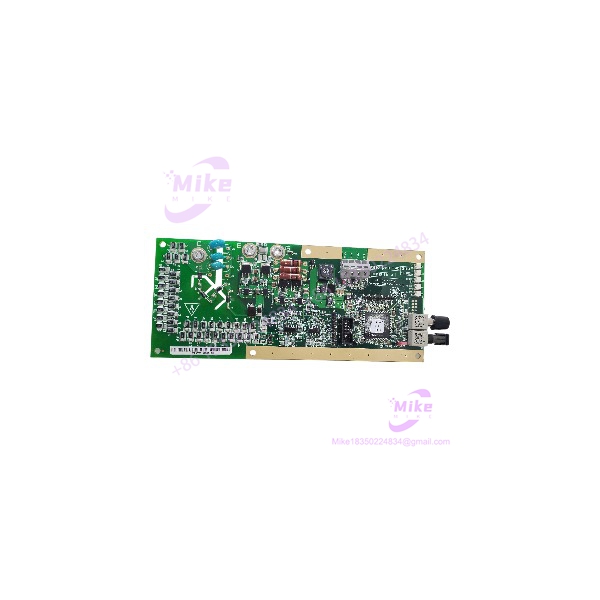
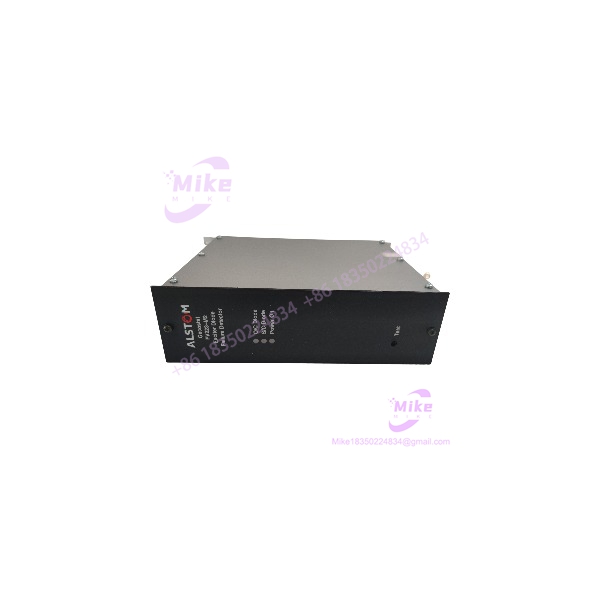
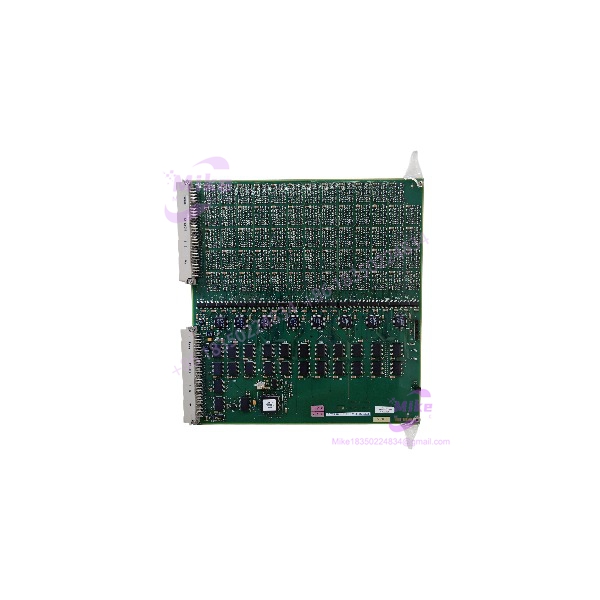
GE Alstom L54E1100EC00 | Microrec Logic Input Card
Product Introduction
When sourcing a legacy turbine-control or excitation-system board, the complete part number matters more than a broad family match. The L54E1100EC00 is cross-referenced by a surplus automation supplier as a GE/Alstom Microrec logic input card. Its reported role places it within the control-system input path, but the available reference does not establish the exact input voltage, signal conditioning, channel count, or hardware revision.
For replacement procurement, treat the L54E1100EC00 as a configuration-sensitive control card. Confirm the full PCB marking, connector layout, revision identifiers, and system slot assignment against the installed card. Do not assume that another L54E1100-series board is interchangeable simply because it belongs to the same family.
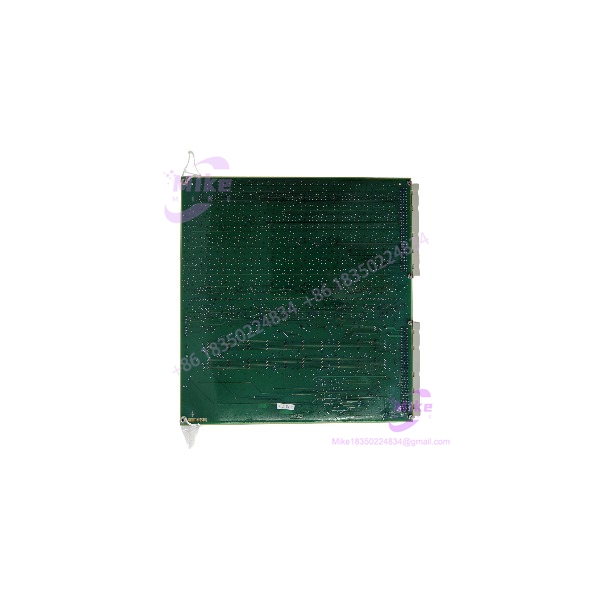
L54E1100EC00
Key Technical Specifications
- Part Number: L54E1100EC00
- Manufacturer Attribution: GE / Alstom, supplier-reported
- Card Classification: Logic input card, supplier-reported
- Associated Control Platform: Microrec K4.1, reported at the family level
- System Application: Generator excitation / AVR control, subject to system confirmation
- Input Signal Type: Not verified
- Number of Input Channels: Not verified
- Input Voltage Range: Not verified
- Isolation Method: Not verified
- Backplane / Rack Compatibility: Confirm against OEM documentation
- Board Dimensions: Not verified
- Operating Temperature Range: Not verified
- Firmware / Configuration Requirements: Confirm against the installed system revision
- Included Accessories: Not established; verify the actual offer
Do not use family-level descriptions or unrelated L54E1100-series board specifications as substitutes for the exact L54E1100EC00 datasheet.
Global Sourcing & Live-Test SOP
For a used or surplus L54E1100EC00, prioritize traceability and configuration verification before attempting a powered test.
1. Inbound Verification
- Photograph the complete PCB, front and rear, before handling or cleaning.
- Confirm the exact marking .
- Record all secondary part numbers, revision codes, serial numbers, and date codes.
- Inspect the PCB for corrosion, contamination, damaged traces, rework, or heat discoloration.
- Check connector pins and card-edge contacts for bending, wear, or oxidation.
- Compare the physical layout with the original installed card or verified reference photographs.
2. Configuration & Compatibility Review
- Confirm the intended Microrec rack or control-system platform.
- Verify the card’s slot assignment and associated backplane.
- Obtain the original system BOM or OEM documentation wherever possible.
- Confirm signal type, input voltage, channel count, and wiring before installation.
- Check for revision-dependent hardware or configuration requirements.
- Do not assume that an L54E1100-series card with a similar appearance is a valid substitute.
3. Bench Inspection & Functional Simulation
- Use only an approved test fixture or OEM-recommended procedure.
- Do not apply power based on assumed pinouts or unverified voltage requirements.
- Check the board for visible damage and connector integrity.
- Verify card recognition and diagnostics only in a compatible test environment.
- Test input response only after confirming the electrical interface and signal limits.
- Record the exact test setup and observed results.
4. System Diagnostics & Extended Run
Where a compatible test rack and approved procedure are available:
- Confirm card recognition and expected status indications.
- Verify input-channel response using the specified signal levels.
- Check for diagnostic faults, intermittent behavior, or unexpected resets.
- Perform an extended run appropriate to the application.
- Record test duration, rack configuration, card revision, and results.
A board that passes visual inspection or powers up should not be described as fully tested unless its required functions have been verified.
5. Final Preparation
- Preserve all labels and revision markings.
- Photograph the final inspected condition.
- Package the card in ESD-safe material.
- Protect connectors against impact and contamination.
- Include available inspection or test documentation.
- Clearly disclose whether the unit is untested, visually inspected, or functionally tested.
Field Engineer’s Pitfall Guide
❗ Confirm the card’s exact function before wiring
The is supplier-identified as a logic input card, but detailed input specifications have not been independently established. Verify signal type, voltage range, and channel assignment before connecting field wiring.
❗ Do not assume interchangeability within the L54E1100 family
Related part numbers may represent different card functions. Confirm the complete suffix, PCB revision, connector arrangement, and rack compatibility before approving a substitute.
❗ Avoid unverified bench power-up
Without an authenticated pinout and power specification, applying power to a legacy control card can damage the board or connected test equipment. Use an approved rack, documented test fixture, and qualified personnel.
Intent-Driven FAQ
What is the GE / Alstom ?
Supplier cross-reference information identifies it as a logic input card associated with the GE/Alstom Microrec control-system family. Exact technical details should be verified against the physical card and OEM documentation.
Is the used in Microrec K4.1 systems?
A supplier reference associates the L54E1100 series with Microrec K4.1 AVR equipment. Confirm the exact card’s applicability using the installed system BOM or OEM documentation before ordering.
What are the input voltage and channel count?
Those specifications are not independently verified for the exact . Request a datasheet, OEM drawing, or clear board-label photographs before engineering a replacement.
Can another L54E1100-series card replace the ?
Not without confirmation. Cards in the same product family may have different functions, electrical interfaces, or system assignments.
Is the obsolete?
It appears to be a legacy control-system component, but current OEM lifecycle status has not been confirmed. Treat availability as dependent on specialist or surplus inventory.
Can the be tested on a generic bench supply?
Do not assume so. Confirm the card’s power requirements, pinout, and test procedure first. An approved compatible rack or fixture is preferable.
What should I request when buying a surplus ?
Request clear photos of the complete part number and PCB revision, confirmation of included hardware, condition details, system provenance, and any available test report. For a critical replacement, also confirm the card’s slot and application compatibility.
Bottom Line for Buyers
The is supplier-identified as a GE/Alstom Microrec logic input card, but detailed electrical and mechanical specifications remain unverified.
Before purchasing, match the complete part number and board revision, confirm the intended rack and slot, and request evidence of condition and testing. For a critical AVR or turbine-control application, do not approve the card as a drop-in replacement based on the family name alone.