


Description
Allen-Bradley 2711-K6C9 | Bulletin 2711 Keypad HMI 5.6-Inch
Product Introduction
When an older machine interface screen fades to black or stops responding to operator inputs, retrofitting a brand-new control platform can trigger weeks of costly PLC code rewrites. The Allen-Bradley 2711-K6C9 is not a modern touch-paneled PC; it is a battle-tested PanelView 600 standard HMI designed to mount directly into legacy enclosure cutouts and link instantly to established DH-485 networks.
Built around a crisp 5.6-inch color active-matrix TFT display, this unit provides clear process visualization without requiring complex Windows-based operating systems. It features a tactile membrane function-key layout that operators can use safely while wearing heavy work gloves—surviving industrial ambient temperatures from 0^\circC to +55^\circC. If you need to keep an older production line running smoothly without undertaking a full control system migration, this terminal drops straight into your existing panel cutout.
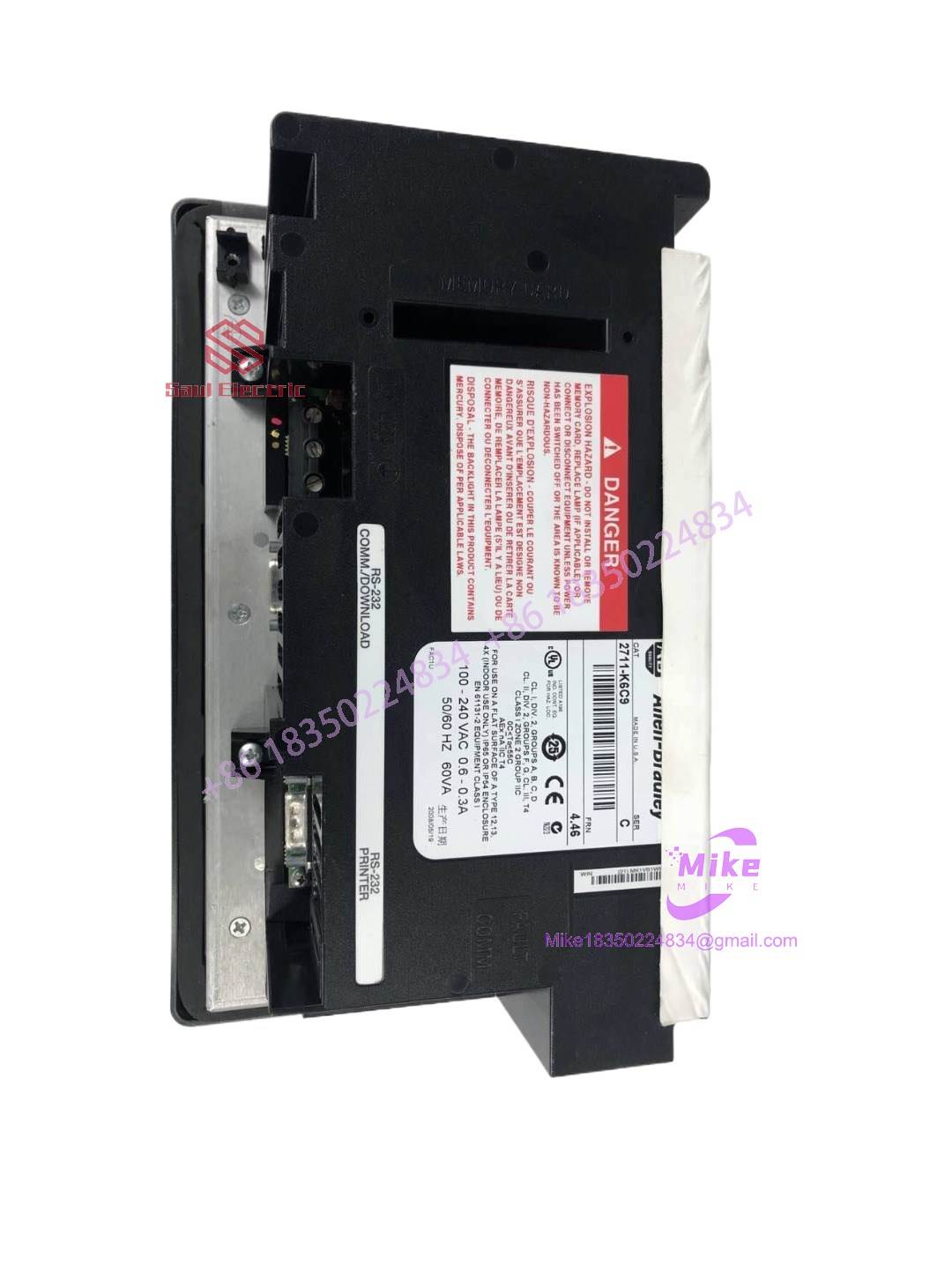
2711-K6C9
Key Technical Specifications
| Parameter | Specification Metric |
| Device Category | Operator Interface Terminal (HMI) |
| Display Size & Type | 5.6-inch color active-matrix TFT |
| Display Resolution | 320 \times 234 pixels |
| Input Method | Tactile membrane keypad with 10 function keys |
| Communication Ports | DH-485 (RS-485) and RS-232 printer/download port |
| Backlight Lifespan | Approx. 50,000 hours at 25^\circC |
| Enclosure Rating | NEMA 12/4X, IP65 (when panel-mounted with proper gasket) |
| Operating Temperature | 0^\circC to +55^\circC |
Application Scenarios & Pain Points
- Automotive Stamping Press Control Panels: Factory floor environments subject HMIs to constant mechanical shock and oil mist. The physical membrane keys of the 2711-K6C9 ensure reliable operator input where capacitive touchscreens frequently fail due to fluid buildup or glove restrictions.
- Packaging Line HMI Failure Recovery: An unexpected screen failure on a high-speed bottling line halts production immediately. Swapping in a pre-configured 2711-K6C9 into the exact same panel cutout restores line visibility in minutes without modifying enclosure metalwork.
- Water Treatment SCADA Remote Terminals: Remote pumping stations relying on SLC 500 processors need robust, low-maintenance local displays. This terminal handles local alarm annunciation and setpoint changes reliably without requiring a dedicated PC workstation.
QA & Live Testing SOP (Trust Signal)
We don’t just dust off old surplus inventory and drop it into a box; we verify every HMI on our test bench before shipment. Our quality control procedure for the 2711-K6C9 includes:
- Visual & Optical Inspection: Checked for backlight brightness consistency, absence of dead pixels on the TFT screen, and clean, elastic membrane keypads.
- Communication & Download Test: Connected to a live DH-485 test network to verify that communication ports establish stable handshakes and download application files without data corruption.
- Keypad Actuation Sweep: Every individual function and navigation key is manually clicked to ensure crisp tactile feedback and zero stuck button registers.
- Protective Packaging: Sealed in anti-static wrap and packed with high-density foam cushioning to prevent vibration damage during freight transport.
Field Engineer’s Pitfall Guide
- ❗ Backlight Inverter Failures: If the screen appears pitch black but the PLC logic is still running and touch/key inputs register, the display backlight inverter or CCFL bulb has failed. Always verify backlight power before condemning the entire logic board.
- ❗ DH-485 Network Termination: Ensure your DH-485 network has proper biasing and termination resistors at both ends. PanelView terminals are notoriously sensitive to reflection errors caused by un-terminated serial loops.
- ❗ PanelView Application Transfer: You cannot simply copy configuration files via standard Windows Explorer; you must use PanelBuilder32 software alongside the correct communication cable to compile and transfer the runtime (.PVA) file properly.
Intent-Driven FAQ
Is the Allen-Bradley 2711-K6C9 a direct replacement for monochrome PanelView 600 units?
Physically yes, as it shares the same cutout dimensions and keypad footprint. However, your application file in PanelBuilder32 must match the color configuration, and you must verify that your controller supports the specific communication protocol revision.
What software do I need to program or download screens to this terminal?
You need PanelBuilder32 software running on a legacy or virtualized environment along with an appropriate communication interface cable (such as a 1747-PIC or AIC+ module setup) to transfer files.
Why am I getting a “File Error” or checksum warning upon booting up?
This usually indicates a corrupted runtime file download, an incompatible firmware revision between the terminal and PanelBuilder32, or a failing internal memory battery. Re-flash or re-download the compiled runtime file to clear the error.
Does this unit come with a mounting hardware kit?
Yes, surplus units typically include the original slide-on mounting clips, though you should inspect the panel gasket for cracks to maintain your NEMA seal rating.
What kind of warranty covers this surplus PanelView terminal?
Every unit is backed by our comprehensive replacement guarantee, supported by pre-shipment bench testing to ensure flawless operation out of the box.





