Description
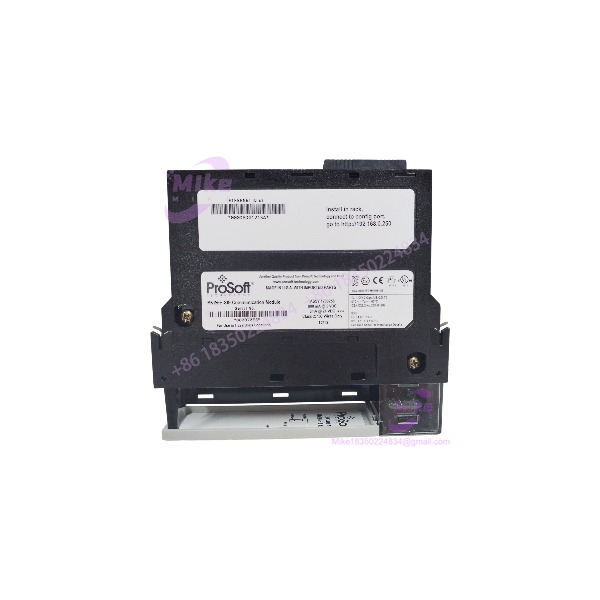
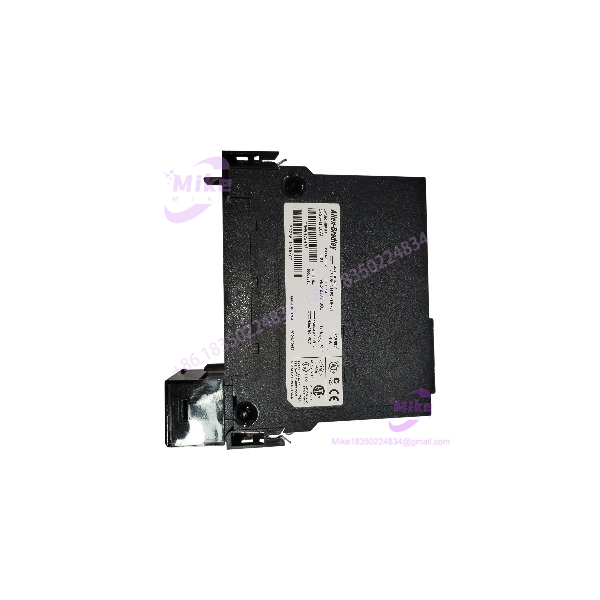
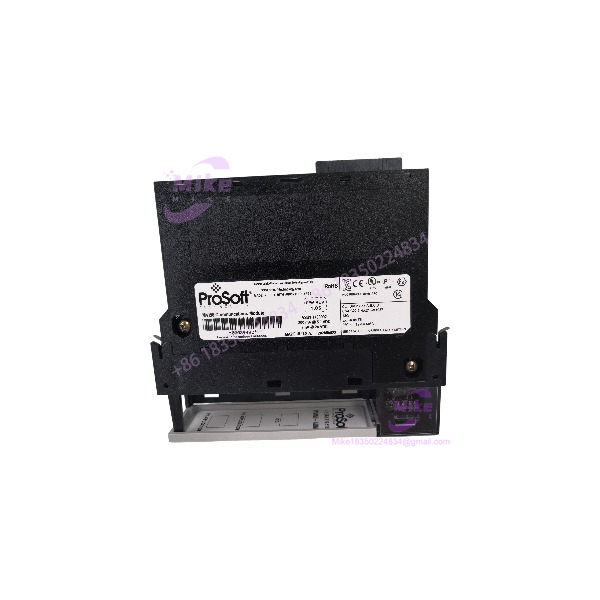
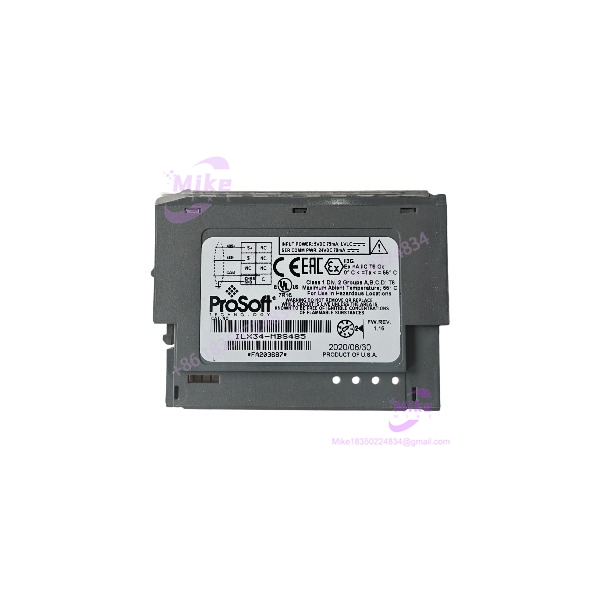
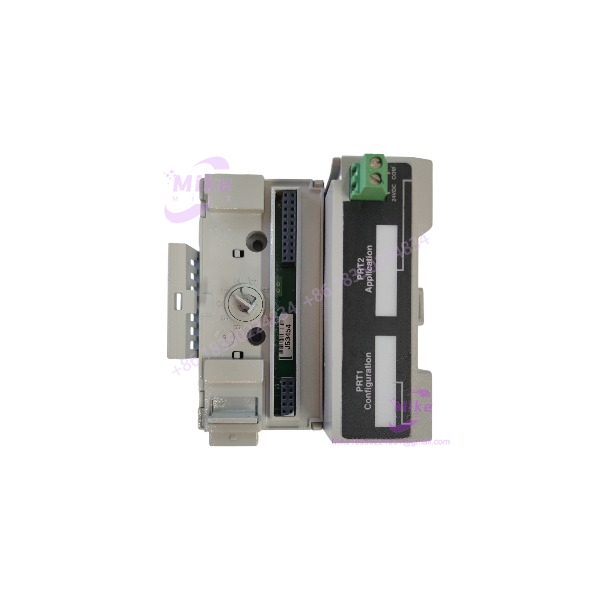
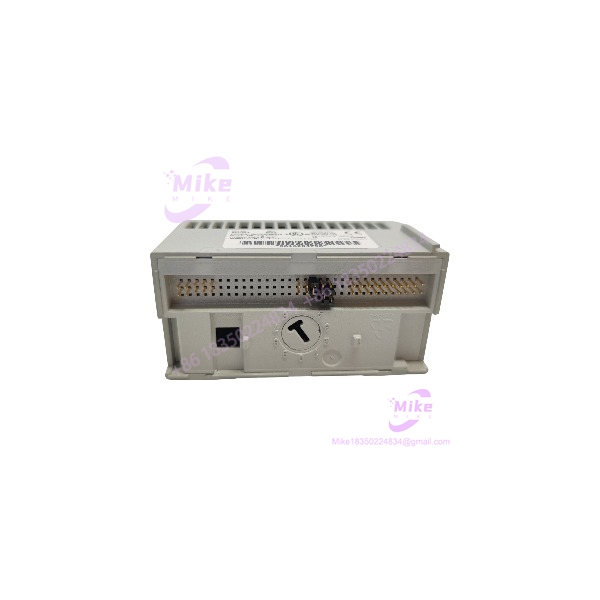
ProSoft MVI94-MCM-MHI | Flex I/O Master/Slave Fast Ship
Architect’s Product Breakdown
The MVI94-MCM-MHI serves as a specialized serial communication gateway tailored specifically for the 1794 Flex I/O platform. It bridges disparate field instrumentation—such as meters, drives, and analyzers—directly into distributed control loops without requiring a complete processor upgrade.
Engineers deploying this module must account for backplane limitations. It draws 400 mA at 5 VDC from the 1794 adapter base, which can heavily impact power budgets in densely populated remote I/O drops. Configuration requires loading specific ASCII command strings and mapping register data directly into the input/output image of the parent adapter using configuration software.
Deploying this hardware avoids expensive rewiring campaigns when integrating legacy serial instruments into modern network structures, reducing total downtime during plant modernization projects.
MVI94-MCM-MHI
Key Technical Specifications
| Technical Parameter | Specification Detail |
| Part Number | MVI94-MCM-MHI |
| Manufacturer | ProSoft Technology / 1794 Flex I/O Platform |
| Backplane Current Load | 400 mA max @ 5 VDC |
| Communication Protocols | Modbus RTU, Modbus ASCII (Master and Slave modes) |
| Physical Ports | One DB-9M configurable RS-232/422/485 port |
| Baud Rate Range | 110 baud to 115,200 baud |
| Data Memory | User-configurable data tables for register mapping |
| Operating Temperature | 0°C to 55°C (32°F to 131°F) |
| Enclosure Type | 1794 Flex I/O module format |
Field Engineer’s Pitfall Guide
- WARNING: Backplane Current Overload. Flex I/O adapters supply limited 5 VDC power to base-mounted modules. Exceeding the 400 mA draw by stacking multiple specialty cards without a supplemental power supply will cause intermittent adapter dropouts.
- WARNING: Incorrect Port Pinout Configuration. The front DB-9 port supports multiple physical layers. Using a standard off-the-shelf serial cable without verifying jumper or software settings for RS-485 versus RS-232 will result in permanent transceiver failure or total communication silence.
- WARNING: Incorrect Polling Command Syntax. Misconfiguring the internal database polling offsets in the setup utility creates endless command timeouts on the serial loop.
Field Anecdote: I spent an entire night shift trying to bring up a turbine vibration monitor tied to a Flex I/O drop. The module wouldn’t poll the slave device, and diagnostic LEDs blinked error codes continuously. Turned out the previous technician left the port jumper configured for RS-232 while our field run was a 2-wire RS-485 trunk. Swapping the configuration saved us from pulling new cable runs.
QA & Testing SOP (Transparency)
- Visual & Origin Inspection: Units are thoroughly inspected for pin bending, corrosion, and verified against OEM serial databases to ensure authenticity.
- Live Test Bench Environment: Modules are mounted onto a powered 1794 test rack to verify backplane handshaking and LED status register functions.
- Diagnostics & Handshake Verification: Technicians run loopback communication tests across the serial port at maximum baud rates to ensure stable packet delivery without frame errors.
- Configuration & Packaging: Memory buffers are cleared to factory defaults, and units are sealed in anti-static shielding bags.
Technical FAQ
Can I hot-swap this communication module on an active Flex I/O base?
No. While some passive I/O blocks support hot-swapping, specialty communication cards mounted on 1794 adapters require cycling power to the rack to prevent bus driver corruption.
What software is needed to set up the serial communication parameters?
Configuration requires dedicated ProSoft configuration utility software connected via a serial cable to map Modbus commands before operation begins.
Does the module lose its configuration if the rack loses power?
No. User configurations are stored in non-volatile flash memory, ensuring parameters persist safely through complete power cycles.
How do I verify that data is passing between the module and the network?
You can monitor the diagnostic LEDs on the front faceplate for active transmit and receive pulses, alongside checking register status flags inside the adapter’s mapped memory table.