Description
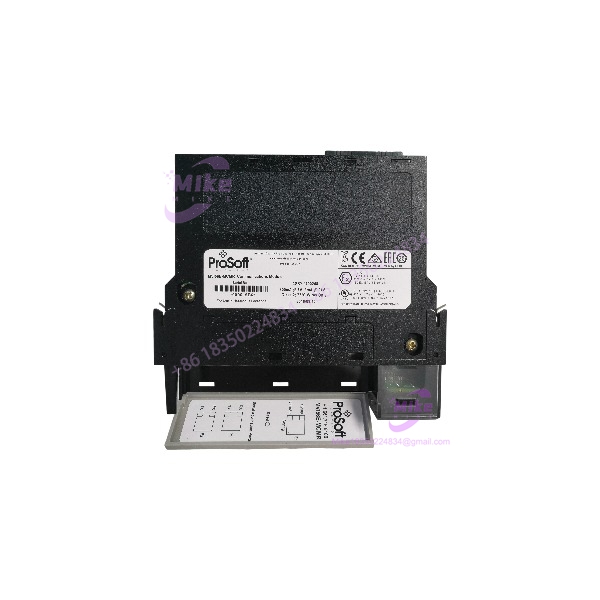
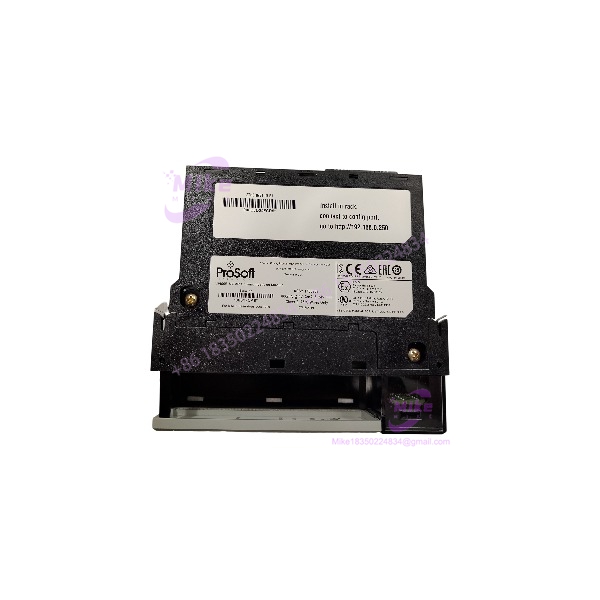
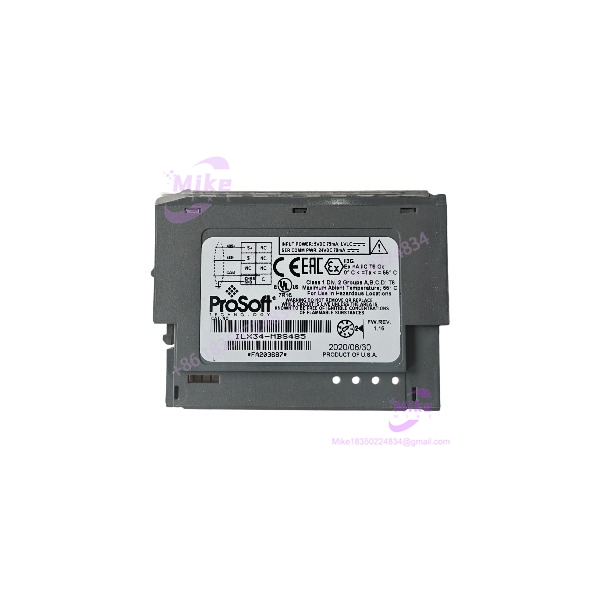
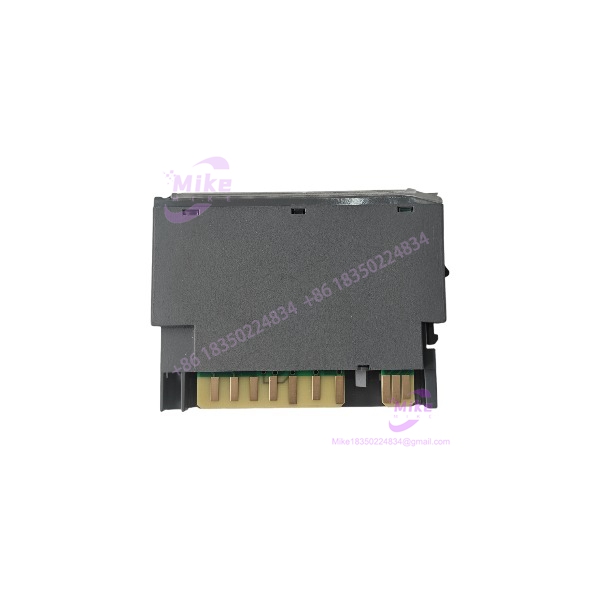
ProSoft ILX34-MBS485 | Modbus RS-485 Communication Module
Product Introduction
A serial Modbus device does not need to force a complete redesign of an existing Allen-Bradley control system. The ProSoft ILX34-MBS485 provides an interface between Modbus serial equipment and CompactLogix L1 or 1734 POINT I/O installations, allowing control engineers to integrate field devices while retaining the established controller platform.
The ILX34-MBS485 supports RS-422/RS-485 communications and can be configured as either a Modbus Master or Slave. With support for Modbus RTU and ASCII, plus controller-side AOIs for data handling and diagnostics, this module is suited to SCADA interfaces, instrumentation, and serial field-device integration. For maintenance teams sourcing a replacement, matching the exact model and recovering the correct project configuration are essential to reducing commissioning risk.
ILX34-MBS485
Key Technical Specifications
- Model: ILX34-MBS485
- Manufacturer: ProSoft Technology
- Module Category: Modbus serial communication module
- Compatible Platforms: CompactLogix L1 and 1734 POINT I/O
- Serial Interface: RS-422/RS-485
- Communication Modes: Modbus RTU and Modbus ASCII
- Master/Slave Capability: Configurable as Master or Slave
- Supported Baud Rates: 2,400; 4,800; 9,600; 19,200; and 38,400 baud, per the published datasheet
- Data Size: 7 or 8 bits
- Stop Bits: 1 or 2
- Parity: None, Even, or Odd
- Node Address Range: 1–247
- Data Capacity: Up to 1,000 words
- Command Capacity: Up to 30 Modbus commands
- Words per Command: Up to 36
- Configuration Software: RSLogix 5000 / Studio 5000
- Power Supply: 10–28.8 V DC
- POINTBus Current: 75 mA at 5 V DC
- Wiring Base: 1734-TB or 1734-TBS; also listed with 1734-TOP/TOPS base options
- Dimensions: Approximately 2.21 × 0.47 × 2.97 in. (56 × 12 × 75.5 mm)
- Operating Temperature: Confirm the applicable hardware revision and datasheet before applying temperature limits.
- Status Indicators: Module status, network status, TXD, and RXD LEDs
Specifications are drawn from ProSoft Technology’s ILX34-MBS datasheet and product documentation. Confirm the exact revision and applicable manual before commissioning.
Global Sourcing & Live-Test SOP
Industrial communication modules can appear physically sound while still having serial-interface or configuration issues. A documented inspection and functional test helps distinguish a usable spare from an unverified surplus component.
Incoming Verification
- Confirm the ProSoft Technology nameplate and exact model ILX34-MBS485.
- Inspect the enclosure, backplane connection, terminal interface, and mounting features.
- Record serial number, hardware revision, and visible product identifiers.
- Check for corrosion, cracked housing, damaged contacts, or signs of unauthorized repair.
Authenticity & Configuration Checks
- Compare the label and module construction with available ProSoft documentation.
- Record hardware revision and any readable firmware or configuration identifiers.
- Confirm the module is the ILX34-MBS485 RS-422/RS-485 version—not the ILX34-MBS232 RS-232 variant.
- Verify that the intended application has the required AOI and controller-side configuration files.
Functional Test Recommendations
- Apply the specified DC supply using a compatible test setup.
- Verify module status and network status indicators.
- Where compatible hardware is available, test serial communication with a known Modbus device or simulator.
- Exercise both transmit and receive paths, documenting baud rate, parity, stop bits, and protocol mode.
- Where the application permits, verify Master/Slave operation and inspect diagnostic data in the controller.
- Record any test limitations, communication errors, or intermittent behavior.
Extended Test & Packaging
- Document the actual duration and conditions of any extended operating test.
- Do not claim a 24-hour heat run unless it was completed and recorded.
- Preserve inspection results and configuration notes with the unit.
- Use ESD-aware handling and protective packaging suitable for international shipment.
Condition Transparency: State whether the module is tested, untested, used, or factory sealed based on the actual item. Warranty and return coverage must match the seller’s published terms.
Field Engineer’s Pitfall Guide
❗ Do not confuse RS-485 with RS-232. The is the RS-422/RS-485 model. The ILX34-MBS232 is a different variant. Confirm the field-device electrical interface before connecting the serial wiring.
❗ The module is not a standalone serial converter. It is designed for CompactLogix L1 and 1734 POINT I/O integration. Verify controller compatibility, the required wiring base, and the applicable AOI before planning a replacement or migration.
❗ Modbus settings must match the field device. Baud rate, parity, stop bits, node address, and RTU/ASCII mode all affect communications. Confirm the existing configuration and register mapping before commissioning; a powered module alone does not establish successful data exchange.
Intent-Driven FAQ
Q1: What does the ProSoft do?
A: It connects RS-422/RS-485 Modbus serial devices to compatible CompactLogix L1 or 1734 POINT I/O systems.
Q2: Does the support Modbus Master and Slave operation?
A: Yes. ProSoft specifies configurable Master or Slave operation using Modbus RTU or ASCII.
Q3: Can this module communicate with an RS-232 device?
A: Not directly through its RS-485 interface. The ILX34-MBS232 is the RS-232 variant. Confirm electrical interface requirements before ordering.
Q4: Is the 1734 wiring base included?
A: Not necessarily. The module documentation identifies compatible 1734 wiring bases, but the base should be treated as a separate component unless the specific listing explicitly includes it.
Q5: Does the require programming?
A: Integration uses RSLogix 5000 or Studio 5000, with ProSoft Add-On Instructions and application-specific configuration. Existing controller logic and communication settings should be reviewed before replacement.
Q6: Can I use this module as a direct replacement for any Modbus gateway?
A: No. Confirm platform compatibility, serial electrical interface, protocol mode, register mapping, and controller-side integration. Similar protocol support does not guarantee drop-in compatibility.
Q7: Is the module tested or covered by a warranty?
A: Testing status and warranty depend on the specific seller and listing. Review the actual condition description, available test evidence, and return or warranty terms before purchase.