Description
MVI56-PDPS | PROFIBUS V0 Slave, 244-Byte I/O, In Stock
Architect’s Product Breakdown
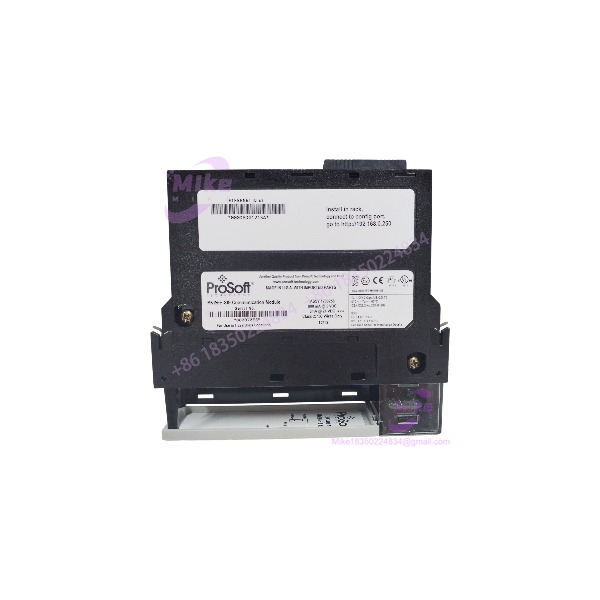
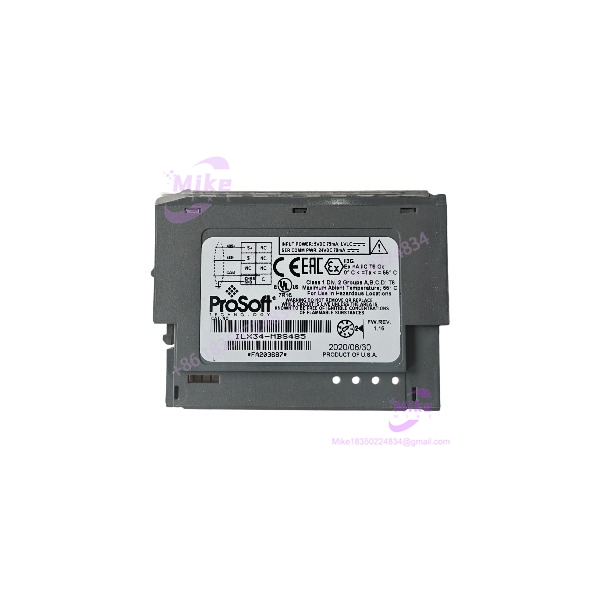
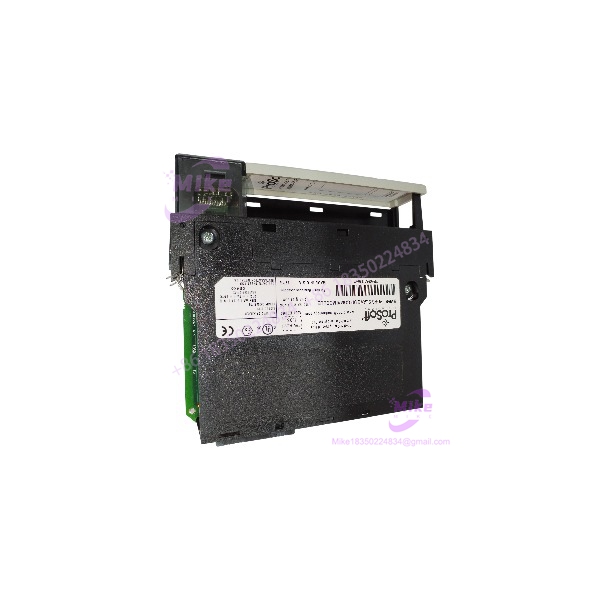
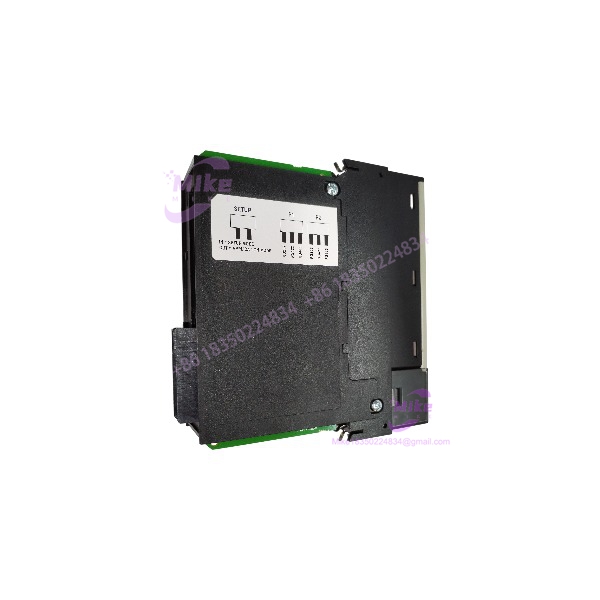
The MVI56-PDPS answers the inverse problem from the PDPM modules. Instead of your ControlLogix polling a PROFIBUS fieldbus, here a PROFIBUS DP master — typically a Siemens S7, a DCS, or a SCADA front-end — owns the bus, and your Allen-Bradley system is the device being polled. The module drops into a single 1756 chassis slot (or CompactLogix chassis), appears as a native I/O module on the Logix backplane, and presents the processor’s data to the PROFIBUS network as a slave I/O image. This is the architecture you hit in hybrid plants: a DCS runs the site, OEM package skids arrive with ControlLogix inside, and the integrator’s contract says “the skid will appear as a PROFIBUS slave on the plant network.” This module is how that sentence gets implemented.
The protocol driver is a PROFIBUS V0 Slave implementation — straight DP-V0, meaning cyclic I/O exchange between the master and your Logix data, without the DPV1 acyclic services of its master-side siblings. The slave image is user-configurable: up to 244 bytes of input data and 244 bytes of output data (with a note that combined totals are constrained — ProSoft’s datasheet caps total configuration at 400 bytes), covering process variables, status bits, and alarm flags mapped from the Logix controller to the PROFIBUS master. Data mapping is flexible: you define how the module’s database lines up with controller tags, and the module handles the PROFIBUS telegram formatting, the SPC3 ASIC-level slave behavior, and bus timing entirely on its own, decoupled from your PLC scan.
Configuration is done through the module’s Configuration/Debug serial port (serial cable included with the product) using ProSoft Configuration Builder, and the module also supports PCB and FDT comDTM communication via Ethernet routing through a Rockwell Ethernet interface. The module identification number (Ident number) matters during commissioning: the PROFIBUS master’s hardware config must reference the correct ident so it accepts the module as a slave — get that wrong and the master simply won’t parameterize your module. The sample ladder logic stores all module data in a user-defined data type, with the slot number wired into the code, so moving the module to a different slot requires updating the sample program tags accordingly.
MVI56-PDPS
Key Technical Specifications
| Parameter | Specification |
|---|---|
| Part Number | MVI56-PDPS |
| Manufacturer | ProSoft Technology |
| Compatible Platform | Allen-Bradley ControlLogix / CompactLogix (single chassis slot) |
| Role | PROFIBUS DP Slave — module represents the Logix system to an external PROFIBUS master |
| Protocol | PROFIBUS DP V0 Slave implementation |
| Slave I/O Image | Up to 244 bytes input + 244 bytes output (total configuration capped at 400 bytes) |
| PROFIBUS Port | RS485 per PROFIBUS pin-out specification |
| PROFIBUS ASIC | SPC3-class slave implementation (FDL SAP data structure) |
| Configuration | Configuration/Debug serial port (cable included); ProSoft Configuration Builder (PCB); FDT comDTM via Ethernet routing |
| Data Transfer | Asynchronous backplane transfer via ladder logic; user-defined data type; slot-dependent sample code |
| Backplane Current Load | 800 mA @ 5 VDC, 3 mA @ 24 VDC |
| Operating Temperature | 0°C to 60°C (32°F to 140°F) |
| Status | Legacy product — discontinued, available as new surplus |
Field Engineer’s Pitfall Guide
⚠️ The master’s hardware config must carry the correct Ident number, or parameterization silently fails. When the PROFIBUS master (S7 hardware config, DCS engineering tool) defines your module as a slave, it references the module’s PROFIBUS identification number. If the ident in the master’s GSD-based configuration doesn’t match the module, the master will see the device on the bus and refuse to bring it into data exchange. This presents as the classic “module powers up, LEDs look fine, master reports slave not in exchange” loop. Get the ident number from the module configuration before you build the master’s network, and confirm it during FAT — this is the single most common failure point in this product’s commissioning.
⚠️ The 400-byte total cap will surprise you mid-project. The datasheet headline says 244 in / 244 out, but total configuration is constrained to 400 bytes. Teams that map a generous slave image in both directions and then discover the cap during startup end up trimming alarm bits and status words at 2 AM. Run the byte count at design time. And remember: DP-V0 means cyclic data only — if the master expects acyclic reads (parameter upload, diagnostics via Class 1/2 services), this module won’t provide them. That’s what the “V1” family is for on the master side; there is no acyclic story on this slave.
⚠️ Sample ladder code is slot-dependent — update it when you move the module. The supplied sample program uses the slot number to identify the module, and all module data lives in a user-defined data type. If you install in a different slot than the sample assumed and don’t update the tags, your data transfers go nowhere and there’s no obvious fault — just zeros. Also note there’s no hot-swap practicality here: pulling the slave drops it from the master’s poll list, the master faults the slave, and depending on the DCS, that can cascade into alarms across the plant network. Schedule the swap and bench-configure the replacement first.
QA & Testing SOP (Transparency)
Every MVI56-PDPS unit passes a documented four-stage process before shipping:
- Visual & Origin Check: OEM label, serial number, and ProSoft production records verified; enclosure and PROFIBUS port inspected for wear, stress marks, or reseal evidence. New surplus stock confirmed factory-sealed.
- Live Rack Test: Module installed in a ControlLogix test chassis with a known-good processor; minimum 30-minute powered burn-in; backplane enumeration and user-defined data type transfer confirmed in RSLogix 5000.
- Functional Diagnostics: PROFIBUS slave operation exercised against a live master simulator — parameterization handshake, cyclic I/O exchange at multiple baud rates, ident number verification, input/output image integrity to the full configured byte count, and timeout/comm-failure behavior with the master deliberately paused. Configuration/Debug serial port and Ethernet-routed PCB access confirmed.
- Documentation & Packing: Firmware revision, ident number, and test results recorded on the unit certificate; module set to as-specified configuration; sealed in ESD-safe anti-static bag with conductive foam.
Technical FAQ
Q: Can I hot-swap the MVI56-PDPS while the process is running?
No. Pulling the slave removes it from the PROFIBUS master’s poll list instantly — the master faults the slave, and in a DCS-driven plant that can cascade into network-wide alarms and failover logic you didn’t intend to exercise. The Logix slot also faults on removal. Schedule the swap, bench-configure the replacement, and coordinate with whoever owns the master side.
Q: What’s the difference between the MVI56-PDPS and the MVI56-PDPMV1?
Direction of control. The PDPM/PDPMV1 makes your ControlLogix the PROFIBUS master — it polls slaves like Siemens ET200 or ABB drives. The PDPS makes your ControlLogix a slave — an external master (S7, DCS, SCADA) polls your Logix data. They are not interchangeable, and mixing them up is the most common procurement error in this family. If the plant network is owned by a DCS and your skid must appear on it, you want the PDPS.
Q: Does the PDPS support DPV1 acyclic communication?
No. The protocol driver is a PROFIBUS V0 Slave implementation — cyclic I/O exchange only. There are no Class 1 or Class 2 acyclic services on this module. If the master-side application requires parameter upload, record retrieval, or diagnostics beyond the standard V0 diagnostic frame, this module can’t provide it. Design your interface around a pure cyclic image.
Q: How much data can I actually exchange with the master?
Up to 244 bytes of input and 244 bytes of output in the slave image, with the total configuration capped at 400 bytes. That’s plenty for a typical skid interface — a few dozen process variables, status bits, and alarm words — but it’s not a data highway. If you need bulk data transfer between a Logix system and a PROFIBUS master, reconsider the architecture: a gateway or Ethernet-based integration path is usually the better answer.
Q: Will the module configuration survive a power loss?
Yes — the slave image mapping, ident number, and port configuration are stored in non-volatile module memory, so power cycles don’t clear them. But as with the rest of the legacy MVI56 family, there’s no removable Personality Module: a dead module takes its configuration with it. Keep the PCB configuration file backed up on your engineering server, and record the ident number in your as-built documentation — the day you need a replacement, you’ll need that number to rebuild the master-side configuration too if anything has drifted.