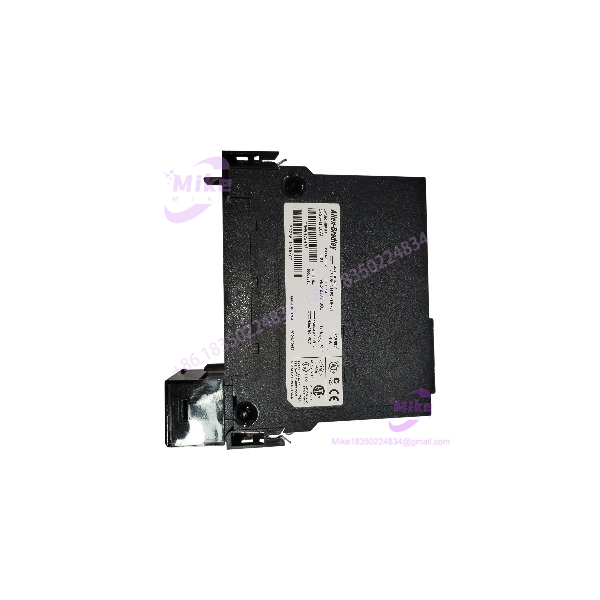
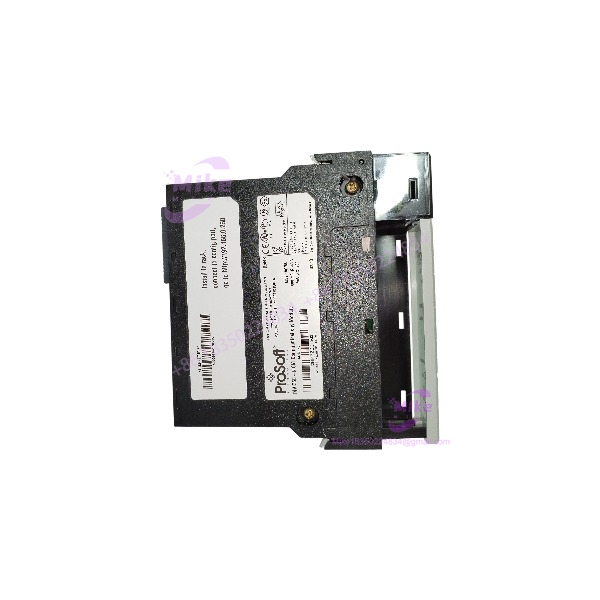
Description
ProSoft MVI56E-SIE | ControlLogix-to-Siemens Gateway, Fast Shipping
Architect’s Product Breakdown
The MVI56E-SIE solves one of the most common headaches in brownfield integration: you have a Rockwell ControlLogix running the plant, and a Siemens S7 island sitting in the middle of it — packaging line controls, legacy water treatment skids, OEM machinery nobody will let you touch. This module drops into a single 1756 chassis slot and speaks Siemens Industrial Ethernet natively. The ControlLogix processor becomes the Ethernet client; up to 20 Siemens S7-200, S7-300, S7-400, S7-1200, and S7-1500 PLCs operate as Ethernet servers. It handles the S7 protocol handshake, the database mapping, and the polling, then hands clean data to the processor across the backplane.
Data handling deserves a close look, because this is where projects succeed or die. The MVI56E-SIE maps up to 5000 user-definable 16-bit registers between the S7 side and ControlLogix controller memory. Commands are enabled or disabled from ladder logic, so one S7 CPU can serve different data sets for different applications without you reflashing the module config. Data transfer between processor and module uses supplied Add-On Instructions (AOIs) — clean, documented, and far less painful than the hand-rolled copy routines of a decade ago. On the Rockwell side the module is also CIPconnect-enabled, meaning you can route configuration and diagnostic traffic through 1756-ENxT or ControlNet bridges to reach a module buried in a remote chassis.
The “E” upgrade over the legacy MVI56-SIE matters in the field. The enhanced module carries a 10/100 Mbps Ethernet port with auto-crossover detection for configuration, diagnostics, and live data monitoring through ProSoft Configuration Builder (PCB). ProSoft Discovery Service (PDS) locates the module on the network and assigns a temporary IP — no serial cable, no guessing at addresses. And the Personality Module — an industrial-grade Compact Flash card — stores the entire network and module configuration. When a module dies, you swap the CF card into the replacement and you’re back online in minutes instead of rebuilding a 20-server database from scratch. That feature alone has saved entire shifts of downtime at plants that keep cold spares on the shelf. The 4-character alphanumeric LED display gives you module status, application status, and error codes without connecting anything.
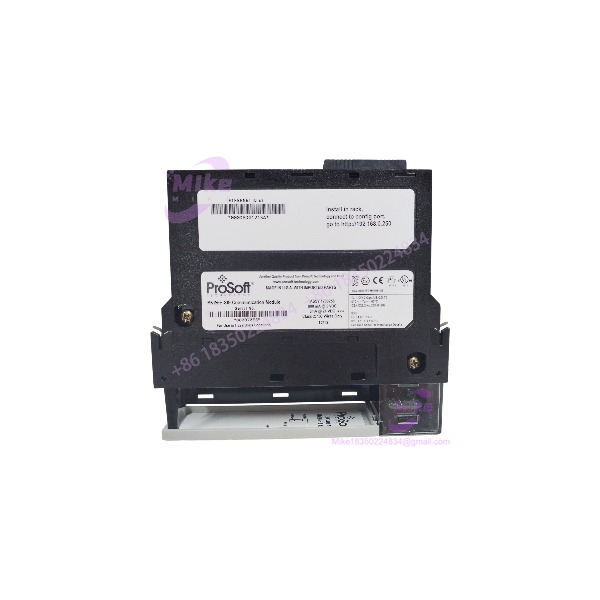
MVI56E-SIE
Key Technical Specifications
| Parameter | Specification |
|---|---|
| Part Number | MVI56E-SIE |
| Manufacturer | ProSoft Technology |
| Compatible Platform | Allen-Bradley ControlLogix (single 1756 chassis slot) |
| Protocol | Siemens Industrial Ethernet (S7), ControlLogix acting as Ethernet client |
| Supported Servers | Up to 20 PLCs: Siemens S7-200, S7-300, S7-400, S7-1200, S7-1500 |
| Data Registers | Up to 5000 user-definable 16-bit registers |
| Ethernet Port | 1× RJ45, 10/100 Mbps, auto-crossover detection |
| Configuration | ProSoft Configuration Builder (PCB); ProSoft Discovery Service (PDS) for IP assignment |
| Config Storage | Personality Module — non-volatile industrial CF card |
| Backplane Compatibility | 1756 ControlLogix; CIPconnect-enabled via 1756-ENxT / 1756-CNB routing |
| Status Indicators | 4-character alphanumeric scrolling LED; application/module status LEDs |
| Operating Temperature | 0°C to 60°C (32°F to 140°F) |
| Storage Temperature | ‘-40°C to 85°C (-40°F to 185°F) |
| Certifications | CE, RoHS |
| Included | 5-ft Ethernet cable, configuration tools on media |
Field Engineer’s Pitfall Guide
⚠️ The S7-1500 and S7-1200 access security wall will block you cold. Siemens ships newer CPUs with full access levels and firewall-style connection protection enabled by default in TIA Portal. Your MVI56E-SIE will ping fine and still get rejected on the S7 handshake. You must explicitly permit the module’s access in the CPU’s protection & security settings and enable PUT/GET communication. I’ve seen a commissioning crew lose two days assuming the module was faulty when the S7-1500 was simply refusing the connection by design. Test with the CPU’s protection fully open first, then lock it down incrementally.
⚠️ Check the module’s firmware against your S7 server types before rollout. Early MVI56E-SIE firmware supported S7-200/300/400 and 1200; full S7-1500 support arrived in later revisions. A module pulled from a 2016-era spares cabinet may need a firmware update through PCB before it will enumerate an S7-1500 at all. Verify the revision on the bench, in advance — never discover this during the outage window.
⚠️ Don’t underestimate scan-time impact of the 5000-register database. Every register you map is polled asynchronously across the backplane. If you map the full 5000 and hammer it with a fast poll rate on a loaded chassis, you can push backplane transfer latency to where process logic sees stale data. Map what you need. Also, the module is not hot-swap-friendly in practice: inserting or removing it with backplane power on can draw an electrical arc and crash the backplane — power down the chassis slot side per Rockwell practice, or accept the risk knowingly.
⚠️ Back up the Personality Module. The CF card holds your entire configuration. It’s industrial-grade, but it’s still flash memory. Copy the config file to your engineering server every time the database changes. One spilled cup of coffee into the wrong chassis gap, and you’ll be rebuilding the server list from memory — hopefully the plant documentation is better than most.
QA & Testing SOP (Transparency)
Every unit clears a documented four-stage process before shipping:
- Visual & Origin Check: OEM label, serial number, and ProSoft production records verified; enclosure inspected for mounting marks, RJ45 port wear, or reseal evidence. New surplus stock confirmed factory-sealed.
- Live Rack Test: Module installed in a 1756 ControlLogix test chassis with a known-good processor and minimum 30-minute powered burn-in; backplane enumeration and AOI data transfer confirmed.
- Functional Diagnostics: S7 communication tested against live S7-300 and S7-1200 test servers — cyclic read/write handshake, register mapping integrity, connection failover to secondary server. Ethernet config port verified with ProSoft Configuration Builder and Discovery Service; Personality Module read/write cycle confirmed.
- Documentation & Packing: Firmware revision and test results recorded on the unit certificate; Personality Module verified blank or as-specified; sealed in ESD-safe anti-static bag with conductive foam.
Technical FAQ
Q: Can I hot-swap the while the process is running?
No. Although the 1756 chassis supports hardware insertion/removal in principle, ProSoft’s own manual warns that inserting or removing the module with backplane power applied can cause an electrical arc. Beyond the hardware risk, the ControlLogix controller will fault the module slot and all 20 S7 server connections drop. Schedule the swap, and make sure the Personality Module CF card moves to the replacement first.
Q: Is this a direct replacement for the older MVI56-SIE?
Functionally yes. The is the enhanced successor to the discontinued MVI56-SIE — same S7 client role, same platform slot. The key upgrade is the built-in 10/100 Mbps Ethernet configuration/diagnostic port and the Personality Module CF card. Your configuration file carries over, but budget time to review it in ProSoft Configuration Builder rather than assuming a blind swap.
Q: Can it really talk to both an S7-300 and an S7-1500 on the same network?
Yes — the module supports a mixed server list of up to 20 PLCs spanning S7-200, S7-300, S7-400, S7-1200, and S7-1500. Two caveats: verify your module’s firmware revision includes S7-1500 support, and expect the S7-1500’s built-in access protection to require explicit configuration on the Siemens side before the connection will establish.
Q: Will I lose my configuration if the module loses power or dies?
Power loss alone, no — the configuration lives on the Personality Module CF card, which is non-volatile. Module death is a different story only if the CF card dies with it. That’s why the standard field practice is to copy the configuration file to PCB on your engineering laptop every time a change is made. A replacement module with your CF card inserted comes up configured in minutes.
Q: Does the ControlLogix processor or the module handle the S7 polling?
The module owns the polling. It acts as the Ethernet client, exchanges data with the S7 servers, and asynchronously transfers mapped register data to processor memory via the backplane using the supplied Add-On Instructions. The processor only enables/disables commands and consumes the data — which means S7 communication continues at the module’s pace regardless of your logic scan time, and the two are intentionally decoupled.