Description
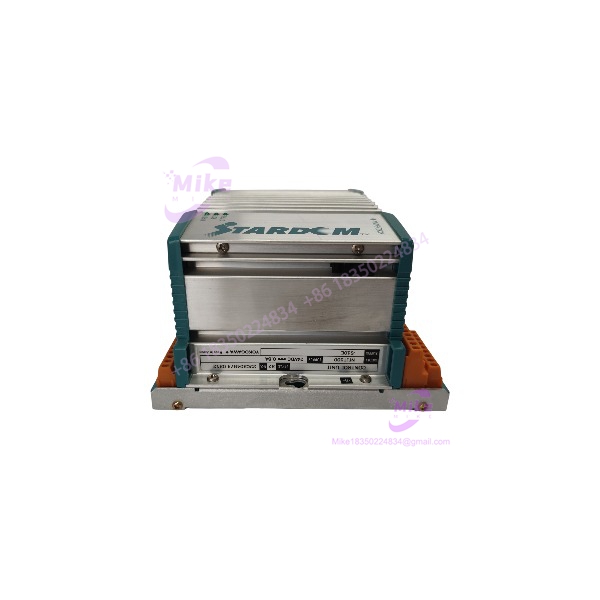
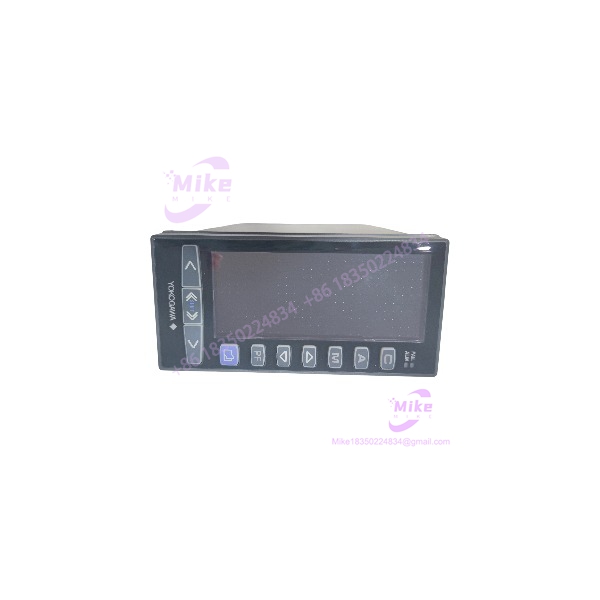
Yokogawa YS1700-100A06A31 | Single-Loop Controller In-Stock
Dynamic Product Introduction
Few things test a plant engineer’s patience like an intermittent single-loop controller failing on a critical boiler feed or chemical dosing line. The Yokogawa YS1700-100A06A31 stands out in process automation due to its dual-CPU architecture. While one microprocessor handles display routines and communication handshakes, an independent hardwired ASIC/CPU handles control loop execution. This structural separation ensures that even if the graphical interface crashes or freezes, control outputs continue updating without dropping the loop into an unsafe floating state.
In retrofit scenarios, control technicians lean heavily on the Yokogawa YS1700-100A06A31 because it matches legacy YS100 panel cutout dimensions while offering modern high-resolution display feedback. It accepts standard 4-20 mA and 1-5 VDC inputs directly, making it an immediate fix for aging analog stations. Swapping in a fresh unit resolves drift issues in control loops and gives operators clear trend visibility without requiring total panel re-engineering.
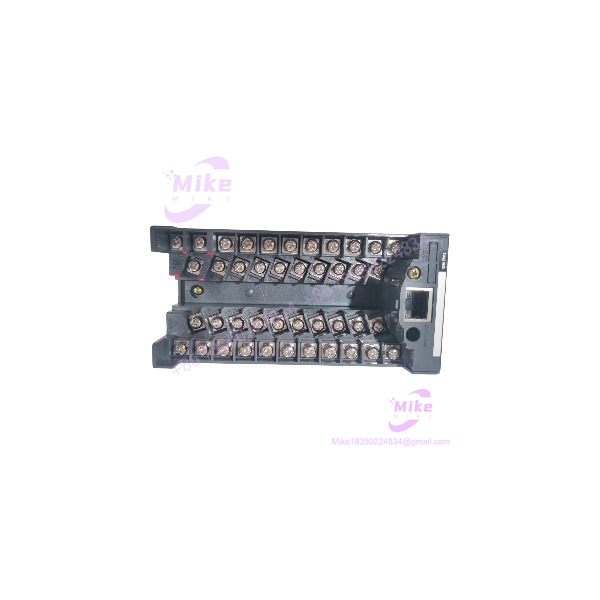
YS1700-100A06A31
Key Technical Specifications
- Model Designation: YS1700-100A06A31
- Manufacturer: Yokogawa
- Controller Type: Programmable Indicating Controller
- Power Supply Code (-100): 100 V AC to 240 V AC (50/60 Hz), 24 V DC option tolerant
- Direct Input Options (A06): Standard I/O allocation (1-5 V DC / 4-20 mA inputs, 4-20 mA outputs)
- Display Unit: Full-color 4.3-inch TFT LCD with adjustable backlighting
- Program Memory: Flash EEPROM with function block programming support
- Control Modes: PID, sample PI, batch PID, and auto-tuning functions
- Housing Protection: IP65 front panel water- and dust-tight rating
- Dimensions: 72 mm (W) × 144 mm (H) × 250 mm (D)
- Weight: ~1.6 kg
Global Sourcing & Live-Test SOP (Transparency Core)
Sourcing field instrumentation like the Yokogawa YS1700-100A06A31 requires methodical bench testing before deployment into live process loops. Every incoming controller passes through our multi-point quality assurance procedure:
- Inbound Verification: Serial numbers and suffix codes are validated against Yokogawa manufacturing records. We inspect the housing casing, front keypad membrane, and rear terminal blocks for signs of thermal fatigue or terminal thread stripping.
- Live Simulation: The Yokogawa YS1700-100A06A31 is mounted in a diagnostic bench fixture powered via an isolated AC line regulator.
- Diagnostics: Using calibrated 4-20 mA signal generators and Fluke process calibrators, we inject multi-step analog inputs across all channels to verify A/D conversion accuracy. Outputs are tied to decade load boxes to confirm loop driving capability under max resistive load. The unit runs continuously for 24 hours in an environmental test cell to confirm zero display flicker or thermal drift.
- Final Prep: Memory registers are reset to factory defaults, terminal screws are torque-checked, and the unit is wrapped in anti-static protective film before custom packaging.
The Field Engineer’s Pitfall Guide
- ❗ Suffix Code Misinterpretation: —though many units share the YS1700 prefix, trailing codes alter internal hardware options significantly. Installing a Yokogawa YS1700-100A06A31 where an isolated multi-point input variant was previously specified will leave you missing key field transmitter signals on terminal row B.
- ❗ Line Voltage Wiring Discrepancies: Connecting high-voltage AC mains to low-voltage DC auxiliary power terminals instantly destroys the primary switching transformer onboard. Always double-check your rear housing terminal diagram before applying line power to the 100-240 VAC supply pins.
- ❗ Auto/Manual Station Transfer Spikes: Splicing in a replacement unit without pre-configuring the initial output value can cause sudden valve movements upon startup. I’ve watched a refinery technician trip a main steam header because they switched a new controller into AUTO mode before balancing the PV/SV setpoints correctly.
Intent-Driven FAQ
Will I lose my custom function-block program if power to the Yokogawa YS1700-100A06A31 drops?
No. User control programs and configuration parameters are stored in non-volatile Flash EEPROM memory. Parameters remain retained indefinitely without requiring a backup battery.
Can I swap a Yokogawa YS1700-100A06A31 directly into an older YS170 panel slot?
Yes, the front panel footprint and mounting brackets are backward-compatible with legacy YS100 series cutouts. However, verify rear terminal pinout mapping if optional communication cards were installed on the legacy unit.
How do I troubleshoot an input signal error display on startup?
Check if the input type setting in the system configuration menu matches your field wiring (e.g., 1-5 V DC vs 4-20 mA across an external 250-ohm shunt resistor). An open-circuit loop or mismatched range setting triggers immediate burn-out alarm indicators on the display.
Does the Yokogawa YS1700-100A06A31 support outdoor installation?
The front face meets IP65 protection standards when installed with the original rubber gasket against a flat panel surface. However, an external weather-proof enclosure is strongly recommended for direct outdoor exposure to prevent UV degradation of the LCD screen.
What coverage is included with pre-tested surplus units?
Every verified Yokogawa YS1700-100A06A31 comes with a comprehensive 1-year replacement warranty. If the unit experiences hardware, display, or control logic failures under normal operating parameters, it is swapped directly from our inspected stock.