Description
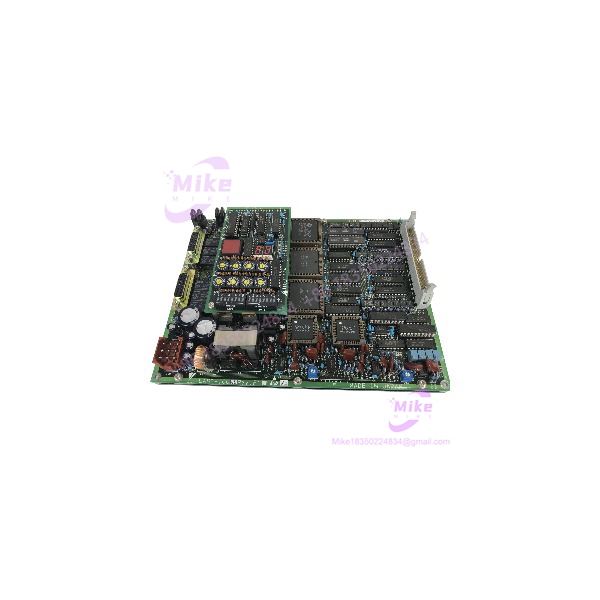
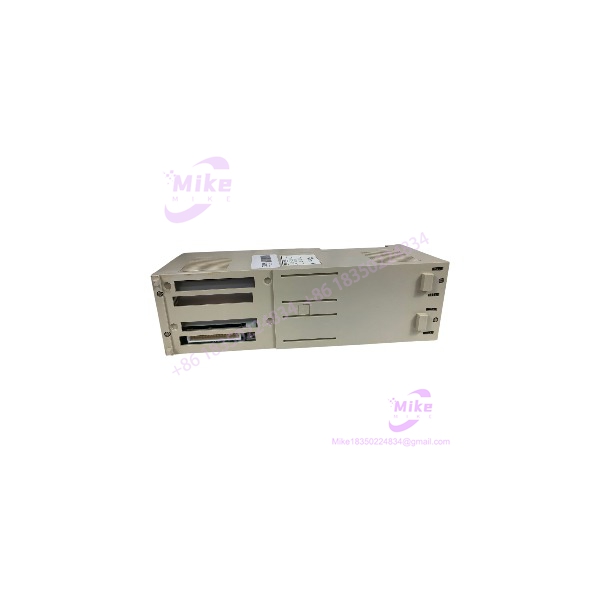
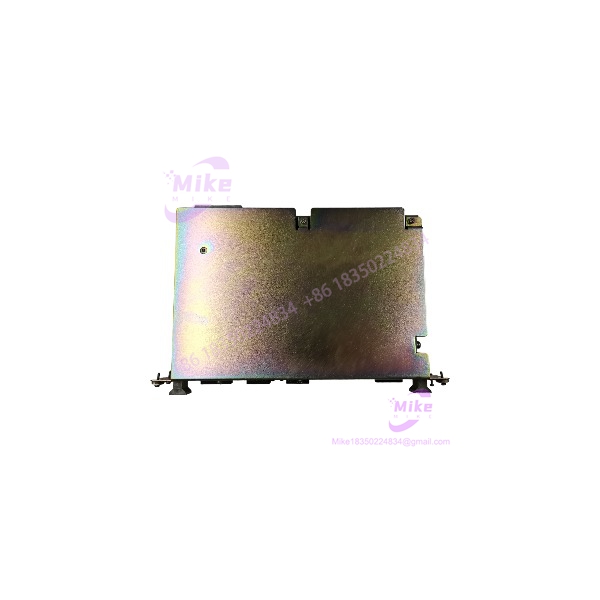
Yaskawa JZNC-XRK01D-1 | XRC Robot Controller CPU Rack
Product Introduction
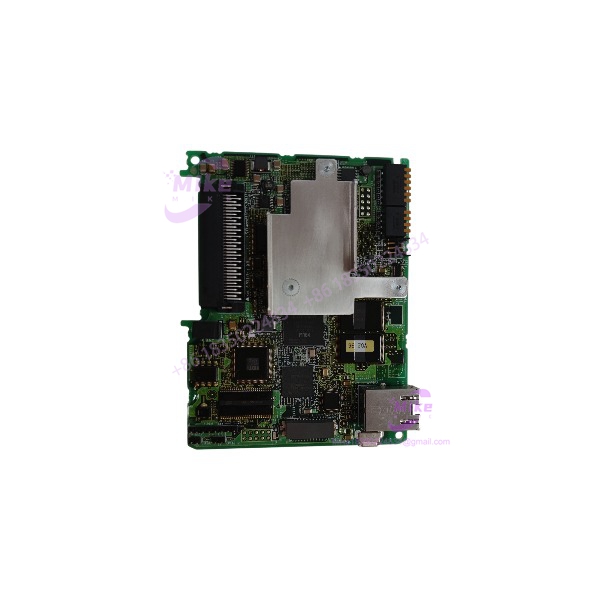
A failed controller rack can take an entire Motoman XRC robot cell out of service—even when the teach pendant, servo amplifiers, and robot mechanics remain usable. The Yaskawa JZNC-XRK01D-1 is a legacy YASNAC XRC robot controller CPU rack assembly, identified in supplier records with a CPS-150F control power supply and JANCD-XCP01C-1 system control board.
This is a rack-level controller assembly, not simply a bare CPU PCB. However, buyers should not assume every surplus listing contains an identical, fully populated rack. Confirm the included modules, installed board revisions, connectors, and nameplate ratings against the original controller. A rack that matches the catalog number but arrives with missing or mismatched internal hardware may not be a ready-to-install replacement.
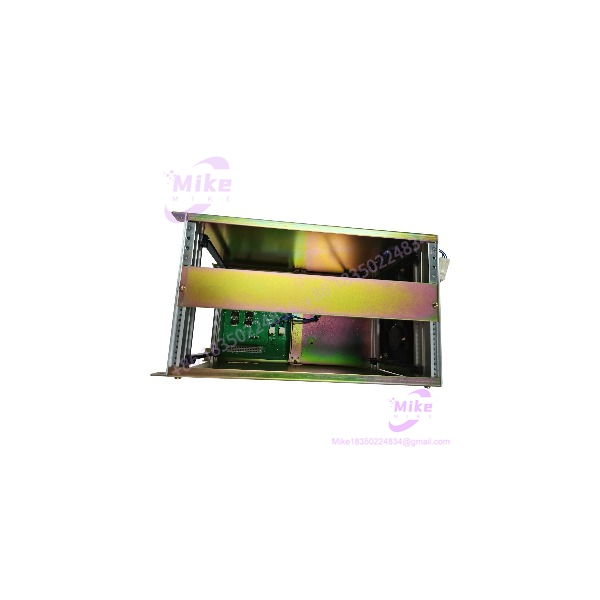
JZNC-XRK01D-1
Key Technical Specifications
- Model: JZNC-XRK01D-1
- Manufacturer: Yaskawa Electric / Motoman
- Controller Series: YASNAC XRC
- Assembly Type: Robot controller CPU rack
- Associated Power Supply: CPS-150F
- Associated System Control Board: JANCD-XCP01C-1
- Reported AC Input Voltage: 200–230 VAC
- Reported Frequency: 50/60 Hz
- Reported Current: 2.1 A
- Mounting Location: XRC controller cabinet
- Rack Function: Supports controller hardware and internal interconnections
- Installed Board Complement: Verify against the actual assembly
- Dimensions: Not independently verified for the complete JZNC-XRK01D-1 configuration
- Weight: Supplier listings vary; verify the shipped assembly’s weight
- Operating Temperature: Confirm from the applicable XRC controller documentation
- Lifecycle Status: Discontinued / legacy product
Specification note: The CPS-150F and JANCD-XCP01C-1 are associated with this rack in supplier descriptions. The exact installed configuration, electrical ratings, and completeness must be confirmed from the unit’s nameplate and physical inspection. Do not treat rack-level current information as a specification for an individual PCB.
Global Sourcing & Live-Test SOP
For a used or surplus JZNC-XRK01D-1, the rack’s internal configuration and controller-level operation determine its replacement value.
1. Incoming Verification
- Photograph the complete rack, front and rear, before disassembly.
- Confirm the JZNC-XRK01D-1 model marking.
- Record serial number, revision labels, and any secondary Yaskawa part numbers.
- Verify whether the CPS-150F power supply and JANCD-XCP01C-1 system control board are installed.
- Photograph each populated slot and connector position.
- Inspect the rack frame, backplane, card guides, mounting points, and connector interfaces.
- Check for corrosion, contamination, damaged traces, burned components, and previous repair work.
- Document missing boards, blanking plates, altered wiring, or non-original components.
- Compare the assembly with the original rack configuration before approving it for replacement.
2. Electrical and Physical Inspection
- Confirm the actual nameplate voltage and frequency before energizing.
- Inspect the AC input terminals, grounding points, and power-supply connections.
- Check the CPS-150F for visible damage, discoloration, or evidence of overheating.
- Inspect the JANCD-XCP01C-1 and other installed boards for damaged connectors or components.
- Check rack connectors and backplane interfaces for bent contacts or contamination.
- Use ESD-safe handling procedures when inspecting or removing circuit boards.
- Do not apply power until the correct wiring, grounding, and controller documentation have been verified.
3. Controller-Level Functional Test
A rack should not be represented as fully functional based only on visual inspection or power-supply output.
- Test using a compatible YASNAC XRC controller configuration.
- Verify that the installed power supply starts normally.
- Confirm system-control board recognition and expected startup behavior.
- Check for controller alarms or diagnostic faults.
- Verify communication with the associated XRC hardware using the approved maintenance procedure.
- Confirm that installed boards match the expected rack configuration.
- Record any faults, missing components, or restrictions that affect system use.
Do not claim robot-motion readiness unless the complete applicable control system has been tested under the manufacturer’s procedure.
4. Extended Run and Stability Check
Where suitable test equipment and a compatible controller are available, conduct an extended powered test.
Monitor:
- Power-supply stability
- Controller startup and recognition
- System-control board operation
- Rack and backplane connection stability
- Unexpected resets or alarms
- Abnormal heating or intermittent faults
Record the test duration, installed board complement, applied supply conditions, and observed diagnostic results. A successful power-up alone does not establish complete controller functionality.
5. Final Preparation and Shipment
- Record the exact rack model and installed component list.
- Photograph all populated slots and external connectors.
- Document the inspection and test status accurately.
- Preserve configuration labels and customer-specific identification.
- Protect exposed connectors and circuit boards from impact and ESD.
- Use suitable industrial packaging to prevent rack movement during transit.
- Clearly identify missing modules or configuration differences.
- Do not advertise a warranty or complete-system test unless supported by the seller’s actual terms and records.
Field Engineer’s Pitfall Guide
❗ Do not assume every arrives fully populated
The rack is associated with the CPS-150F and JANCD-XCP01C-1, but the contents of a surplus unit must be verified individually. Request internal photos and a component inventory before purchase.
❗ Do not confuse rack input ratings with individual board ratings
Supplier records report 200–230 VAC, 50/60 Hz, and 2.1 A for the controller assembly. These figures should not be applied to individual boards or substitute power supplies without the applicable Yaskawa documentation and nameplate confirmation.
❗ A matching rack number does not guarantee a compatible XRC configuration
Controller hardware, board revisions, and installed modules can differ between systems. Confirm the original rack’s configuration and controller model before swapping assemblies. Treat the replacement as a power-off maintenance operation unless the manufacturer’s procedure explicitly states otherwise.
Intent-Driven FAQ
What is the Yaskawa ?
The is a Yaskawa Motoman YASNAC XRC robot controller CPU rack assembly. Supplier references associate it with a power supply and system control board.
Is the a standalone CPU board?
No. It is identified as a controller rack assembly. Its installed components and completeness must be confirmed before treating it as a complete controller replacement.
What is the input voltage of the ?
Supplier records report 200–230 VAC at 50/60 Hz, with a 2.1 A current rating. Confirm the actual rack nameplate and power-supply configuration before connecting it.
Which components are associated with this rack?
Supplier descriptions associate the with the control power supply and system control board. Verify that both are physically installed in the offered unit.
Can I replace a JZNC-XRK01C-1 with a ?
Do not assume direct interchangeability. Supplier references distinguish the two rack variants by their associated system-control board configurations. Compare the complete original rack configuration, board numbers, and XRC controller documentation before substitution.
Is the obsolete?
Yes. Supplier lifecycle records identify the as discontinued. Sourcing is generally through legacy spare-parts inventory, repair, or exchange channels. Verify current support availability with Yaskawa or a qualified service provider.
What should I verify before buying a ?
Confirm the complete part number, rack contents, and presence, nameplate ratings, connector condition, controller compatibility, and seller’s test status. For a production robot, request evidence of testing in a compatible XRC environment.
Bottom Line for Buyers
The is a discontinued YASNAC XRC robot controller CPU rack assembly associated with the power supply and system control board. It should be sourced as a configuration-specific controller assembly—not as a generic rack or interchangeable CPU carrier.
For procurement, request photos of the nameplate, internal boards, and connectors. Confirm the complete rack configuration against the original XRC controller and treat the unit as untested unless documented functional results are available.