

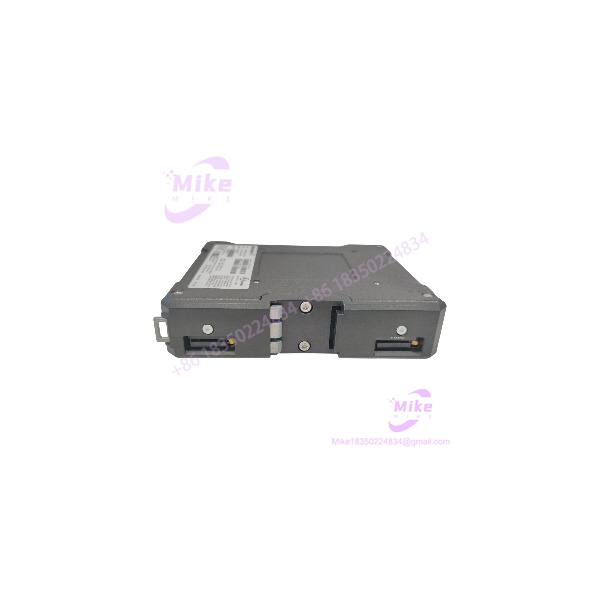
Description
Weidmüller IE-SR-2GT-LAN-FN | Industrial Security Router
Product Introduction
When an industrial network needs controlled communication between segments, a standard Ethernet switch may not provide the routing and firewall functions required by the application. The Weidmüller IE-SR-2GT-LAN-FN is an industrial security router designed for network separation, IPv4 routing, NAT, and transparent bridging in industrial Ethernet environments.
The IE-SR-2GT-LAN-FN combines two Gigabit RJ45 ports with configurable firewall and network-management functions. It supports Modbus/TCP status queries, ICMP-based client monitoring with alarm functionality, and remote packet capture for network diagnostics. Since Weidmüller has discontinued this model, maintenance teams sourcing a replacement should verify the exact order number, existing configuration, and compatibility of any proposed successor before installation.
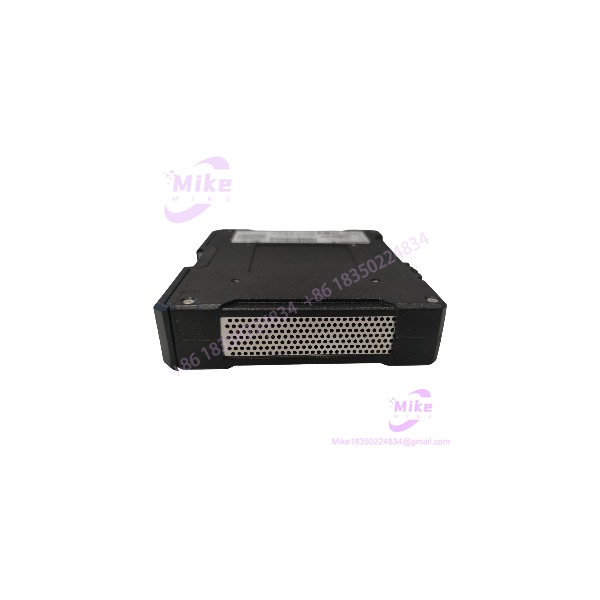
IE-SR-2GT-LAN-FN
Key Technical Specifications
- Manufacturer: Weidmüller
- Model: IE-SR-2GT-LAN-FN
- OEM Order Number: 1489940000
- GTIN: 4050118299533
- Device Category: Industrial Security/NAT Router
- Ethernet Ports: 2 × RJ45 10/100/1000BASE-T(X)
- Port Negotiation: Auto-negotiation
- Duplex: Full- or half-duplex
- MDI/MDI-X: Auto MDI/MDI-X
- Routing: IPv4 Layer 3 routing
- Firewall: Stateful Packet Inspection (SPI)
- NAT Functions: NAT masquerading, 1:1 NAT, and port forwarding
- Filtering: Layer 2/3 filtering, including VLAN ID, VLAN QoS tag, MAC address, and EtherType
- Transparent Bridge Mode: Two-port Layer 2 bridge with additional filtering
- Network Management: Web interface via HTTP/HTTPS; SNMP v1/v2/v3; event log/syslog
- Network Services: DHCP server/relay, DNS relay, NTP client, and DynDNS
- Diagnostics: Remote capture for network analysis using a connected PC and Wireshark
- Modbus/TCP: Integrated server for status queries
- Client Monitoring: ICMP monitoring with configurable alarm functionality
- Digital Input: CUT function physically disconnects the WAN port (24 V input)
- Digital Output: Configurable alarm indication (24 V output)
- Configuration Backup: Smart Card (ID-000 format) slot for saving/restoring configuration
- USB Interface: USB 2.0 for firmware update or configuration restoration
- Supply Voltage: 7–36 VDC
- Nominal Supply: 24 VDC
- Current Consumption: 0.6 A at 24 VDC
- Operating Temperature: -20°C to 70°C (-4°F to 158°F)
- Storage Temperature: -20°C to 85°C (-4°F to 185°F)
- Protection Rating: IP20
- Housing Material: Die-cast aluminum
- Dimensions (H × W × D): 170 × 35 × 140 mm
- Net Weight: 700 g
- MTBF: Minimum 135,270 hours, per manufacturer catalog data
- Mounting: DIN rail or VESA 75
Specifications are based on Weidmüller’s product catalog and datasheet for order number 1489940000. Confirm the nameplate and hardware condition of the actual unit before treating these values as a unit-specific acceptance record.
Global Sourcing & Live-Test SOP
For a discontinued industrial router, a successful power-on is only the first checkpoint. The unit must also be suitable for the intended routing, firewall, and control-network configuration.
Incoming Verification
- Confirm the full model designation: IE-SR-2GT-LAN-FN.
- Verify OEM order number 1489940000 against the purchase order.
- Photograph the nameplate, serial number, and visible hardware markings.
- Inspect both RJ45 ports, power terminals, USB port, smart-card slot, mounting features, and enclosure.
- Check for corrosion, damaged connectors, impact marks, or evidence of overheating.
- Record included accessories separately.
Authenticity & Traceability
- Compare the model and order number with Weidmüller documentation.
- Review available serial, label, and supplier records.
- Flag inconsistent or missing identification for further review.
- Do not claim factory-sealed or unused condition without supporting evidence.
Power-On & Hardware Diagnostics
- Verify the DC supply is within the documented input range.
- Inspect polarity, grounding, and terminal condition before energizing.
- Confirm startup behavior and review status/fault indicators.
- Where available, establish access through the management interface.
- Record diagnostic results and any abnormal behavior.
Ethernet & Network Verification
- Test both RJ45 interfaces using a controlled Ethernet setup.
- Verify link negotiation at supported speeds.
- Confirm access to the web-management interface.
- Where practical, test transparent bridge operation in an isolated network.
- Validate routing and NAT behavior using a controlled test configuration.
- Do not connect an unverified surplus router directly to a live control network.
Configuration & Firmware Record
- Record the installed firmware version and current configuration state.
- Determine whether credentials are available and whether a reset is required.
- Do not factory-reset a unit until the existing configuration has been backed up or its preservation requirements are understood.
- Verify firewall rules, NAT mappings, IP addressing, and monitoring/alarm behavior against the intended application.
- If using a smart card for configuration transfer, confirm that the card and configuration are compatible with the target device.
Extended Run & Packaging
- Perform an extended operating test only when an appropriate test setup is available.
- Record actual test duration, link status, diagnostics, and observed faults.
- Protect Ethernet ports, terminals, and exposed interfaces during shipment.
- Use anti-static and impact-resistant packaging.
- Include available inspection and test documentation.
Procurement note: Stock condition, firmware, configuration, accessories, testing history, warranty, and return terms are seller-specific. Confirm these details against the actual item before purchase.
Field Engineer’s Pitfall Guide
❗ Do not treat the IE-SR-2GT-LAN-FN as a basic unmanaged switch. It is a configurable security/NAT router with routing, firewall, and bridge modes. Replacing it with a standard Layer 2 switch may remove network segmentation or firewall behavior relied upon by the application.
❗ Verify the successor before planning a migration. Weidmüller lists 2873910000 as an alternative product for the discontinued 1489940000. An alternative product number is not proof of a drop-in replacement. Confirm port functions, firmware, configuration migration, and required security features with the OEM documentation.
❗ Do not reset or reconfigure a live-network spare casually. Firewall rules, NAT mappings, routing, and interface roles can be essential to communication between PLCs, HMIs, and supervisory systems. Back up the configuration and validate the replacement offline before connecting it to production equipment.
Intent-Driven FAQ
Q1: What is the Weidmüller IE-SR-2GT-LAN-FN?
It is an industrial security/NAT router with two Gigabit RJ45 ports, IPv4 routing, SPI firewall, and transparent bridge capabilities.
Q2: What is the OEM order number?
The Weidmüller order number is 1489940000. Verify this number against the nameplate when sourcing a replacement.
Q3: Is the IE-SR-2GT-LAN-FN discontinued?
Yes. Weidmüller lists the model as discontinued and identifies 2873910000 as an alternative product. Confirm current availability and migration requirements with the manufacturer or authorized channel.
Q4: Does this router support Modbus/TCP?
Yes. The product includes an integrated Modbus/TCP server for status queries. This should not be interpreted as a general-purpose Modbus gateway without reviewing the intended application and documentation.
Q5: Can it be used as a transparent Ethernet bridge?
Yes. The documented bridge mode operates as a two-port Layer 2 switch with additional filtering. Validate the required filtering and forwarding behavior before using it in an existing control network.
Q6: Does the router store its configuration?
The unit supports configuration save/restore using an ID-000-format smart card and can also restore configuration via USB. Confirm the presence of the card or other accessories in the specific offer.
Q7: What should I verify before purchasing a surplus IE-SR-2GT-LAN-FN?
Confirm the full model and order number, physical condition, power-on status, firmware, credentials/reset state, port functionality, configuration availability, included accessories, test documentation, warranty, and return terms.





