


Description
Beckhoff CP7002-0001-0010 | Built-in Control Panel PC
Dynamic Product Introduction
Modern automation cells require clean, operator-friendly human-machine interfaces (HMIs) that integrate visualization and computing power directly into the cabinet door. When legacy panel PCs experience backlight failure, touch digitizer drift, or motherboard degradation, installing a verified Beckhoff CP7002-0001-0010 workstation restores absolute clarity and system responsiveness to the operator station.
Unlike generic commercial displays, this dedicated industrial PC is engineered natively for TwinCAT automation environments, delivering rugged dependability in high-vibration shop floor settings. Deploying a fresh CP7002 unit ensures crisp graphics, responsive touch feedback, and seamless integration with distributed control networks.
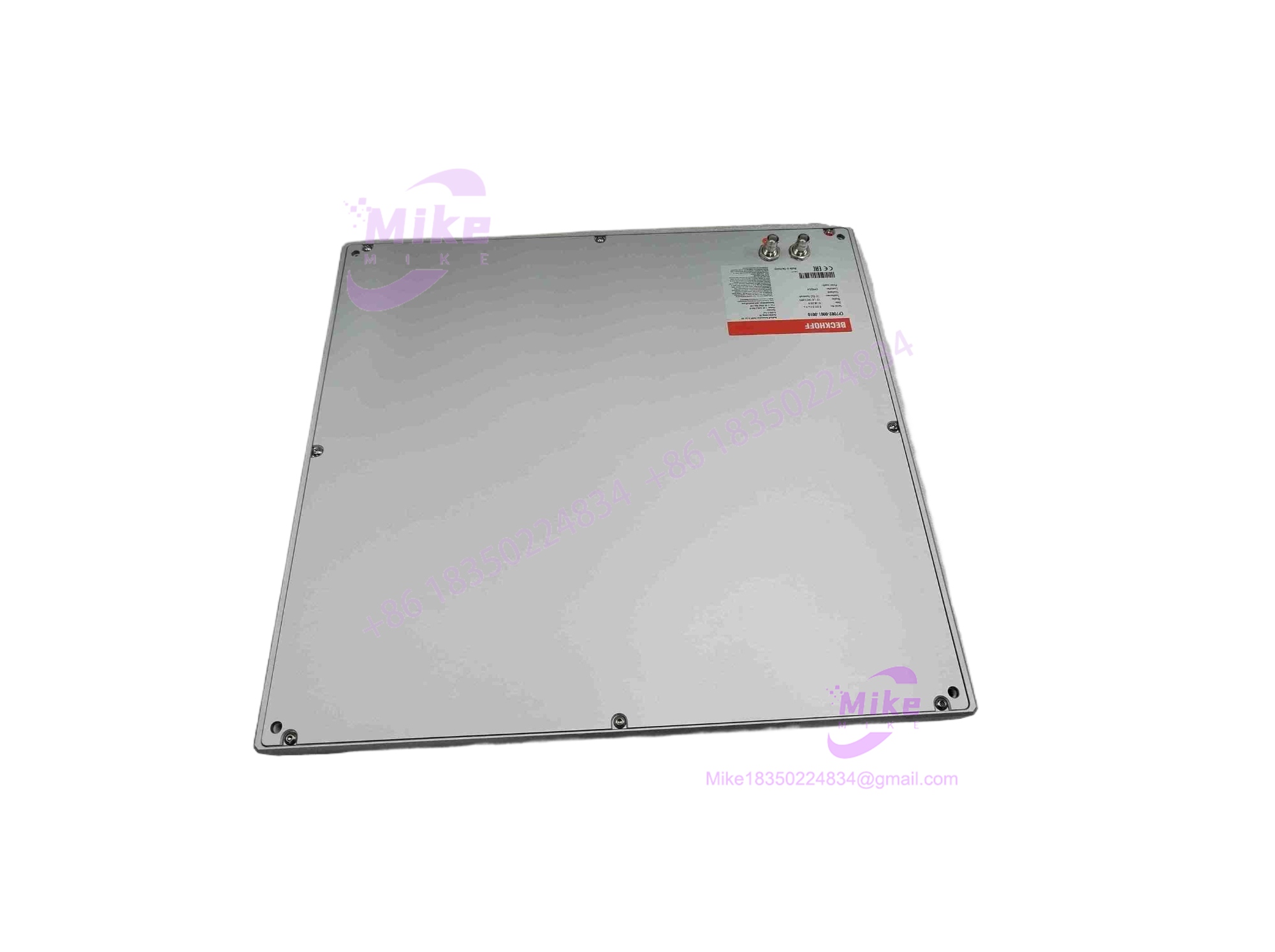
CP7002-0001-0010
Key Technical Specifications
| Core Parameter | Technical Specification |
| Product Model | CP7002-0001-0010 (CP7000 Series) |
| Manufacturer | Beckhoff Automation |
| System Classification | Built-in Industrial Panel PC / HMI Workstation |
| Display Type | Industrial TFT LCD color monitor with touch screen |
| Processor Architecture | Embedded x86/RISC industrial computing core |
| Operating System Support | Compatible with Windows Embedded / Windows CE / TwinCAT runtime environments |
| Communication Ports | Industrial Ethernet, USB, and serial interface options |
| Mounting Style | Built-in panel mount (cabinet door / console integration) |
| Operating Temperature | 0°C to +55°C industrial cabinet threshold |
| Enclosure Protection | IP65 front-panel protection rating against dust and water jets |
Global Sourcing & Live-Test SOP (Transparency Core)
Acquiring legacy or surplus industrial panel PCs through secondary markets requires an exhaustive verification workflow to guarantee display longevity and board-level stability.
- Inbound Verification: Incoming CP7002 batches undergo high-magnification optical inspection of LCD pixel matrix health, touch-screen digitizer response, and backplane connector pins.
- Live Simulation: Technicians mount the panel onto a dedicated test bench energized by regulated DC power supplies to verify BIOS boot-up sequences and operating system handshakes.
- Diagnostics: Engineers execute full-scale touch calibration sweeps, display burn-in tests, and communication port data transmission tests over a 24-hour thermal soak run.
- Final Prep: Units receive comprehensive revision logging, static-dissipative wrapping, and custom foam-lined vacuum sealing inside heavy-gauge moisture-barrier packaging.
The Field Engineer’s Pitfall Guide
❗ Panel Gasket Sealing Omissions: Failing to inspect or properly seat the front panel IP65 rubber gasket during installation can allow coolant or washdown moisture to seep inside the cabinet door. I’ve seen technicians ruin a fresh panel PC simply because they ignored the perimeter sealing groove.
❗ Improper Touch Screen Calibration: Replacing a display unit without verifying proper multi-point touch driver configuration can lead to cursor offset issues during operator interaction. Always back up touch controller profiles prior to system swapping.
❗ Inadequate Ventilation Clearance: Mounting the CP7002 inside a tightly sealed enclosure without accounting for internal heat dissipation can cause thermal throttling of the embedded CPU board. Always maintain manufacturer-recommended spacing clearances.
Intent-Driven FAQ
Will swapping this panel PC erase my visualization software or HMI project?
HMI project files, TwinCAT configurations, and operating system images are typically stored on a removable CompactFlash card, CFast card, or internal hard storage drive. Swapping the base panel hardware while retaining your original storage media preserves your application software, provided hardware revisions align.
Are these units original factory sealed or surplus stock?
Sourced inventory pools span both original factory-sealed packaging and fully certified, tested surplus hardware. Every single unit undergoes rigorous bench-level display and processing validation prior to dispatch.
Can this panel PC run standard TwinCAT automation software?
Yes, the CP7000 series is purpose-built to operate seamlessly within Beckhoff’s TwinCAT software ecosystem for real-time control and visualization.
What tools are required to mount this unit into a cabinet door?
Panel mounting requires standard hand tools to secure the integrated tension clamps evenly around the cut-out perimeter, ensuring a tight, weather-sealed fit against the enclosure wall.
What kind of warranty accompanies a replacement panel PC?
All supplied units carry a comprehensive 1-year operational warranty covering display backlighting health, touch digitizer responsiveness, and motherboard stability.
Are you integrating this panel PC into a new machine operator console or replacing a failed unit on an existing production line?





