


Description
Parker 8903-AI-00 | AC890 High-Resolution Analog Input Module
Architect’s Product Breakdown
The Parker 8903-AI-00 functions as an advanced input/output and feedback option card designed specifically for the AC890 series of variable frequency drives (standalone and common bus systems). It provides a dedicated, high-resolution (-10V to +10V) optically isolated analog input with 15-bit plus sign resolution, allowing extremely fast response times when utilized directly as a speed setpoint or internal control variable.
In addition to the high-precision analog channel, the module features decoding logic and physical terminals for incremental encoders (RS422/RS485 compatible), supporting both encoder input tracking and encoder retransmission output. This dual functionality makes it an essential hardware addition for closed-loop motion control applications requiring precise position or speed feedback coupled with clean analog scaling.
Integration requires slot-mounting the card directly into the designated option port of an AC890 drive control board running compatible firmware, followed by configuring the tag parameters via Parker’s DSE (Drives System Explorer) software suite.
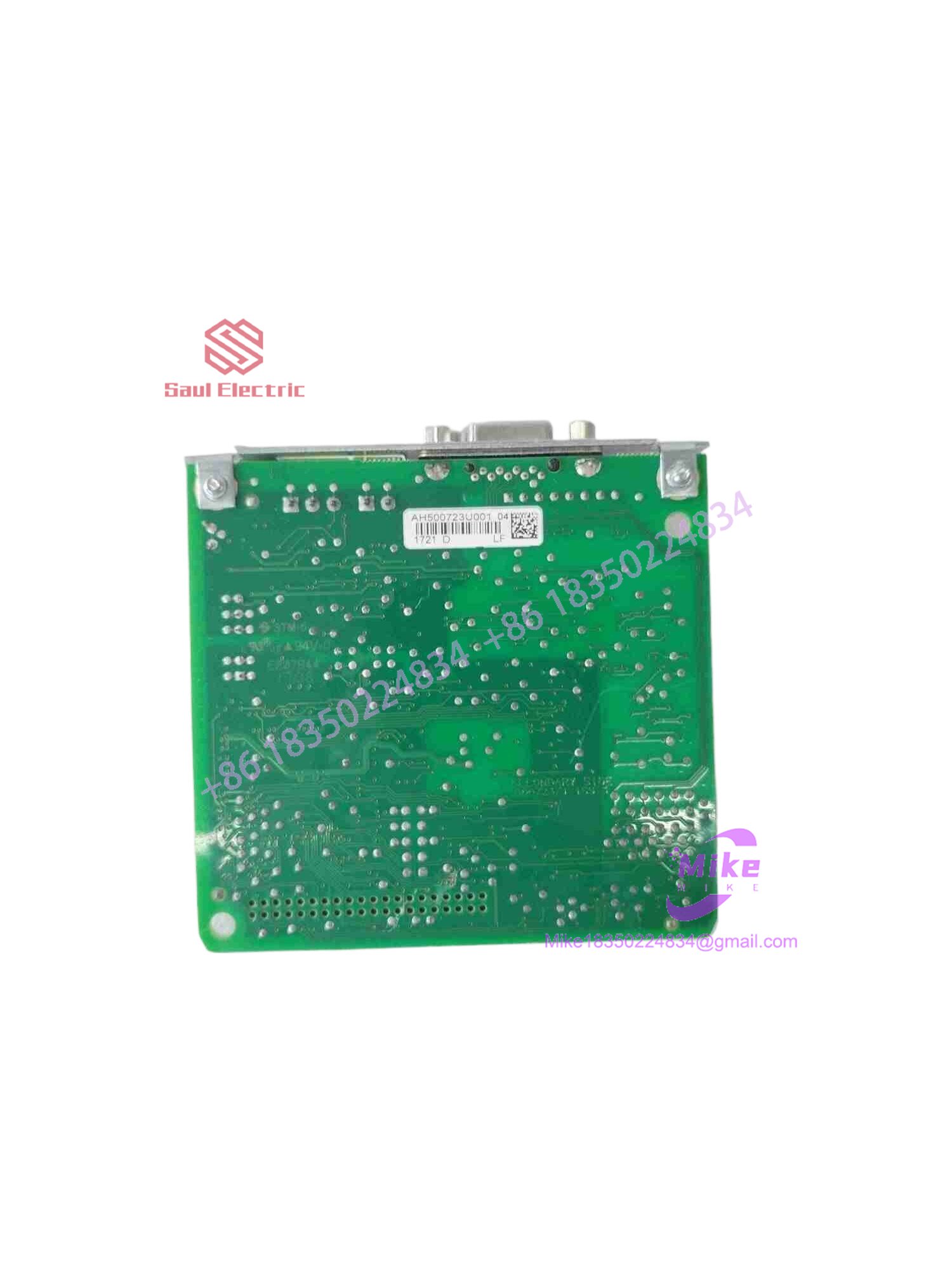
8903-AI-00
Key Technical Specifications
| Parameter | Technical Specification |
| Compatible Drive Series | Parker / SSD Drives AC890 Series (Standalone & Common Bus) |
| Analog Input Type | Single high-resolution, optically isolated channel (-10V to +10V) |
| Analog Resolution | 15 bits plus sign |
| Encoder Interface | Incremental encoder input and output (RS422 / RS485 compatible) |
| Operating Voltage Supply | 5V to 24V auxiliary encoder supply range |
| Firmware Compatibility | AC890 Firmware Version 2.5 and onward / Version 3.5 onward |
| Operating Temperature | 0°C to +45°C (+32°F to +113°F) typical drive-integrated range |
| Physical Weight | ~0.3 kg (0.66 lbs) |
Field Engineer’s Pitfall Guide
- WARNING: Firmware Version Mismatch. Installing the 8903-AI-00 module on an AC890 drive running obsolete firmware can result in unrecognized option faults or communication timeouts. Verify drive firmware version compatibility prior to installation.
- WARNING: Live Slot Insertion. Never plug or unplug the 8903-AI-00 expansion card into the drive control slot while the unit is powered on. Doing so risks latching internal bus errors or destroying sensitive board-level transceivers.
- WARNING: Encoder Ground Loop Induction. Failing to properly drain encoder cable overall shields to the designated chassis ground clamp can introduce severe electrical noise into the differential RS422 lines, causing erratic position feedback.
QA & Testing SOP (Transparency)
- Visual & Origin Verification: Detailed physical inspection of factory part numbering tags, connector pin alignment, board laminate integrity, and component soldering cleanliness.
- Bench Power & Slot Handshake: The module is inserted into an isolated test chassis, powered via a regulated supply, and verified to ensure the drive successfully recognizes the option card during boot self-tests.
- Signal & Encoder Simulation: Technicians apply calibrated DC voltage sweeps to the analog channel to verify 15-bit conversion linearity, while pulse generators exercise the encoder input/output loops to validate tracking accuracy.
- Final Packaging: Non-volatile states are cleared, and the option card is sealed inside an anti-static moisture-barrier bag before being crated within high-density industrial foam containers.
Technical FAQ
Can I hot-swap this option card while the drive is energized?
No. Inserting or removing the 8903-AI-00 module while control or main power is active will cause a trip event and can permanently damage the option port interface. Always isolate power completely before servicing.
What software is required to configure the 8903-AI-00 parameters?
Yes, specialized software is required. You must use Parker’s DSE (Drives System Explorer) software utility connected via the drive’s serial or USB port to configure scaling blocks, map analog inputs, and set encoder parameters.
Are configuration settings stored on the module or the drive?
Configuration settings and function block linkages associated with the option card are saved within the main drive’s non-volatile memory structure during parameter saves.
What causes an encoder trip fault after installing the module?
An encoder trip typically points to incorrect encoder supply voltage selection (e.g., mismatch between 5V and 12/24V encoder specs), incorrect wiring of A/B/Z channels, or broken differential signal lines causing pulse loss.





