


Description
Cameron AAP3798102-00037 | Universal Compressor HMI Display Unit
Dynamic Product Introduction
Fading display backlights or unresponsive touch overlays on a compressor control panel can blind operators right when an urgent process adjustment is needed. The Cameron AAP3798102-00037 User Interface Module drives the front-line visualization for Maestro™-managed compressor trains, handling everything from real-time suction pressure readouts to historical trip logs.
Honestly, while swapping out an operator interface feels like a simple plug-and-play task, failing to match the internal firmware or network node address can leave your display locked out from the main logic processor—always verify your project configuration files before mounting a replacement panel.
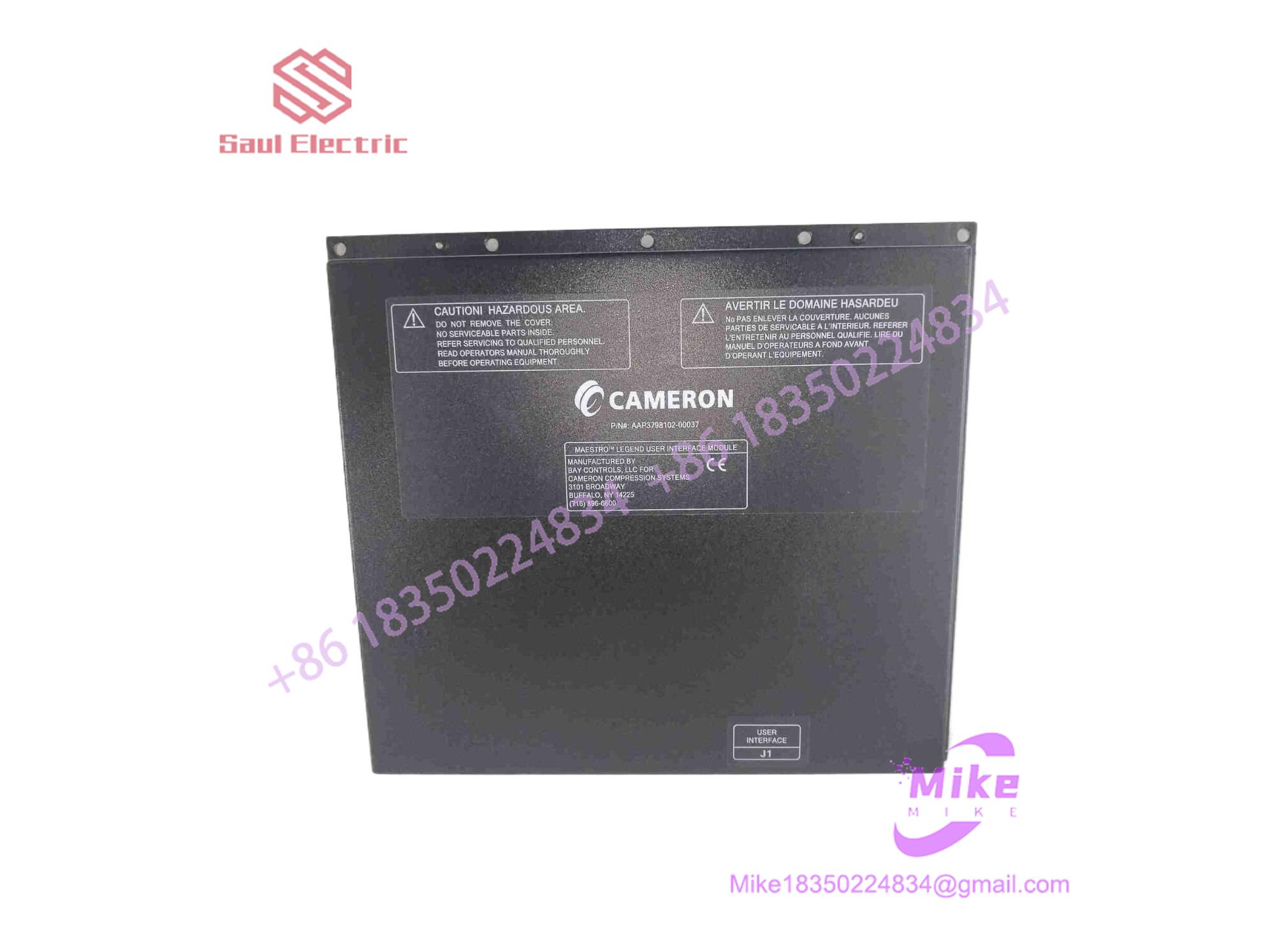
AAP3798102-00037
Key Technical Specifications
| Parameter | Specification Detail |
| Display Type | 10.4-inch Industrial LCD Panel |
| Input Method | Integrated Membrane Keypad / Touch Overlay |
| Operating System Platform | Maestro™ Legend / Universal Controller Firmware |
| Communication Ports | 100/1000M Ethernet (Modbus TCP), RS-485 Serial Port |
| Operating Voltage | 24VDC Panel Supply |
| Enclosure Rating | NEMA 4X / IP65 front-face when properly gasketed |
| Operating Temp Range | 0°C to 55°C |
| Mounting Type | Cabinet Door / Flush Panel Mount |
Global Sourcing & Live-Test SOP
Sourcing legacy HMI panels requires a careful evaluation of both display longevity and tactile membrane integrity. Our surplus verification protocol ensures immediate field reliability:
- Inbound Verification: We inspect the front membrane keypads for micro-cracking, adhesive fatigue, or wear. Serial numbers are authenticated against original Cameron assembly logs.
- Live Simulation: The UIM is powered up on a dedicated Maestro™ test bench connected to an active processor node. We verify that the backlight inverter holds stable and that the display controller boots without graphics corruption or dead pixel zones.
- Diagnostics: We test every tactile button and touchscreen coordinate matrix to ensure zero phantom inputs. Communication ports are flooded with Modbus polling loops to confirm zero packet loss across the Ethernet and serial layers.
- Final Prep: Once cleared, the unit face is sanitized, protected with anti-scratch film, and sealed in heavy electrostatic shielding bags.
The Field Engineer’s Pitfall Guide
❗ IP Address Configuration Conflicts: Swapping a panel without updating its network configuration will result in a permanent “Communication Timeout” error on the main display. Always pull the active IP configuration from the old unit or re-flash it using the configuration tool before tying it into the plant network.
❗ Gasket Compression Failures: When mounting a replacement UIM into a cabinet door, technicians often over-torque the retaining clips, warping the bezel and compromising the NEMA seal. In high-humidity compressor skids, this mistake lets moisture bleed right behind the LCD screen, destroying the driver board within months.
❗ Firmware Version Mismatches: If the UIM firmware version is older than the main logic module’s build, critical parameter screens may fail to load correctly or display garbled register tags during startup sequences.
Intent-Driven FAQ
Will replacing the AAP3798102-00037 wipe out my compressor configuration settings?
No. The core control logic, safety interlocks, and calibration setpoints reside on the main logic processor (MLM), not the operator interface panel. Swapping the UIM only changes the visualization layer.
Can I upgrade an older monochrome Maestro screen to this color UIM model?
Generally, display upgrades require a matching firmware flash on the central controller and sometimes a system configuration update. Always consult your integrator to verify software compatibility before cross-platform swaps.
Is the screen assembly hot-swappable?
While you can safely disconnect communication and power cables without cutting main compressor power, shutting down the panel supply is strongly recommended to prevent electrical spikes on the serial transceiver chips.
What causes the backlight to fail on these units?
Aging CCFL or early LED backlights degrade due to continuous vibration and ambient heat inside the control cabinet. If your screen is running dark but the compressor is still functioning normally, the display inverter or backlight assembly is failing.
What warranty is provided with surplus AAP3798102-00037 units?
Every unit delivered from our inventory includes a standard 12-month operational warranty covering display clarity, touchscreen response, and port communication stability.





