


Description
Black Box ACR1000A-R2 | ServSwitch Agility DVI-D KVM Receiver
Dynamic Project Introduction
Managing critical computing hardware from secure server rooms while maintaining a zero-latency, pixel-perfect desktop experience requires robust IP-based extension technology. The Black Box ServSwitch Agility ACR1000A-R2 receiver handles this exact requirement, translating high-definition DVI video, USB peripherals, audio, and serial signals sent over standard Gigabit local area networks.
Whether deployed as a simple point-to-point extender link or integrated into a full IP-based KVM matrix switching system using an iPath controller, this hardware provides reliable performance. Maintaining command-and-control operations relies on matching exact firmware versions and ensuring network switches support IGMP snooping to prevent multicast traffic congestion.
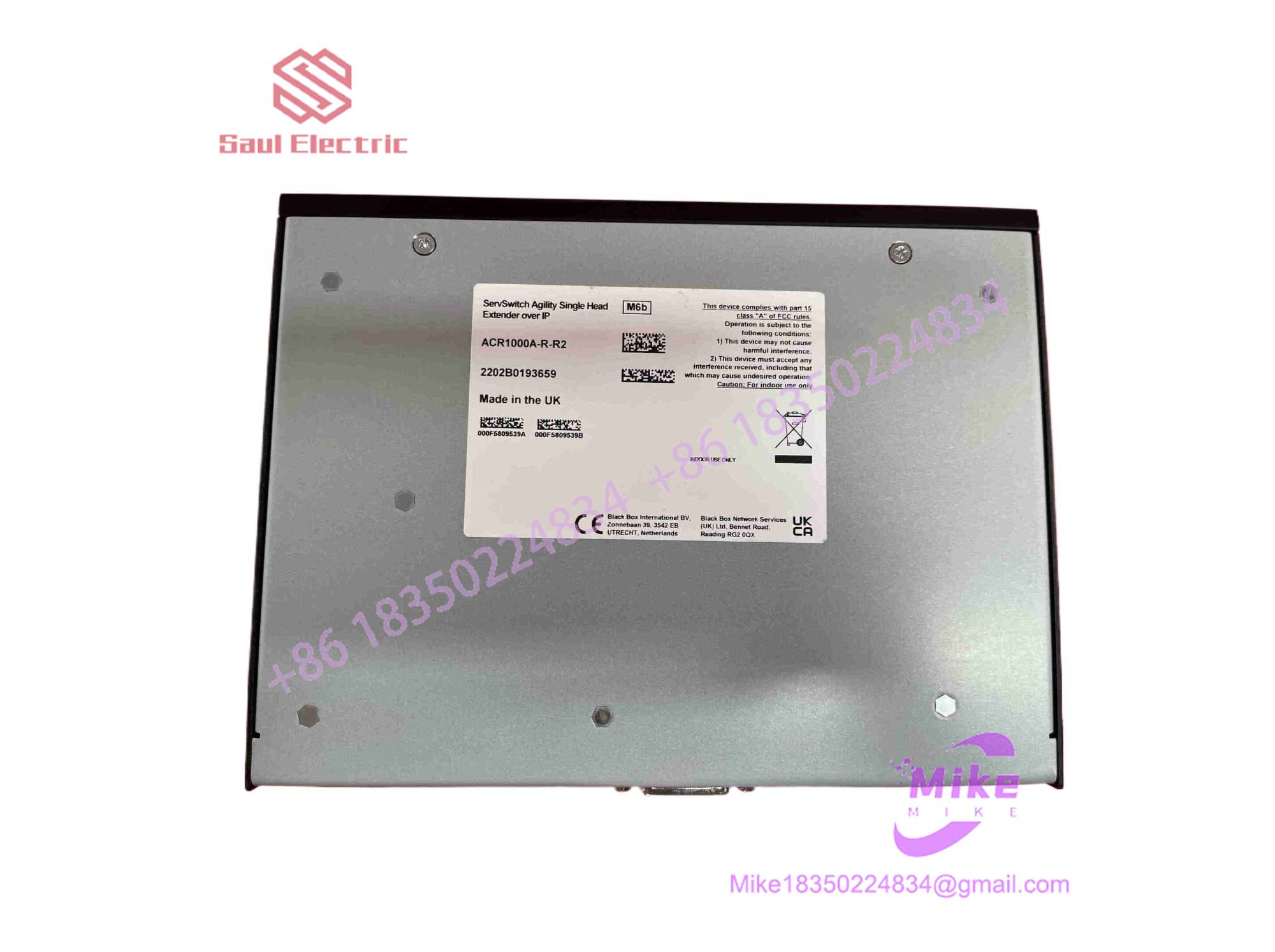
ACR1000A-R2
Key Technical Specifications
| Parameter | Specification Detail |
| Primary Architecture | IP-Based KVM Receiver (ServSwitch Agility Series) |
| Video Support | Single-link DVI-D (Resolutions up to 1920 x 1200 at 60 Hz) |
| Network Interfaces | 1x RJ-45 Gigabit Ethernet port (CATx) + 1x SFP slot (for optional fiber transceiver modules) |
| Peripheral Connectivity | 4x USB Type-A ports (for keyboard, mouse, touch screens, and mass storage) |
| Audio & Serial | 3.5mm audio jacks (Line/Mic In, Line Out), 1x RS-232 DB9 male (AUX port) |
| Power Requirements | External DC power adapter (5VDC / 12VDC depending on revision via 2.5mm jack) |
| Enclosure & Mounting | Compact metal chassis with fan-less, zero-noise passive cooling (Desktop / Wall / Rack mountable) |
Global Sourcing & Live-Test SOP
Sourcing legacy or surplus AV-over-IP hardware requires strict electronic evaluation to ensure network transceivers, video decoders, and USB controllers perform without packet loss:
- Inbound Verification: Unit part numbers, serial tags, and hardware revision labels are audited against official Black Box manufacturing specifications.
- Visual Audit: Enclosures and interface ports (DVI, RJ45, SFP, and USB blocks) are inspected for physical wear, bent pins, or internal component corrosion.
- Live Network Simulation: Units are docked onto an active test bench with a corresponding transmitter node over an isolated Gigabit switch. We verify IP address initialization, EDID handshake response, and video decode stability.
- Diagnostics & Prep: USB peripheral emulation, audio channels, and auxiliary serial data pass-through are tested under load. Approved units are cleaned, fitted with port dust caps, and sealed in heavy-duty anti-static barrier packaging.
The Field Engineer’s Pitfall Guide
❗ Missing IGMP Snooping on Network Switches: Deploying Agility receivers across a managed network without enabling IGMP snooping and querying on your switches will flood the local network with high-bandwidth multicast video packets, degrading overall switch performance.
❗ SFP Transceiver Compatibility: When utilizing the SFP port for fiber extension instead of standard CATx copper, mixing unsupported or mismatched multi-mode/single-mode transceivers will prevent the optical link from establishing a connection.
❗ Mismatched Transmitter/Receiver Firmware: Swapping a replacement receiver onto an existing transmitter network running an outdated or divergent firmware version can result in authentication errors or failure to establish video and USB data streams.
Intent-Driven FAQ
Can the ACR1000A-R2 receiver work with a dual-link DVI transmitter?
No. The ACR1000A-R2 is specifically designed as a single-link DVI receiver (supporting up to 1920×1200 resolution). Dual-link applications require the corresponding dual-link model variants.
Can this receiver be used for KVM matrix switching?
Yes. While capable of direct point-to-point extension out of the box, adding a Black Box iPath Controller to your network architecture transforms the Agility system into a full digital KVM matrix switching solution.
Does the receiver support touch screens and mass storage devices?
Yes. The unit provides transparent USB 2.0 extension supporting standard Human Interface Devices (HIDs) such as keyboards, mice, graphic tablets, touch screens, and USB flash drives.
What causes a “No Signal” message on the attached monitor?
This typically indicates a broken network link, an unconfigured IP address on the receiver, an incorrect channel selection when operating in a matrix environment, or a disconnected transmitter at the host computer.
What warranty covers surplus ACR1000A-R2 units?
Every unit delivered from our inventory is backed by a comprehensive 12-month operational warranty covering internal decoding health, port integrity, and power regulation stability.





