


Description
Beijer Electronics E300-04380A | Monochrome Graphic Display
Architect’s Product Breakdown
The Beijer Electronics E300 (Type 04380A) operates as a compact, rugged human-machine interface (HMI) engineered for demanding industrial and marine automation environments. Widely deployed in legacy systems controlling pumps, compressors, boilers, and auxiliary machinery, this operator panel enables technicians to read process variables, modify setpoints, and review real-time alarm logs.
Because the E300 belongs to Beijer’s legacy E-Series family (which has transitioned to modern X2 platforms), matching the exact type and revision string (04380A) is critical when replacing damaged units in older control cabinets. Swapping a terminal requires extracting the compiled project file via E-Designer software and transferring it to the replacement hardware to ensure exact PLC communication mapping and screen layouts.
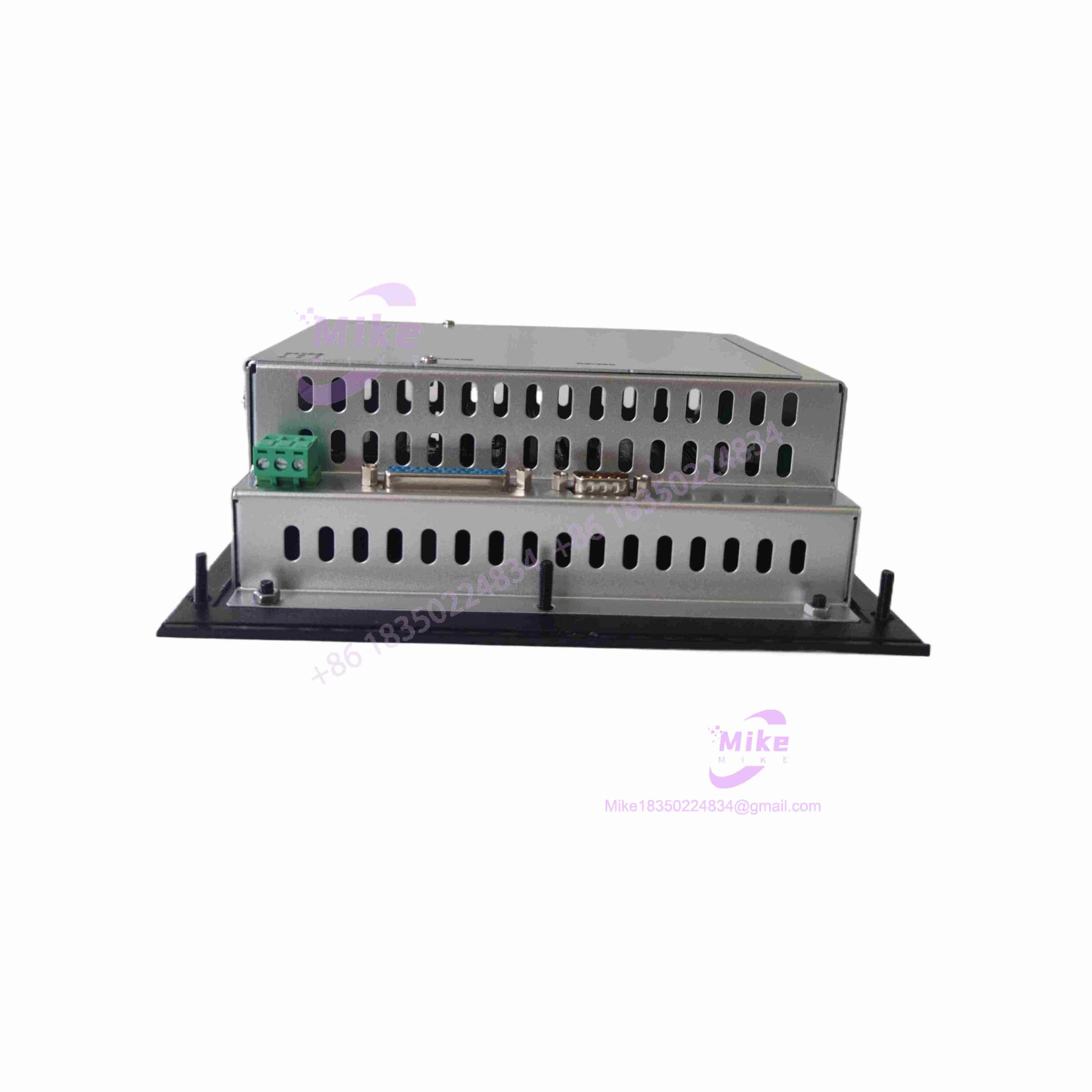
E300-04380A
Key Technical Specifications
| Parameter | Specification |
| Series | Beijer E-Series Operator Panel |
| Model / Type Number | E300 (Type: 04380A) |
| Operating Voltage | 24 VDC (allowable range typically 20–30 VDC) |
| Current Consumption | Approx. 450 mA nominal |
| Display Type | Monochrome LCD screen with backlight |
| Display Resolution | 240 × 64 pixels (compact text and graphic capability) |
| Memory | Non-volatile Flash memory for application storage |
| Communication Interface | RS-232 / RS-422 / RS-485 serial ports for direct PLC connection |
| Enclosure Rating | Panel-mount industrial housing (front-plate gasket sealed) |
Field Engineer’s Pitfall Guide
- WARNING: Loss of Application Project. Replacing an E300 unit without backing up the original configuration file via E-Designer leaves the new panel blank; always upload the project file from the old HMI or source archives before swapping hardware.
- WARNING: Unstable 24VDC Power Supply. Voltage drops or heavy electrical noise on the 24V DC auxiliary power line can cause the monochrome display to freeze or trigger unexpected panel reboots during operation.
- WARNING: Front-Gasket Seal Failure. Failing to properly tighten the panel mounting clamps evenly against the cabinet cutout compromises the front-plate seal, allowing moisture and dust to enter industrial washdown environments.
- Field Anecdote: I remember an industrial compressor control panel facing extended downtime because a replacement E300 unit was installed without downloading the custom application script, leaving the screen blank until technicians could pull the archived project file from backup storage.
QA & Testing SOP
- Visual & Origin Verification: Inspect the plastic enclosure, front membrane keypad, LCD display glass, and rear terminal blocks for mechanical damage, corrosion, or wear, and verify original Beijer nameplate data.
- Live Test Bench Environment: Mount the HMI onto a test bench cabinet cutout and power it using a regulated 24VDC power supply.
- Communication & Keypad Testing: Connect via the programming port using E-Designer software, verify project upload/download integrity, test button responsiveness across the tactile keypad, and check LCD backlight clarity.
- Anti-Static & Secure Packaging: Wrap the operator panel in anti-static material and package it securely inside high-density structural foam to protect the display window and protruding communication ports during transit.
Technical FAQ
What software is used to program and back up the Beijer (04380A)?
The is programmed and configured using E-Designer (typically version 6.x or compatible legacy suites), which handles project transfers, screen edits, and recipe management.
Is the still actively manufactured by Beijer Electronics?
No. The E-Series is obsolete and discontinued. Beijer recommends migrating legacy applications to modern X2 series panels using updated configuration software (such as iX Developer) when hardware upgrades are required.
Can an application project from an E100 or E200 be loaded directly onto an ?
Project compatibility depends on screen resolution and hardware driver support; projects generally need to be re-targeted and compiled inside E-Designer for the specific hardware platform.
What causes the LCD screen to remain blank upon powering up the unit?
A blank screen usually indicates an inadequate 24VDC power supply, a failed internal backlight inverter, or corrupted firmware/application memory requiring a fresh project download.





