


Description
BASLER A404K | 4MP Camera Link Industrial Camera, New Surplus
Architect’s Product Breakdown
The Basler A404k is a high-performance 4-megapixel area scan camera designed to meet the extreme demands of high-speed industrial inspection, semiconductor assembly, and print/packaging verification. Built around a robust progressive scan CMOS sensor, the A404k captures crisp, distortion-free images of fast-moving objects at frame rates up to 96 frames per second at full resolution. It features a fast integrated FPGA backend that provides hardware-level column shading, Dark Signal Non-Uniformity (DSNU), and Photo Response Non-Uniformity (PRNU) corrections to eliminate fixed pattern noise before frame transmission, yielding image quality that rivals legacy CCD cameras.
Integrating the A404k into an automated machine vision cell requires precise configuration of the Camera Link interface (operating in Medium or Full configurations depending on desired tap and bit-depth settings) and the corresponding frame grabber architecture. Equipped with a large 1 1/4″ optical size format and demanding a regulated 12 VDC external power supply, the unit consumes up to 9.0 W. Given its thermal footprint at maximum frame rates, maintaining clean cabinet airflow or appropriate heatsink mounting is essential to preserve image dynamic range and protect internal sensor electronics over long production shifts.
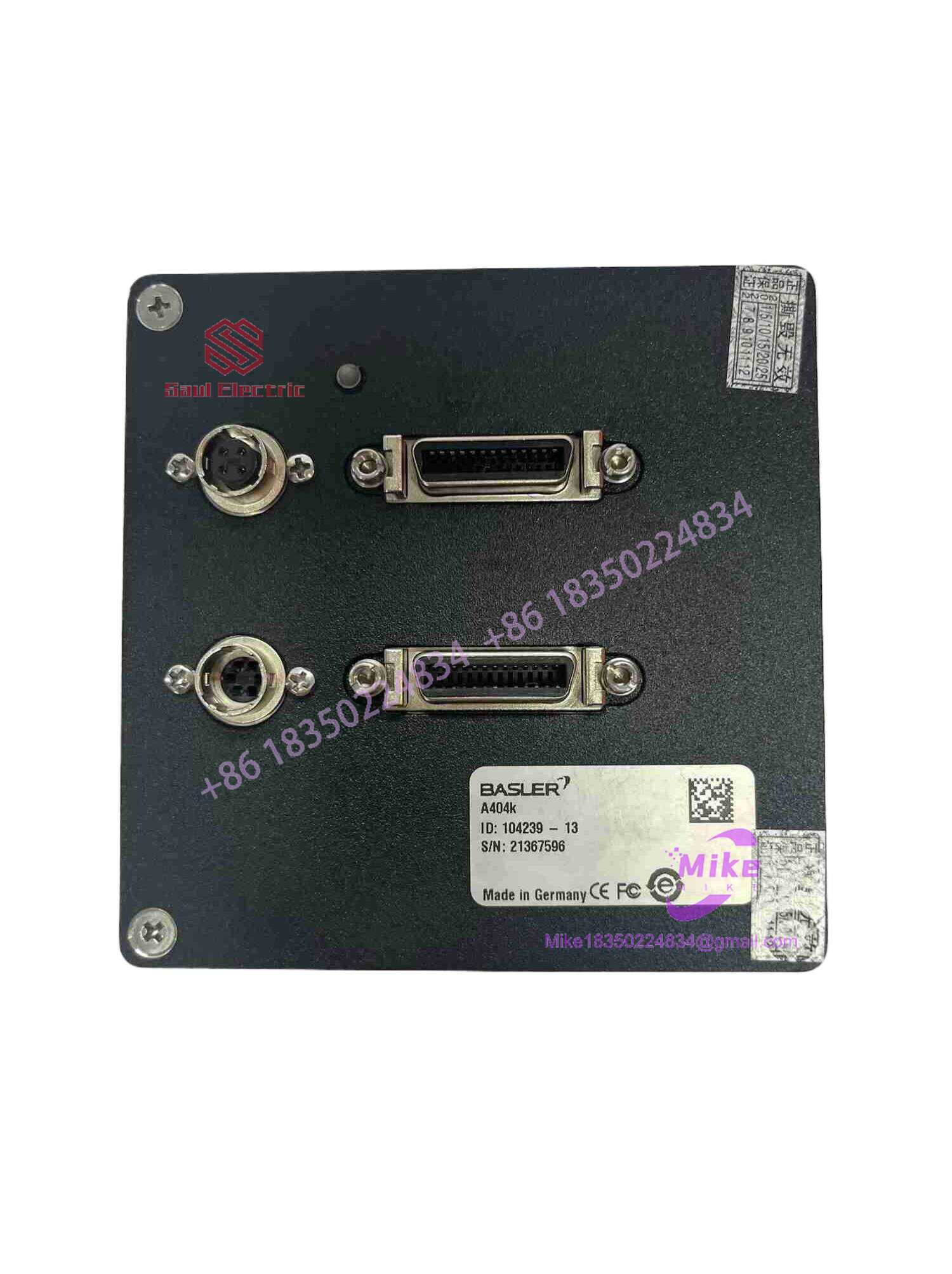
A404K
Key Technical Specifications
| Parameter | Specification |
| Manufacturer | Basler |
| Model Number | A404k (Color variant: A404kc) |
| Sensor Type | Progressive Scan CMOS |
| Resolution | 2352 x 1726 pixels (4 Megapixel) |
| Pixel Size | 7 µm x 7 µm |
| Maximum Frame Rate | 96 fps (at full resolution) |
| Video Output Type | Camera Link (Medium / Full) |
| Video Output Format | 4 taps, 8/10-bit (@ 48 fps) / 8 taps, 8-bit (@ 96 fps) |
| Optical Size | 1 1/4″ |
| Power Requirements | 12 VDC (±10%), Max 9.0 W |
| Synchronization | Via external trigger or free-run |
Field Engineer’s Pitfall Guide
- Electrostatic Discharge (ESD) and Sensor Damage: Warning: The internal CMOS sensor matrix and Camera Link transceiver ICs are highly sensitive to static discharge and airborne contaminants. Always wear a grounded ESD wrist strap and never remove the protective optical dust cover until the lens assembly is finalized in a clean environment.
- Camera Link Cable Length and Tap Misconfiguration: Do not exceed recommended Camera Link cable length limits or force mismatched tap configurations in the frame grabber software. Unshielded cable runs or improper multi-tap channel assignments (e.g., trying to pull 96 fps on a “Medium” configuration instead of “Full”) frequently lead to bit-sync loss and garbled image frames.
- Ignoring Thermal Dissipation Requirements: Running this 4MP unit continuously at its maximum 96 fps throughput consumes up to 9 watts, raising sensor housing temperatures. Excessive heat induces thermal noise across the pixel matrix, degrading image signal-to-noise ratio and causing false defect trips in precise metrology inspections. The housing temperature must be kept below 50°C.
QA & Testing SOP (Transparency)
- Visual & Mechanical Inspection: Incoming units are audited under optical magnification for housing wear, lens mount thread condition, and authentic OEM labeling.
- Bench Power Rail & Signal Testing: Technicians verify 12 VDC input power draw, ground plane isolation, and multi-pin trigger I/O connector line continuity under static bench conditions.
- Live Frame Grabber & Sensor Calibration: The camera is connected via Camera Link to a certified test station frame grabber. It undergoes sensor flat-field correction verification, stuck/dead pixel checks, and PRNU/DSNU hardware shading correction tests.
- Full-Frame 96 FPS Burn-In Run: The A404k undergoes an extended stress test operating at maximum frame rate (96 fps) via an 8-tap Camera Link Full configuration to confirm frame stability, hardware trigger response, and thermal equilibrium prior to anti-static packaging.
Technical FAQ
What frame grabber interface is required to run the A404k at its full 96 fps speed?
To achieve the maximum 96 fps frame rate at 2352 x 1726 resolution, you must use a Camera Link frame grabber capable of supporting the “Full” configuration (8 taps, 8-bit output). Using a “Medium” configuration limits the bandwidth and frame rate to 48 fps (4 taps, 8/10-bit output).
What is the difference between the A404k and the A404kc?
The “k” suffix denotes a monochrome CMOS sensor optimized for maximum quantum efficiency and high-contrast metrology, whereas the “kc” variant features a Bayer pattern color filter for color sorting and print applications.
Can I use C-mount lenses on the A404k camera?
The A404k features a large 1 1/4″ optical sensor format. Standard C-mount lenses typically do not produce a large enough image circle to cover this sensor without severe vignetting (dark corners). An F-mount adapter and corresponding large-format lenses are standard for this series.
How does the onboard shading correction work on this model?
The A400 series features a fast internal FPGA that executes real-time column shading correction, DSNU (Dark Signal Non-Uniformity) correction, and PRNU (Photo Response Non-Uniformity) correction. This hardware-level processing eliminates fixed pattern noise typical in older CMOS sensors before the image data ever reaches the frame grabber.





