


Description
AutomationX aXlink100 892.202988 | Ethernet to PROFIBUS Link Module
Product Introduction
When legacy decentralized automation lines need to interface seamlessly with real-time Ethernet architecture, standard protocol converters often introduce unacceptable latency. The AutomationX aXlink100 (Part No. 892.202988) is not an ordinary gateway router; it is a dedicated communications bridge engineered to run AutomationX’s proprietary real-time Xlink protocol directly to a PROFIBUS DP Master interface—though setting it up requires careful configuration of network topologies.
This module anchors robust plant communications by allowing configurations such as electric CAT5 rings or star-shaped networks with server/network redundancy. It manages up to 124 PROFIBUS-DP slaves per master connection, bridging the gap between high-level process control systems and decentralized field peripherals without sacrificing packet determinism.
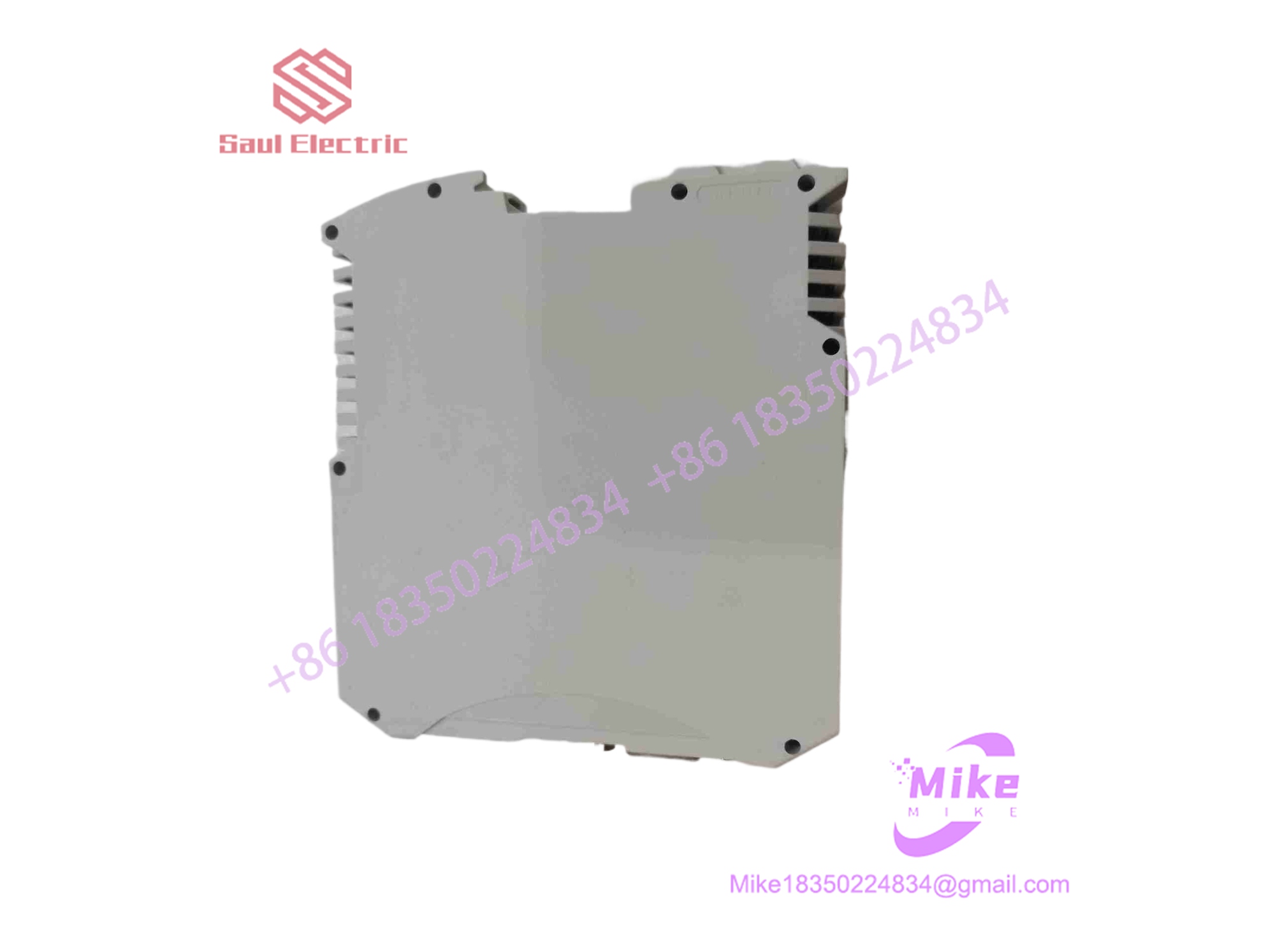
AXLINK100 892.202988
Key Technical Specifications
| Parameter | Value |
| Manufacturer | AutomationX |
| Model / Part Number | aXlink100 / 892.202988 |
| Communication Protocols | Real-time Xlink (Ethernet) to PROFIBUS DP |
| Ethernet Interfaces | 2 ports (8P8C / RJ45 or FIC connectors) |
| Fieldbus Interface | PROFIBUS DP Master Interface |
| Power Input | 24V DC (Nominal ~0.3A draw) |
| Mounting Format | DIN Rail |
| System Capacity | Up to 124 PROFIBUS-DP Slaves per Master link |
Application Scenarios & Pain Points
- Legacy PROFIBUS Periphery Integration: Upgrading a control backend to a modern AutomationX SCADA environment usually means abandoning older I/O islands. The aXlink100 connects existing PROFIBUS drops straight into the new real-time Ethernet layer, preserving field wiring investments.
- Redundant Plant Network Topologies: Industrial facilities demand fault-tolerant data paths. This module natively supports redundant network configurations, preventing single-point cable failures from cutting off entire remote instrumentation clusters.
- High-Speed Deterministic Process Control: Standard protocol converters suffer from queue delays during heavy traffic spikes. The hardware-level Xlink implementation maintains microsecond-level timing control required for synchronized industrial loops.
QA & Live Testing SOP (Trust Signal)
Because communication gateways are mission-critical for network orchestration, surplus units undergo rigorous bench validation. Our technicians verify the physical integrity of the dual Ethernet ports and the PROFIBUS DB9/terminal interface. We power the unit on a 24V DC test rig, flash test data packets across the interfaces to check buffer stability, and confirm that the onboard processor handshakes properly without throwing packet collision errors or link drops.
Field Engineer’s Pitfall Guide
- ❗ Bus Termination Failures: Always verify that your PROFIBUS line is physically terminated with active resistors at both extreme ends. Failing to terminate the line will cause signal reflections that drop the aXlink100 master off the network.
- ❗ IP and Node Address Conflicts: Ensure that your PROFIBUS station addresses (Node IDs) do not overlap across the downstream slave devices, and verify that the Ethernet IP parameters align cleanly with the AutomationX project tree.
- ❗ Cable Shield Grounding: Do not leave PROFIBUS and CAT5 shielding floating. Tie drain wires securely to the cabinet EMC ground lugs to prevent heavy electrical noise from corrupting data frames.
Intent-Driven FAQ
- Can the aXlink100 act as a PROFIBUS Slave, or is it strictly a Master?
It is designed primarily as a PROFIBUS DP Master interface, allowing it to control and poll up to 124 connected slave devices.
- What software environment is required to configure this module?
Configuration and network mapping are handled through the native AutomationX software suite, which integrates the Xlink protocol parameters automatically.
- Does the unit require active cooling fans?
No. The aXlink100 relies entirely on passive, convection cooling within a standard DIN-rail cabinet enclosure.
- Are these modules still actively produced by AutomationX?
Availability depends on current system lifecycles; many deployed units or replacement spares are sourced via specialized industrial automation surplus suppliers.
- What causes the link LEDs to flash continuously during operation?
Continuous flashing typically points to a configuration mismatch in the baud rate or an active fault on the PROFIBUS line (such as a missing termination or shorted data wire).





