Description
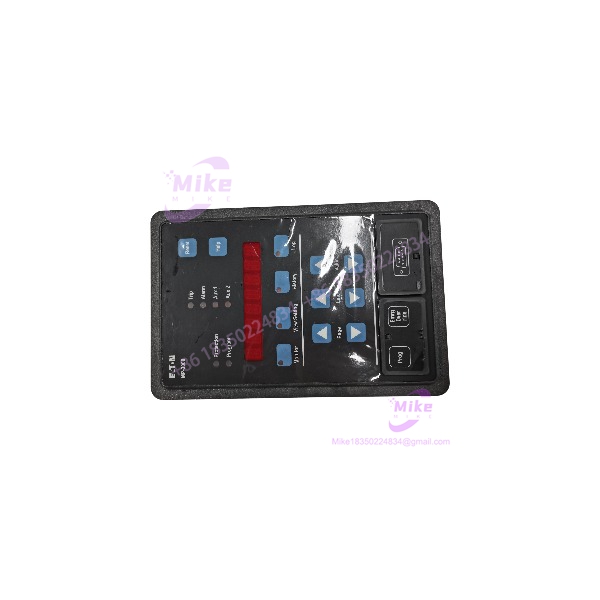
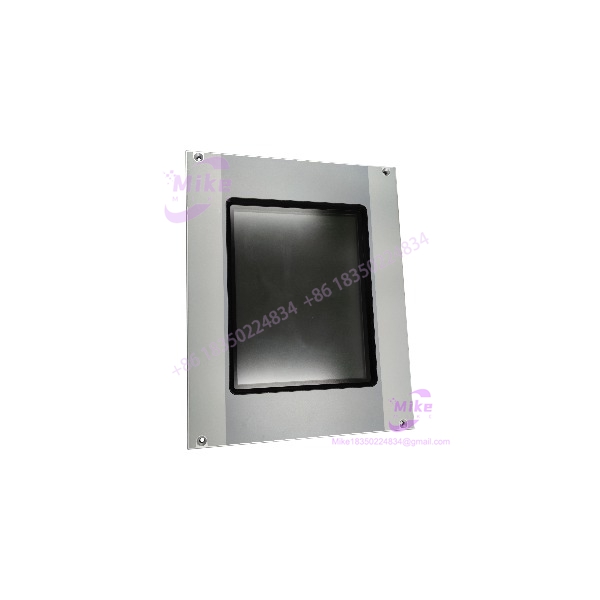
Eaton XV-440-10TVB-1-20 | 10.4″ HMI Touch Panel In-Stock
Dynamic Product Introduction
Operating a high-throughput processing cell or packaging line with a dimming, unresponsive operator terminal is a constant risk for unplanned factory downtime. The Eaton XV-440-10TVB-1-20 serves as a heavy-duty visualization workstation, pairing a high-contrast 10.4-inch VGA TFT display with robust onboard processing capabilities. Designed specifically to withstand harsh enclosure conditions, it processes continuous operator entries, dynamic alarm logs, and high-frequency network exchanges without dropping frames or freezing display screens.
When an active terminal suffers backlight failure, touch membrane dead zones, or serial communication faults mid-production, obtaining an exact drop-in Eaton XV-440-10TVB-1-20 replacement keeps facility maintenance targets completely on schedule. Installing a fully bench-tested unit enables control engineers to replace a faulty panel directly inside existing cabinet cutouts without adjusting mounting cutouts or changing underlying fieldbus cabling infrastructure. Replacing a degraded terminal brings back sharp screen readability, immediate touch sensitivity, and solid network connectivity.
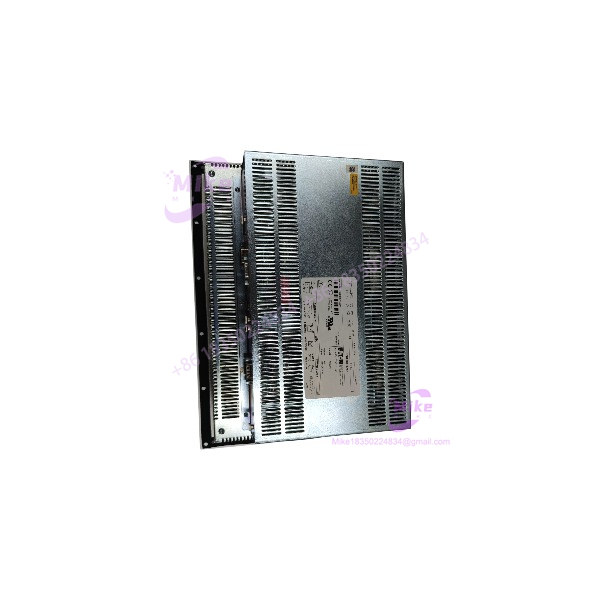
XV-440-10TVB-1-20
Key Technical Specifications
- Model Designation: XV-440-10TVB-1-20
- Manufacturer: Eaton / Moeller
- Display Size: 10.4-inch diagonal
- Display Technology: High-contrast VGA TFT color LCD
- Touch Layer: Analog resistive touch membrane
- Supply Voltage Rating: 24 VDC (±20% operational window)
- Onboard Interfaces: Ethernet, RS-232, USB host/device, integrated fieldbus communication options
- Processing Core: 32-bit industrial RISC processor
- Front Bezel Protection: IP65 / NEMA 4X (indoor enclosure rating)
- Operating Temperature Range: 0°C to +50°C (32°F to 122°F)
- Storage Temperature Range: -20°C to +60°C (-4°F to 140°F)
Global Sourcing & Live-Test SOP (Transparency Core)
Procuring surplus HMI display hardware like the Eaton XV-440-10TVB-1-20 demands strict bench diagnostic screening to verify touch layer calibration, backlighting longevity, and communication transceivers. Every incoming module passes through an intensive five-stage quality assurance protocol:
- Inbound Verification: Serial numbers and build hardware revision tags are verified against original Eaton manufacturing databases. Technicians carefully examine the front membrane for micro-cracks or gasket degradation, and inspect rear terminal connections for thermal fatigue.
- Live Simulation: The Eaton XV-440-10TVB-1-20 is mounted into a diagnostic test fixture powered by a regulated 24 VDC industrial power supply.
- Diagnostics: Technicians perform multi-point touch grid calibration routines to verify zero actuation drift across all display quadrants. Onboard communication interfaces undergo active packet-transfer testing against a target controller. The panel then completes a 24-hour thermal soak inside an environmental test chamber to rule out display flickering or backlight output decay under operational heat.
- Final Prep: Internal runtime memory is wiped back to factory baseline states, terminal block screws are torque-verified, protective film is applied over the display glass, and the panel is sealed inside anti-static ESD shielding prior to freight transit.
The Field Engineer’s Pitfall Guide
- ❗ Communication Driver and IP Subnet Mismatches: —though you might expect the replacement screen to connect automatically, failing to align network IP subnets or PLC communication drivers on the Eaton XV-440-10TVB-1-20 with your targeted network will cause an immediate communication timeout error upon power-up.
- ❗ Over-Torquing Cabinet Retaining Clips: Unevenly cranking down on outer mounting clamps will twist the 10.4-inch plastic enclosure. I’ve seen plant technicians distort the front sealing gasket and induce permanent touch registration errors simply by using an electric driver instead of tightening clips evenly by hand.
- ❗ Strain and Flex Damage on Field Bus Connectors: Allowing heavy communication cables to hang unsupported off the rear ports of the Eaton XV-440-10TVB-1-20 will stress internal circuit board solder joints over time. Always secure proper strain-relief brackets inside the control enclosure.
Intent-Driven FAQ
Will swapping out an Eaton XV-440-10TVB-1-20 require re-downloading the application project file?
Yes. Pre-owned and surplus panels arrive with cleared factory baseline memory. You must transfer your compiled runtime application project (screen layouts, tag mapping, and PLC driver configurations) using Galileo or the appropriate programming software via a USB, network, or serial connection.
How do I correct touch input points that register offset from on-screen action buttons?
If screen taps become misaligned, enter the system configuration menu during the initial boot sequence. Access the integrated touch calibration utility and follow the screen crosshair prompts to re-index the analog resistive touch matrix layer.
Can this panel be powered directly from an unregulated 24V DC power supply?
No. Unregulated DC power lines frequently carry transient voltage spikes that exceed the operational limits of the internal power board. Always feed the unit from a filtered, regulated 24 VDC industrial power supply.
What causes a dark screen when the power status LED lights up green?
A green status LED combined with an unlit display panel typically points to a failed backlight inverter board or an expired backlight bulb inside the unit. The internal logic processing board is operational, but the LCD matrix lacks backlighting output.
What warranty protection comes with pre-inspected replacement panels?
All verified Eaton XV-440-10TVB-1-20 panels come backed by a comprehensive 1-year replacement warranty. If the unit experiences screen backlighting failure, touch layer loss, or communication port faults under standard operating parameters within 12 months, it is swapped directly from available warehouse inventory stock.