


Description
B&R 7EX470.50-1 | Remote I/O Bus Controller 24VDC
Architect’s Product Breakdown
The B&R 7EX470.50-1 (EX470) is the cornerstone remote expansion interface for decentralized B&R SYSTEM 2003 topologies. When a machine’s physical layout spans across multiple control cabinets or long linear frames—such as printing presses, bottling lines, or modular packaging systems—this module allows engineers to locate remote I/O sub-racks right at the actuator level rather than running long, vulnerable parallel wire bundles back to the central processor bay.
Functioning as a fieldbus slave receiver, the module features dual Sub-D connectors (CAN IN and CAN OUT) that enable easy daisy-chain cabling between remote nodes. It converts cyclic CAN bus packets into localized backplane communications for adjacent digital and analog I/O expansion cards. Crucially, the 7EX470.50-1 packs its own integrated 24 VDC power supply stage, providing up to 12 W of regulated power directly to the secondary rack’s backplane bus. This avoids power drop issues across long cable distances.
The upper left corner of the module housing features two rotary hex switches (N#) dedicated to setting the station’s hardware node address. Because this module operates strictly as a fieldbus gateway, zero local ladder or C-code logic is stored on the EX470 itself. On boot-up, the primary SYSTEM 2003 CPU (such as a 7CP476) scans the CAN topology, identifies the 7EX470.50-1 by its configured rotary address, and maps its attached I/O cards directly into the central PLC image table.
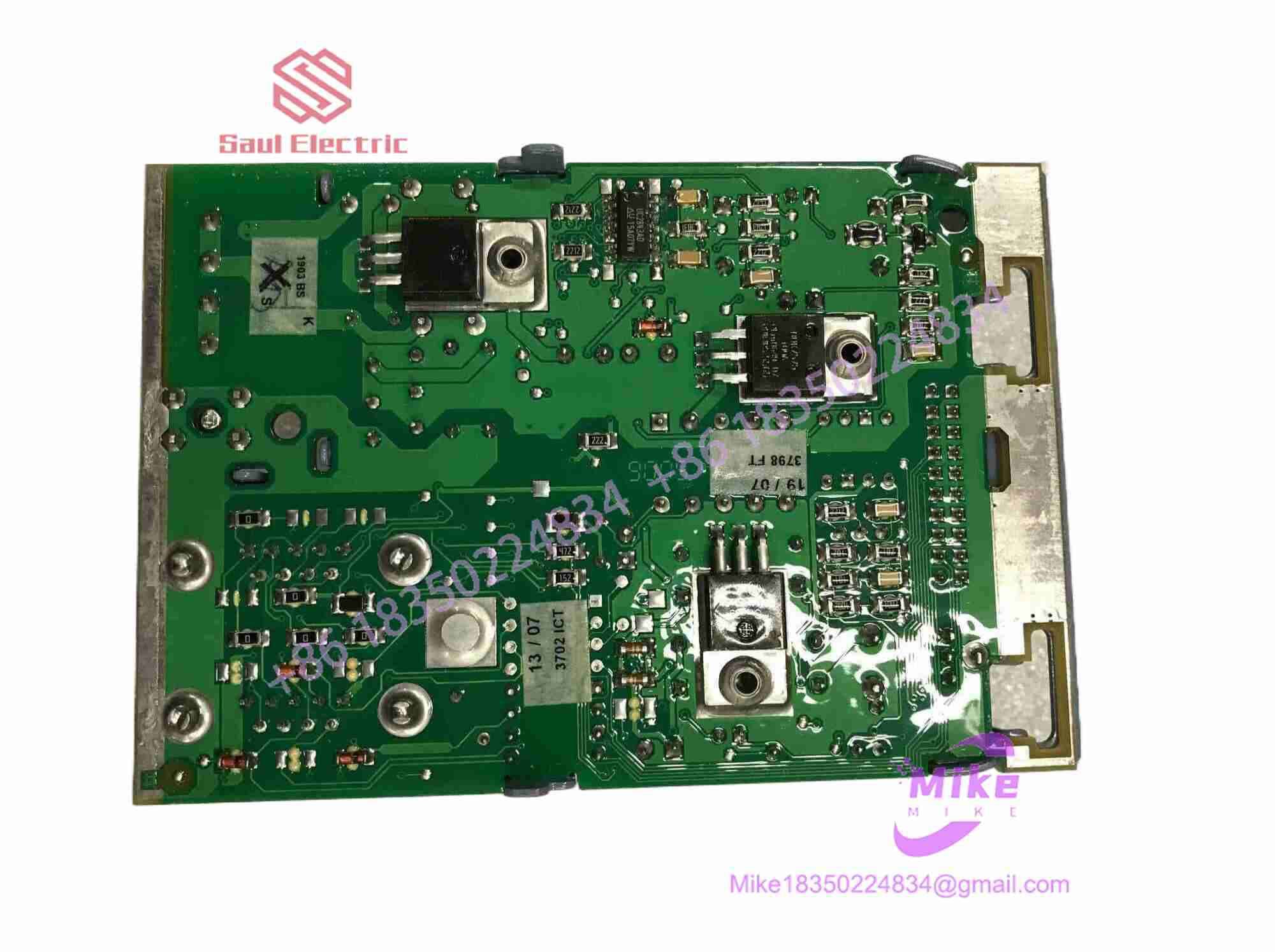
7EX470.50-1
Key Technical Specifications
| Parameter | Specification |
| Input Voltage | 24 VDC (-15% / +20%) |
| Internal Power Supply Output | 12.0 W max to local expansion rack backplane |
| Bus Interface | CAN Bus (CAN IN / CAN OUT daisy-chain pass-through) |
| Physical Interface | 2x 9-pin Sub-D connectors |
| Galvanic Isolation | Integrated optocoupler isolation on CAN bus lines |
| Node Addressing | 2x hardware rotary switches on front fascia (00 to FF hex) |
| Status Display | STATUS LED (bus activity/fault) & DC OK LED (power rail health) |
| Mounting Format | Leftmost slot insertion on SYSTEM 2003 expansion rack |
| Certifications | CE, UKCA, cULus HazLoc Class I Div 2 |
| Operating Temperature | 0°C to +60°C |
Field Engineer’s Pitfall Guide
WARNING: Forgotten CAN Bus Termination Resistors
The dual Sub-D ports allow straightforward loop-through wiring, but the last 7EX470.50-1 slave node on the fieldbus trunk must have a 120 Ω termination resistor plugged into its open CAN OUT port. Leaving the terminal node un-terminated causes high-frequency signal reflections, leading to intermittent frame errors, bus-off conditions, and random “rack disconnected” faults during motor start-ups.
WARNING: Duplicate Hardware Node Address Setting
If you pull a replacement 7EX470.50-1 off the shelf and insert it without setting the two front panel rotary hex switches (N#) to match the failed unit’s exact address, two identical node IDs will contend for arbitration on the CAN bus. This will immediately drop both remote racks offline and fault the central CPU. Always document and mirror the hex dial positions before installing a replacement module.
WARNING: Overloading Local Backplane 12W Supply Limit
The internal power supply of the 7EX470.50-1 delivers a maximum of 12 W to the expansion rack backplane. If you load the sub-rack with high-density analog modules or multiple high-current expansion boards, total backplane power draw can exceed 12 W. This causes the internal DC-DC converter to thermal-trip, dropping the local I/O rack off the bus. Always sum backplane current draws in Automation Studio prior to populating expansion slots.
QA & Testing SOP
- Visual & Structural Inspection:
- Verify integrity of the plastic housing, guide rails, and locking clips.
- Inspect the gold backplane edge pins for bent contacts, oxidation, or solder degradation.
- Check front panel rotary hex switches for positive detent clicks and clean dial faces.
- Power Supply & Isolation Bench Diagnostics:
- Connect 24 VDC to the primary power terminal strip.
- Verify DC OK green LED illuminates and measure internal backplane power rails under a dummy 10 W load.
- Check galvanically isolated CAN transceiver lines to ensure no direct short circuit exists between CAN ground and 24 VDC earth ground.
- CAN Fieldbus Loopback & Communication Test:
- Install the module onto a SYSTEM 2003 test rack loaded with standard digital input and output cards.
- Link the module via CAN cable to a master CPU test bench running B&R Automation Studio.
- Cycle node addressing dials across multiple values (e.g., Node 01, Node 0A, Node 1F) to verify correct bus detection and slave mapping in software.
- Dynamic Stress & Thermal Burn-In:
- Run continuous bidirectional I/O data transfers across the CAN link at maximum baud rate for 24 hours inside a 50°C thermal test cell.
- Monitor packet error counters to ensure 100% noise-free transmission before sign-off.
- ESD Cleaning & Storage Preparation:
- Clear outer housing and pin contacts with non-conductive electronic cleaner.
- Pack module in anti-static ESD shielding bags containing fresh desiccant prior to logistics dispatch.
Technical FAQ
Does the 7EX470.50-1 hold user application code?
No. The 7EX470.50-1 contains no flash memory for user control programs. It operates strictly as an intelligent interface adapter and power supply. The master CPU holds the complete application logic and reads/writes field data across the CAN bus to the 7EX470’s assigned I/O addresses.
Can I use standard straight-through DB9 cables to connect CAN IN and CAN OUT?
No. Industrial CAN networks require shielded twisted-pair cabling specifically rated for CAN bus impedance (~120 Ω nominal). Standard RS232 DB9 serial cables lack proper pair twisting and shielding, making them highly susceptible to electromagnetic interference (EMI) from nearby variable frequency drives (VFDs) and high-voltage contactors.
What does the STATUS LED indicate on the front panel?
- Solid Green: Module is powered, correctly configured by the CAN master, and actively communicating.
- Blinking Green / Yellow: Bus synchronization in progress, or packet communication errors detected on the CAN line.
- Solid / Blinking Red: Bus-off condition, duplicate node address conflict, or internal backplane hardware initialization failure.
Can I replace a 7EX470.50-1 while the system is powered on?
No. The B&R SYSTEM 2003 backplane is not hot-swappable. You must turn off 24 VDC power to the remote rack before swapping the 7EX470.50-1 module. Hot-plugging risks damaging the backplane bus pins and spiking the CAN transceiver lines on adjacent running nodes.





