


Description
Siemens 6ES7716-2CB10-0EC4 | Field PG M4 Premium Plus In Stock
Architect’s Product Breakdown
The Siemens 6ES7716-2CB10-0EC4 is a fully loaded “Premium Plus” configuration within the SIMATIC Field PG M4 family. Built to bridge the gap between legacy automation lines and modern plant architectures, this specific model includes the integrated SIMATIC S5 hardware package. It features a native internal S5 TTY (AS511) interface, an integrated hardware S5-EPROMMER programming socket, and ships with the specialized S5 PLC programming cable and EPROM adapter assemblies.
Driven by a high-tier Intel Core i7 processor, a 300GB industrial SATA Solid State Drive (SSD), and a 15.6-inch anti-glare Full HD (1920×1080) display, the unit handles resource-heavy engineering environments like TIA Portal and STEP 7 Professional alongside legacy STEP 5 software. Its die-cast magnesium alloy housing with rubberized bumper corners protects sensitive internal microelectronics against severe vibration, shock, and thermal extremes found on plant floors.
For plant engineers maintaining hybrid facilities with aging S5-115U/135U racks running alongside S7-1500 controllers, the 6ES7716-2CB10-0EC4 eliminates the need for fragile USB-to-TTY dongles or external EPROM programmers. The native communication processors sit directly on the system motherboard bus, preventing driver crashes, timing latency, and packet loss during live online logic monitoring or direct memory block transfers.
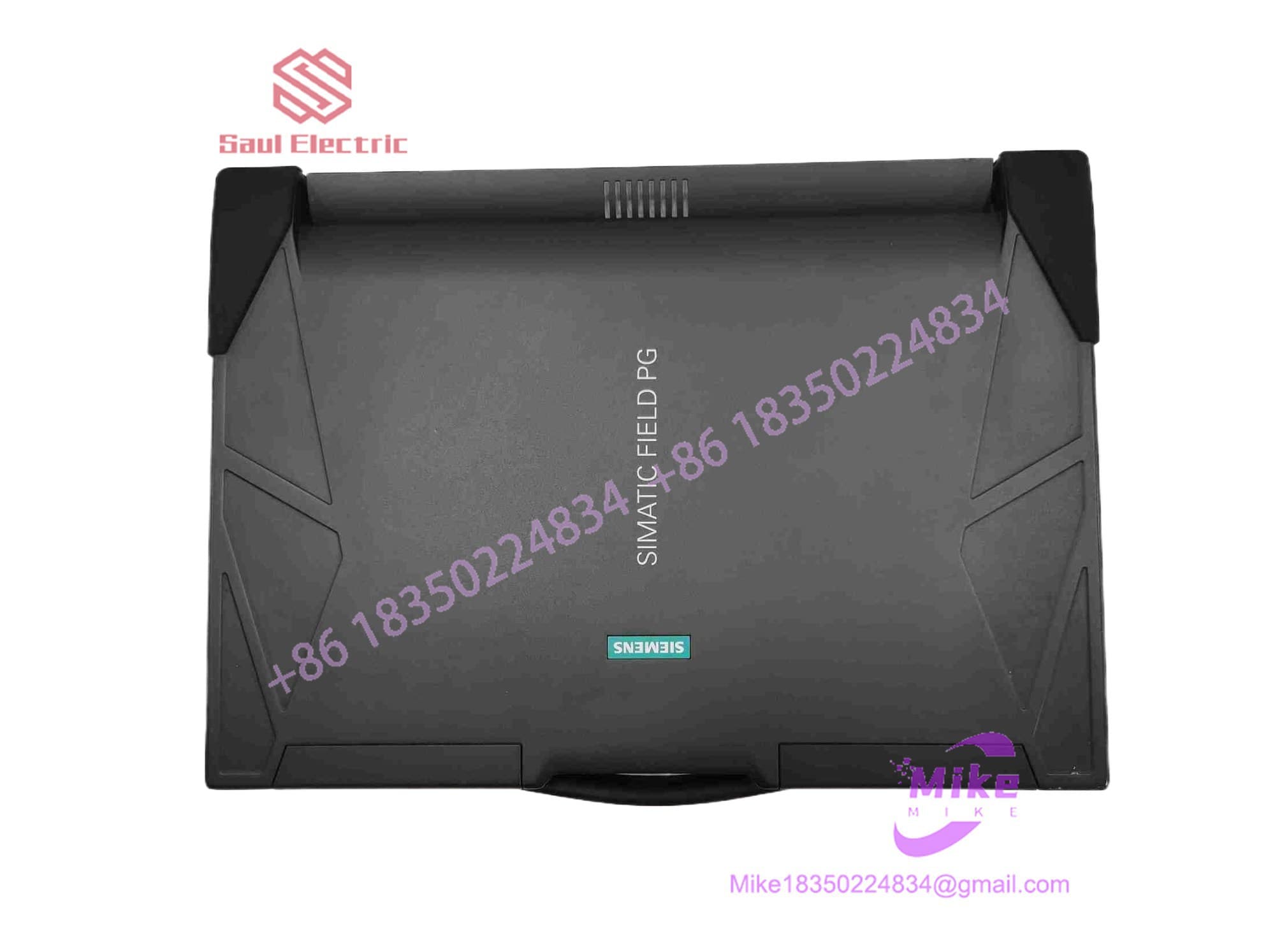
6ES7716-2CB10-0EC4
Key Technical Specifications
| Parameter | Technical Specification |
| Manufacturer | Siemens AG |
| Product Line | SIMATIC Field PG M4 (Premium Plus with S5 Package) |
| Processor | Intel Core i7-35x0M (2.9 GHz base, up to 3.6 GHz with Turbo Boost) |
| Graphics & Display | Intel HD Graphics 4000 |
| Primary Storage | 300 GB Industrial SATA Solid State Drive (SSD) |
| Optical Drive | DVD-RW Internal Optical Drive |
| Legacy S5 Hardware | Integrated S5 TTY Interface, S5-EPROMMER Socket, S5 Cable & Adapter |
| Modern Field Interfaces | 1x PROFIBUS DP/MPI (Sub-D 9-Pin), 2x GbE RJ45 (PROFINET), 1x RS-232 |
| Integrated Card Readers | SIMATIC MMC, S7-1500 SD Card, and SIMATIC S5 EPROM sockets |
| Enclosure Material | Heavy-Duty Die-Cast Magnesium Alloy with Corner Bumpers |
| Power Supply / Battery | 19 VDC Industrial Power Brick / Smart Li-Ion Battery Pack |
Field Engineer’s Pitfall Guide (Unique Value)
- INSERTING/REMOVING S5 EPROMS WITH SOCKET POWER ENERGIZED: Never insert or pull a legacy S5 EPROM module into the top programming socket while the write LED is illuminated. The S5-EPROMMER applies a high programming voltage (up to 21V/25V depending on the chip type) during write cycles. Hot-unplugging a module mid-program will permanently burn out the memory cells or short the integrated programming circuit board.
- MISCONFIGURING STEP 5 INTERFACE IN WINDOWS 64-BIT: Run STEP 5 within the official Siemens Virtual Machine (VM) environment. The native 64-bit operating system cannot run legacy 16-bit STEP 5 software directly. Opening STEP 5 requires launching the pre-configured 32-bit virtual session that routes COM ports directly to the motherboard’s native TTY hardware interface.
- CONNECTING RS-232 CABLES TO THE S5 TTY OR PROFIBUS PORTS: Keep standard RS-232 serial cables away from the 9-pin PROFIBUS and 15-pin S5 TTY ports. The S5 TTY interface operates on a 20mA current loop signal, while PROFIBUS carries active 5V supply lines. Connecting standard RS-232 voltage levels (+/-12V) into these ports will destroy the internal optocouplers and line drivers on the mainboard.
QA & Testing SOP (Transparency)
- Visual & Mechanical Integrity Audit: Inspection of magnesium frame, display hinge torque, corner bumpers, keyboard membrane, and pin conditions on both the 15-pin S5 TTY and 9-pin PROFIBUS interfaces.
- Dual-Generation Interface Validation:
- Legacy S5 Test: Verified read, erase-check, and write operations using an S5 EPROM module in the top socket. Online communication verified via the 15-pin TTY port connected to an S5-115U rack.
- S7 / PROFINET Test: Online diagnostic handshake executed across PROFIBUS DP (1.5 Mbps) and dual Gigabit Ethernet ports connected to active S7-300 and S7-1500 test racks.
- Hardware Load & Thermal Burn-In: CPU, SSD, and RAM stress-tested at 100% load for 4 hours to confirm fan performance, power supply regulation, and thermal limits.
- Clean OS Baseline & Driver Setup: Storage drive wiped and re-imaged with the factory OS baseline, complete with STEP 7, TIA Portal drivers, and the STEP 5 virtual environment.
- Anti-Static & Protective Packaging: Sealed in anti-static ESD shielding, screen padded with high-density impact foam, and packed inside a reinforced carrying case/shipping container.
Technical FAQ
What does the “2CB10” designation mean compared to “2CA10” models?
The 2CB10 ordering code explicitly designates that this Field PG M4 includes the integrated S5 hardware package (native 15-pin TTY port, internal S5-EPROMMER hardware, S5 PLC programming cable, and EPROM adapter). The “2CA10” models lack these legacy hardware interfaces and only support modern S7/PROFINET protocols.
Can I program SIMATIC S5-95U, 100U, 115U, 135U, and 155U PLCs with this unit?
Yes. Because it contains the native 20mA current loop (TTY) interface and internal EPROMMER socket, this model fully supports the entire legacy SIMATIC S5 PLC family using STEP 5 software inside the pre-installed VM environment.
Can I swap the internal 300GB SSD for a larger capacity drive?
Yes. The drive bay accepts standard 2.5-inch SATA SSDs. However, when upgrading, use industrial-grade SSDs rated for extended thermal ranges and high vibration resistance to maintain system reliability on the plant floor.
Does the integrated card reader support both old S7-300 MMCs and new S7-1500 SD cards?
Yes. The Field PG M4 includes built-in hardware programming slots for SIMATIC Micro Memory Cards (MMCs used in S7-300/C7), standard SIMATIC Memory Cards (SD cards used in S7-1200/1500), and legacy S5 EPROM modules.
Why is my S5 TTY communication failing even though the cable is plugged in correctly?
Ensure that your STEP 5 software environment is configured to use the correct virtualized COM port corresponding to the internal TTY hardware layer (typically set to COM1 or COM2 inside the PG/PC Interface settings). If using the Siemens VM, confirm that the host system has passed physical control of the internal serial bus to the guest operating system.





