


Description
Siemens SIMATIC 6ES7716-2CA10-0CA4 | Core i7 Field PG Ready To Ship
Architect’s Product Breakdown
The Siemens 6ES7716-2CA10-0CA4 represents the “Premium Plus” hardware configuration within the SIMATIC Field PG M4 lineup. Built around a high-tier Intel Core i7 processor and paired with a high-resolution 15.6-inch anti-glare Full HD screen, this programming device delivers the raw compute power and memory throughput required to compile large multi-tier TIA Portal engineering projects without hitting system bottlenecks.
Housed in a impact-resistant die-cast magnesium alloy frame with rubberized bumper corners, the 6ES7716-2CA10-0CA4 is designed to handle harsh plant floor conditions. Rather than relying on commercial consumer laptops that need fragile external USB adapters, this unit incorporates native hardware communication processors directly onto the mainboard bus. It features dedicated Sub-D ports for PROFIBUS DP and MPI, dual Gigabit Ethernet interfaces for PROFINET routing, and built-in programming slots for SIMATIC MMCs, S7-1500 SD cards, and legacy memory modules.
In critical field maintenance scenarios, software compiling speed and driver stability make a significant difference. Using a consumer-grade laptop with third-party USB bridges during live online logic monitoring often results in packet loss, driver dropouts, or high cycle latency. The 6ES7716-2CA10-0CA4 ensures deterministic driver communication inside STEP 7 Professional and TIA Portal, allowing field engineers to perform online block updates, trace execution, and update CPU firmware safely on live automation lines.
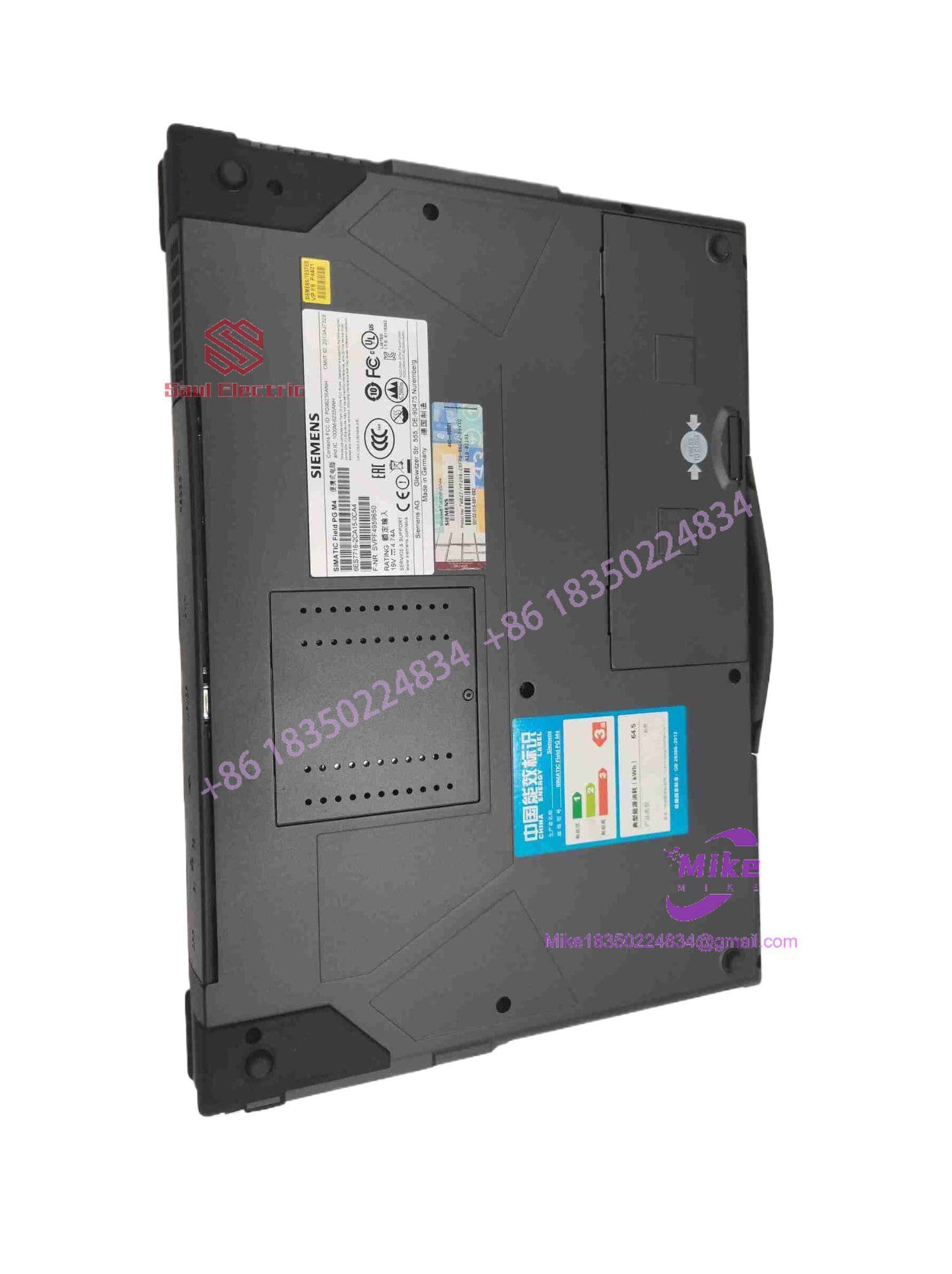
6ES7716-2CA10-0CA4
Key Technical Specifications
| Parameter | Technical Specification |
| Manufacturer | Siemens AG |
| Product Line | SIMATIC Field PG M4 (Premium Plus Specification) |
| Processor | Intel Core i7-3520M (Up to 3.6 GHz with Turbo Boost) |
| Display | 15.6″ Widescreen Full HD (1920 x 1080 Resolution, Anti-Glare) |
| Primary Storage | SATA Solid-State Drive (SSD) |
| Integrated Industrial Ports | 1x PROFIBUS DP/MPI (Sub-D 9-Pin), 2x GbE (PROFINET RJ45), 1x RS-232 |
| Integrated Card Readers | Slots for SIMATIC Micro Memory Cards (MMC), SD Cards, and MMCs |
| Chassis Construction | Die-Cast Magnesium Enclosure with Corner Shock Bumpers |
| Optical Drive | DVD-RW Internal Optical Drive |
| Power Supply / Battery | 19 VDC External Industrial Power Brick / Smart Li-Ion Battery Pack |
| Operating Temperature | 5°C to 40°C (41°F to 104°F) Operating |
Field Engineer’s Pitfall Guide (Unique Value)
- PLUGGING RS-232 SERIAL CABLE INTO PROFIBUS DP PORT: Never connect a standard 9-pin serial device into the PROFIBUS/MPI port. The Sub-D 9-pin PROFIBUS interface supplies active 5V power on internal pins intended to energize bus connectors and active terminations. Plugging a non-isolated RS-232 device into this socket short-circuits the internal bus driver IC, instantly destroying the onboard CP 5711 communication processor.
- REMOVING SIMATIC CARDS WHILE DATA WRITE IS ACTIVE: Do not eject a SIMATIC Micro Memory Card (MMC) or S7-1500 SD card while the side LED indicator is flashing. The integrated card writer writes hardware configuration files and boot sectors sequentially. Abruptly pulling the card mid-write corrupts the file allocation table, locking the memory card until a low-level format is executed via SIMATIC Manager or TIA Portal.
- USING UNREGULATED THIRD-PARTY CHARGERS: Only power the Field PG using official Siemens 19V high-current power supplies. Generic consumer laptop chargers often exhibit loose barrel jack fits and high-frequency noise ripple. Power fluctuations during an active PLC flash update can interrupt data transfer, potentially bricking the target controller’s internal bootloader.
QA & Testing SOP (Transparency)
- Visual & Chassis Audit: Detailed inspection of the magnesium housing, display hinge torque, keycap wear, corner bumpers, and connector pin conditions.
- Onboard Communications & Port Testing:
- PROFIBUS / MPI: Verified by establishing continuous online diagnostics with a live S7-300 rack at 1.5 Mbps.
- PROFINET / Dual GbE: Tested via bidirectional ping and online topology scans connected to an S7-1500 PLC test bench.
- Memory Card Slots: Read/write cycles verified across MMCs and standard S7 SD memory cards.
- Hardware Stress & Thermal Validation: CPU and GPU stress-tested under 100% load for 4 hours to verify fan cooling efficiency and thermal stability.
- Clean Baseline Setup: Hard drive securely wiped, restored to an official OS installation, and updated with Siemens hardware communication drivers.
- Anti-Static & Protective Packaging: Sealed in custom ESD protective material, screen face buffered with high-density foam, and packed inside a reinforced carrying case/shipping container.
Technical FAQ
What is the main difference between the Field PG M4 “Standard” (i5) and “Premium Plus” (i7) variants?
The Standard variant typically ships with an Intel Core i5 processor and a standard HD/HD+ screen. The Premium Plus (6ES7716-2CA10-0CA4) features a higher-tier Intel Core i7 processor, a 15.6″ Full HD (1920×1080) display, expanded memory capacity, and a solid-state drive (SSD) to handle large TIA Portal software projects efficiently.
Does this specific model number include native interface ports for legacy SIMATIC S5 PLCs?
No. Model numbers designated with “CA10” do not include the integrated legacy SIMATIC S5 AS511 hardware interface or the S5-EPROMMER socket. If your application requires direct programming of legacy S5-95U, 115U, or 135U hardware, you will need a Field PG model equipped with the optional S5 package or an external USB-to-TTY converter.
Can I upgrade the SSD and RAM on the 6ES7716-2CA10-0CA4?
Yes. The main storage drive bay uses a standard 2.5-inch SATA interface, and memory slots accept standard DDR3 SODIMMs. When upgrading, ensure replacement drives are rated for high-vibration and extended temperature industrial environments to preserve reliability on the plant floor.
What software is needed to adjust the onboard communications interface settings?
Interface parameters (such as bus speed, node address, and protocol assignment) are managed via the “Set PG/PC Interface” utility inside the Windows Control Panel or directly within STEP 7 / TIA Portal. The internal interface should be configured as Internal PG/MPI or CP5711 (MPI/PROFIBUS).
Can I run modern versions of TIA Portal on this machine?
Yes. The Core i7 processor and Full HD resolution meet the execution requirements for STEP 7 / TIA Portal applications. For optimal performance with heavy TIA Portal projects, ensure the system is outfitted with at least 16GB of system RAM.





