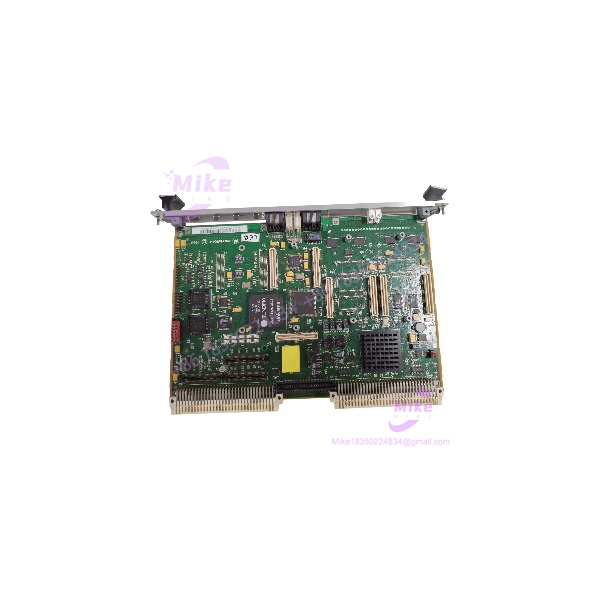
Description
Motorola MVME2100 | VMEbus Single Board Computer
Dynamic Product Introduction
When a legacy VME system fails, replacing the processor board is not simply a matter of finding a card that fits the chassis. Boot firmware, bus-controller configuration, memory capacity, and installed mezzanine hardware all influence whether the replacement will operate correctly.
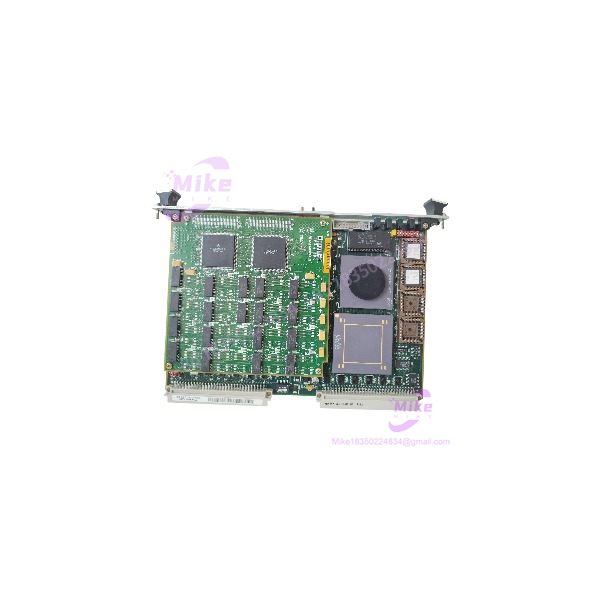
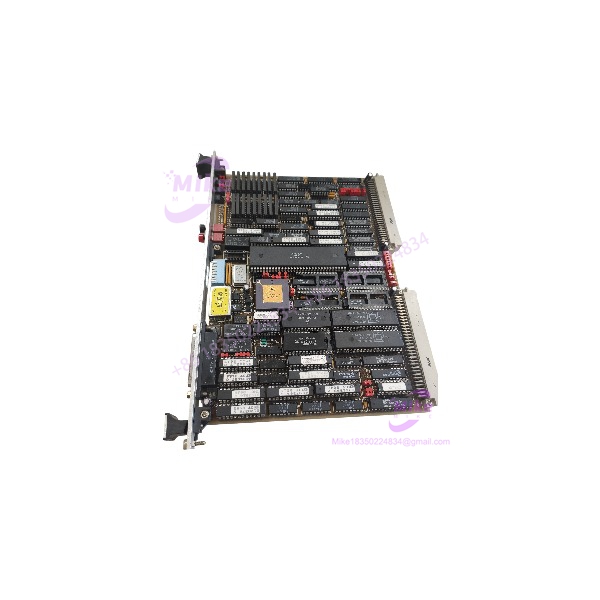
The Motorola MVME2100 addresses embedded computing requirements in established VMEbus platforms. Built around the MPC8240 PowerPC integrated processor, this 6U single-board computer combines local memory, Ethernet connectivity, serial debugging, and expansion interfaces on one board. Its architecture allows compatible systems to retain existing VME infrastructure rather than immediately undertake a full hardware migration.
For maintenance teams managing aging control equipment, the practical value lies in preserving a known hardware configuration. There is no verified basis for claiming a quantified performance improvement over other legacy boards without a direct, application-specific benchmark. Instead, evaluate the MVME2100 against the installed board’s exact configuration, firmware environment, and system requirements before authorizing a replacement.
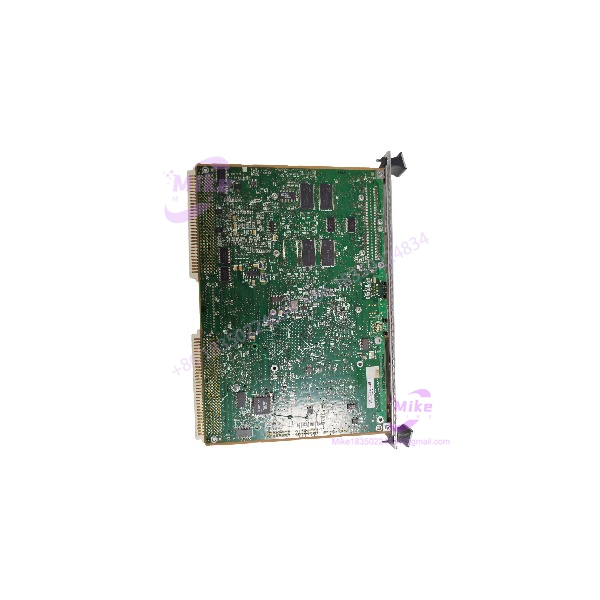
MVME2100
Key Technical Specifications
- Product model: MVME2100
- Manufacturer: Motorola Computer Group
- Processor: MPC8240 integrated PowerPC processor
- Processor core frequency: 200 MHz
- Form factor: 6U VMEbus single-board computer
- Backplane interface: VMEbus, with P1 and P2 connections
- Main memory: Configuration-dependent SDRAM; 32 MB and 64 MB configurations are documented
- Flash memory: Configuration-dependent onboard boot and expansion flash
- Ethernet: One 10Base-T/100Base-TX interface
- Serial interface: One front-panel asynchronous serial port; the DEBUG console uses an RJ45 connector
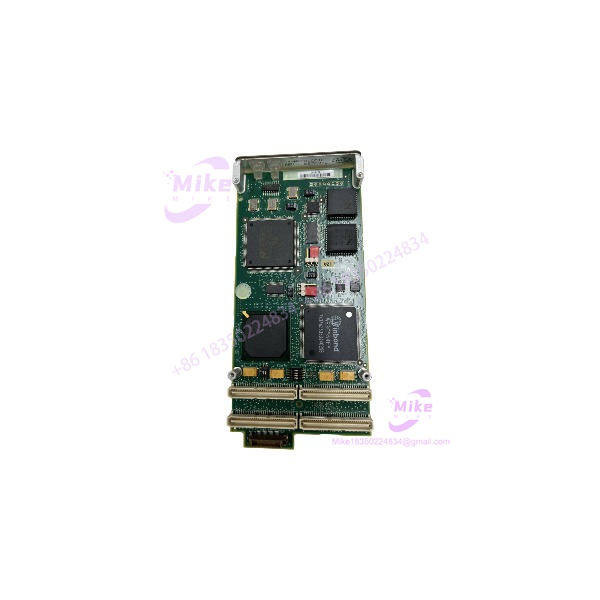
- Expansion: One 32-bit PCI Mezzanine Card (PMC) slot, one Type I PC•MIP slot, and two Type II PC•MIP slots
- Operating temperature: 0°C to 55°C inlet-air temperature, subject to the specified minimum airflow of 250 linear feet per minute
- Typical power requirement: Approximately 2.5 A at +5 V for the 250 MHz configuration described in the manual; the documented maximum for the 83.33 MHz memory-bus configuration is 3.5 A at +5 V
Configuration note: The published specifications contain configuration-dependent values. Verify the actual processor, memory, flash, front-panel hardware, and power requirements against the specific board being purchased.
Global Sourcing & Live-Test SOP
Legacy computer boards require more than a visual inspection. A board can appear clean and still fail during initialization, Ethernet communication, or extended operation.
The following is the recommended acceptance procedure for MVME2100 replacement inventory. It describes the verification process a supplier should document; it is not a claim that a particular unit has already passed these tests.
Inbound verification
- Record the complete model designation, board revision, serial number, and visible component identifiers.
- Inspect labels, PCB condition, connector contacts, repair marks, corrosion, and evidence of unauthorized rework.
- Review available OEM documentation and chain-of-custody records. Treat missing paperwork as an evidence gap rather than proof of counterfeit hardware.
- Photograph the board and record the installed memory, flash configuration, and expansion hardware before testing.
Powered functional testing
- Install the board in a compatible 6U VME chassis with verified P1/P2 connections and suitable cooling.
- Confirm the chassis power rails under load before applying power to the board.
- Connect a serial terminal to the DEBUG port and verify the expected PPCBug startup behavior. The documented default console format is 9600 baud, 8 data bits, no parity, and 1 stop bit; configured settings may differ.
- Record startup diagnostics, detected memory, firmware identification, and any fault indicators.
- Where the configuration supports it, test Ethernet link establishment, network communication, and the installed PMC or PC•MIP peripherals.
Diagnostics and endurance
- Run the applicable onboard PPCBug diagnostic routines and record the results.
- Validate VMEbus access and application-specific communication with compatible test hardware.
- Perform a 24-hour powered endurance test when required by the purchase specification, recording temperature, resets, and observed errors.
- Do not represent a limited boot test as proof of complete application compatibility.
Final preparation
- Record firmware and boot configuration without changing the original settings unnecessarily.
- Save diagnostic logs and pre-shipment photographs.
- Package the board in ESD-safe materials, with appropriate mechanical protection for connectors and components.
- Supply a written test report that identifies the unit tested, the test equipment used, the results, and any limitations.
Procurement recommendation: Request the actual test report for the individual MVME2100 being supplied. A generic statement that all boards are tested does not establish the condition of a specific unit.
The Field Engineer’s Pitfall Guide
❗ 1. Firmware and boot configuration mismatches
A replacement board may reach the PPCBug prompt but fail to load the intended operating system or application. Differences in firmware revisions, boot parameters, memory configuration, and device initialization can explain the failure. Before removing the original board, document its firmware identification, NVRAM settings, boot sequence, and startup diagnostics wherever possible.
A common troubleshooting mistake is to assume that reaching the debugger prompt proves the entire system is compatible. It proves only that the board has reached that stage of initialization.
❗ 2. System-controller jumper and flash-bank settings
The has configuration headers that affect flash-bank selection and VMEbus system-controller operation. The original installation manual documents the J9 flash-bank header and J2 system-controller selection. Incorrect settings can prevent expected boot behavior or disrupt the existing bus architecture.
Before installation, compare the replacement’s jumper positions with the required system configuration. Do not copy settings blindly if the replacement has a different board revision or the chassis architecture has changed.
❗ 3. Backplane compatibility, power, and cooling
A matching 6U form factor does not guarantee electrical or functional compatibility. The requires the appropriate P1/P2 connections, and the system must account for the current drawn by installed mezzanine cards. Cooling also matters: the published operating-temperature specification assumes at least 250 LFM of inlet airflow.
Inspect the backplane pin assignments, chassis power capacity, expansion-card loading, and airflow before energizing the board. A board that boots on a bench may still fail under the thermal and electrical conditions of the installed system.
Intent-Driven FAQ
Is the Motorola still available for replacement?
The is a legacy platform, so availability generally depends on remaining inventory, refurbished units, and surplus stock. Current stock status must be confirmed with the supplier. Ask whether the offered board is unused, used, or refurbished, and request photographs of the actual unit.
Can I replace my existing without changing the application software?
Possibly. The replacement should match the original processor-board configuration and support the same operating system, boot environment, peripheral hardware, and application requirements. Verify the firmware and NVRAM settings before installation. A matching model designation alone does not establish software compatibility.
Can the be hot-swapped while the system is running?
Do not assume so. Safe removal depends on the chassis, backplane design, system architecture, and approved maintenance procedure. Unless the complete installation is specifically designed and approved for live insertion and removal, shut down and isolate the equipment before replacing the board.
What firmware does the use?
The board documentation describes PPCBug, a PowerPC debugger and initialization environment. The installed firmware version and boot settings should be recorded before replacement. Do not perform a firmware downgrade or flash operation without confirming the correct image, board revision, and recovery procedure.
Will the work in any 6U VME chassis?
No. Mechanical fit is only one requirement. Confirm P1/P2 connector compatibility, power availability, cooling, system-controller requirements, bus configuration, and any PMC or PC•MIP dependencies. Older systems may also rely on board-specific settings that need to be preserved.
How can I verify that a used is functional?
Request a unit-specific test report showing successful power-up, PPCBug startup, memory detection, applicable diagnostics, Ethernet testing, and the condition of installed expansion hardware. For critical applications, specify an extended powered test and require the supplier to document any untested functions.
What warranty should I expect when purchasing an ?
Warranty terms depend on the seller and purchase agreement. Confirm the warranty period, coverage for functional defects, return authorization process, shipping responsibilities, and exclusions for installation errors or incompatible systems. Do not assume factory warranty coverage or OEM authorization for surplus inventory unless documented in writing.