Description
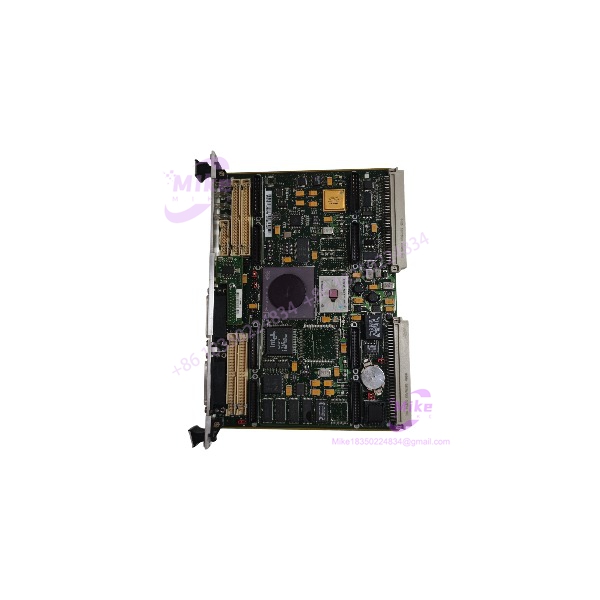
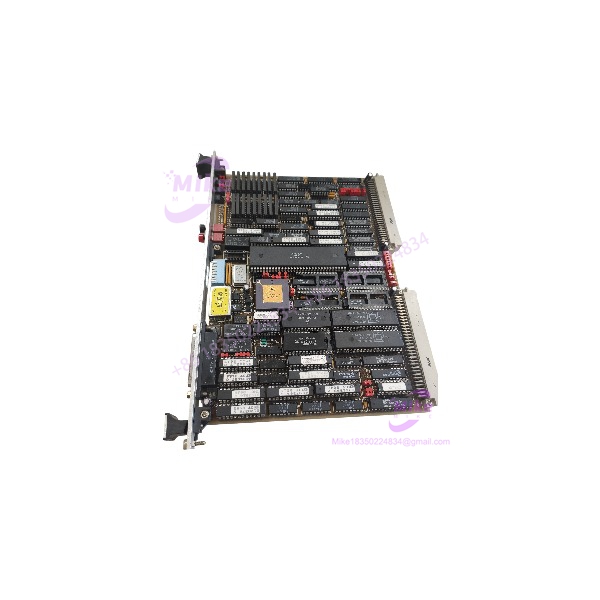
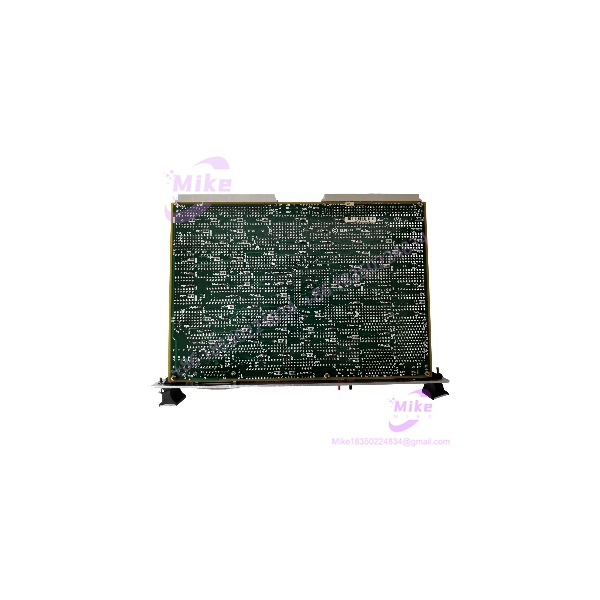
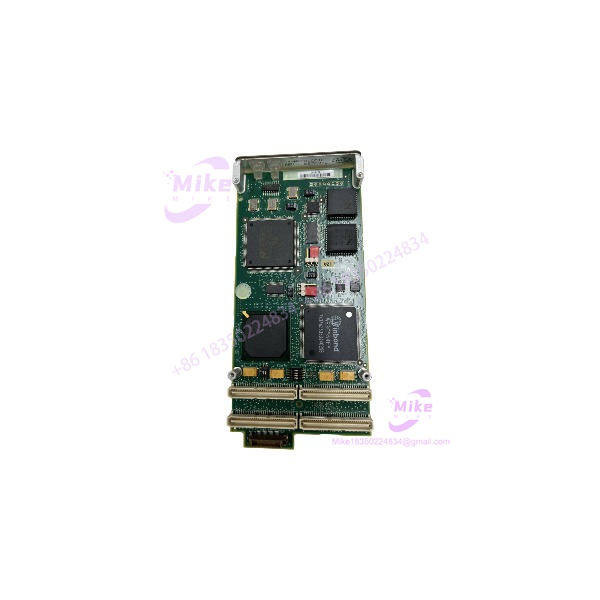
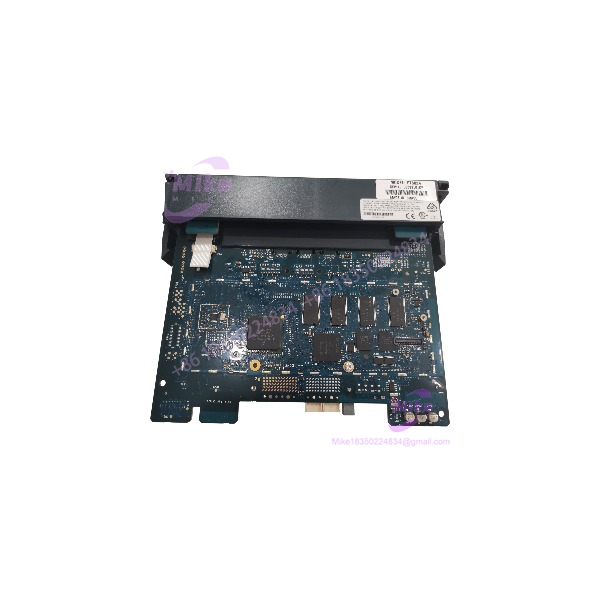
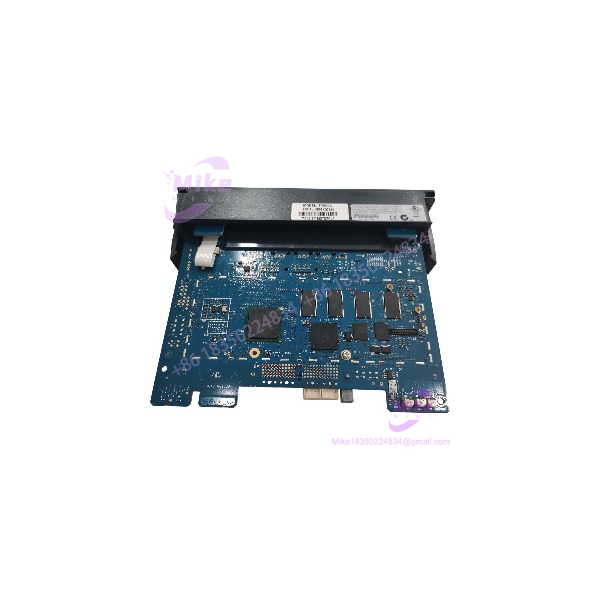
Motorola FLN3524A | ACE3600 CPU Controller Module
Dynamic Product Introduction
A failed CPU in a remote SCADA cabinet is rarely just a failed circuit board. It can mean lost telemetry, unavailable control logic, and a field crew driving several hours to a site that may have no convenient access. The Motorola FLN3524A belongs to the ACE3600 RTU family and functions as the processing center of that architecture. Motorola documents the ACE3600 as a modular SCADA platform combining local processing, I/O, and multiple communications methods, with support for remote monitoring and control applications.
The important point for replacement work is architecture compatibility, not simply whether a board powers up. The ACE3600 platform uses a 32-bit processor running at 200 MHz, and Motorola specifies capacity for up to 110 I/O modules in an appropriately configured RTU. The platform also supports communications including Modbus, DNP3, IEC 60870-5-101, and Motorola’s MDLC protocol.
For the FLN3524A, documentation from Motorola’s conformity records places the part within the MOSCAD/ACE3600 equipment family. That is useful when validating old cabinet inventories, although the exact hardware revision and application configuration still need to be checked before substitution.
FLN3524A
Key Technical Specifications
- Model: FLN3524A
- Product role: CPU/controller module
- System: Motorola ACE3600 RTU
- Processor architecture: 32-bit
- Processor speed: 200 MHz
- SCADA role: Local control logic, data processing, communications management
- I/O architecture: Modular I/O system
- Maximum I/O capacity: Up to 110 I/O modules at the RTU system level, subject to configuration.
- Communication environment: Serial and IP-based industrial communications
- Supported protocol environment: Modbus, DNP3.0, IEC 60870-5-101, and MDLC are documented for systems.
- Engineering software: Motorola System Tool Suite (STS) is used for program development, configuration, installation, and maintenance.
- Replacement status: FLN3524A is an obsolete/discontinued part number; replacement planning should therefore be treated as a legacy-system exercise rather than a normal current-production purchase.
One sourcing detail deserves emphasis: available industry documentation identifies F7502A as the replacement for FLN3524A, but a replacement designation should not be interpreted as automatic drop-in equivalence for every installed configuration. Verify the CPU hardware revision, communications configuration, application software, and cabinet wiring before ordering against a replacement number.
Global Sourcing & Live-Test SOP
When purchasing a for a running installation, I would not accept “powers on” as a meaningful test result.
1. Inbound Verification
First, photograph the complete module before opening or cleaning it. Record:
- model marking
- Serial number
- Hardware revision
- Board revision
- Firmware identification
- Connector condition
- Label condition
- Any evidence of previous repair
The serial number should be compared against the supplied purchasing documentation and the physical label. On older SCADA hardware, mismatched labels, replaced stickers, scratched serial plates, and inconsistent revision markings are immediate QC flags.
The conformity documentation from Motorola specifically identifies among the options associated with the MOSCAD/ SCADA family, which gives procurement personnel a useful manufacturer-level cross-check.
2. Live Simulation
For a genuine operational test, install the into a compatible test configuration rather than relying on a bench power supply.
The test rack should reproduce the relevant CPU, I/O, communications, and power arrangement. After startup, verify CPU status indications, processor initialization, communications behavior, and application loading.
Where the customer’s actual configuration uses Modbus, DNP3, or MDLC, the corresponding communication path should be exercised. Motorola documents these protocols as part of the communications environment.
3. Diagnostic Testing
A practical acceptance sequence should include:
- DC supply verification with a calibrated Fluke multimeter
- Power-up and restart testing
- CPU status/diagnostic verification
- I/O point simulation
- Digital input state transitions
- Digital output command verification
- Analog input scaling checks where applicable
- Communication handshake testing
- Ethernet link verification where fitted
- Serial-port transmit/receive testing where fitted
- Application download/readback verification where permitted
- Extended operating test
For a critical spare, I prefer a 24-hour heat run rather than a five-minute startup test. Thermal instability often reveals itself only after the electronics have reached operating temperature.
4. Final Preparation
Record the observed firmware and hardware revision before packaging. Do not erase configuration information merely to make the module appear “clean.”
The unit should then be packaged in an ESD-safe bag with appropriate cushioning. Connector pins should be protected from mechanical impact and contamination.
For surplus inventory, the final inspection record should distinguish clearly between factory sealed, unused, refurbished, and tested used condition. Those terms are not interchangeable.
The Field Engineer’s Pitfall Guide
❗ Firmware and application revision mismatch: Do not assume that an with the same printed part number will contain the same firmware or application environment as the failed CPU. The relies on STS for system programming and maintenance, so preserve the original configuration and record firmware information before swapping hardware. I’ve seen legacy RTU replacements turn into commissioning jobs simply because nobody captured the original software revision before removing the CPU.
❗ Communication configuration blindness: The can communicate through several protocol and media combinations, including Modbus, DNP3, IEC 60870-5-101, and MDLC. Never assume that a replacement CPU will automatically reproduce the site’s existing communication configuration. Record port assignments, addressing, baud rates, parity, IP settings, protocol roles, and radio/network parameters before shutdown.
❗ Backplane and I/O configuration mismatch: A CPU replacement is not an excuse to ignore the installed I/O architecture. systems are modular and can support substantial I/O expansion, but the actual site configuration determines what the CPU must service. I’ve seen plants lose hours because the replacement CPU was treated as an isolated board instead of one component in the complete RTU configuration.
Intent-Driven FAQ
Will I lose my logic program if I swap the Motorola ?
Not necessarily, but the safe assumption is that the replacement CPU requires the site’s application/configuration to be verified and potentially reloaded. Before removing the failed , capture the existing application and configuration through the appropriate engineering workflow whenever the original CPU remains accessible. STS is Motorola’s documented tool for development and maintenance.
Is the still available from Motorola?
The is a legacy part number rather than a current mainstream hardware item. Current sourcing therefore tends to involve remaining inventory, tested surplus, or replacement planning. The itself remains documented by Motorola as a SCADA RTU platform.
Can I replace with F7502A?
F7502A is identified in available product documentation as the replacement associated with , but treat that as a compatibility lead, not a blind substitution instruction. Check the installed CPU revision, application software, communications hardware, I/O arrangement, and cabinet documentation before committing to the change.
Can the be hot-swapped?
Do not assume hot-swap capability simply because the system is modular. Whether a CPU can be removed while energized depends on the specific hardware arrangement and approved maintenance procedure. For a live control installation, isolate power according to the site’s electrical and process-safety procedure unless the official system documentation explicitly authorizes the operation.
Does the support Modbus?
The platform supports Modbus through RS-232 and IP, along with DNP3.0, IEC 60870-5-101, and MDLC. The important distinction is that protocol capability at the platform level does not prove that a particular used has been configured for your site’s required protocol and addressing.
Can I downgrade the firmware on an ?
Firmware changes should be treated as a controlled engineering procedure. Do not install an older image simply because it matches the failed unit’s apparent version. Verify the exact CPU hardware revision, compatible STS environment, application requirements, and Motorola documentation first.
What warranty should I expect when buying a used ?
Warranty coverage depends entirely on the seller’s written terms and the stated condition of the individual unit. For procurement purposes, get the coverage in writing before payment: DOA period, functional-failure period, return authorization procedure, and whether repair or replacement is provided. “Tested” without defined acceptance criteria is not a sufficient warranty description for a control-system spare.
Bottom Line
The is best treated as a legacy CPU/controller spare, not as a generic PLC processor. Its value is primarily in keeping an existing SCADA installation operational without forcing an uncontrolled migration.
For procurement, match the by exact part number first, then verify hardware revision, firmware, application compatibility, communications configuration, and I/O architecture. That sequence is far safer than buying on the model number alone. Motorola’s own documentation confirms the architecture and its broad SCADA communications capabilities, while the manufacturer’s conformity documentation explicitly associates with the MOSCAD/ family.