


Description
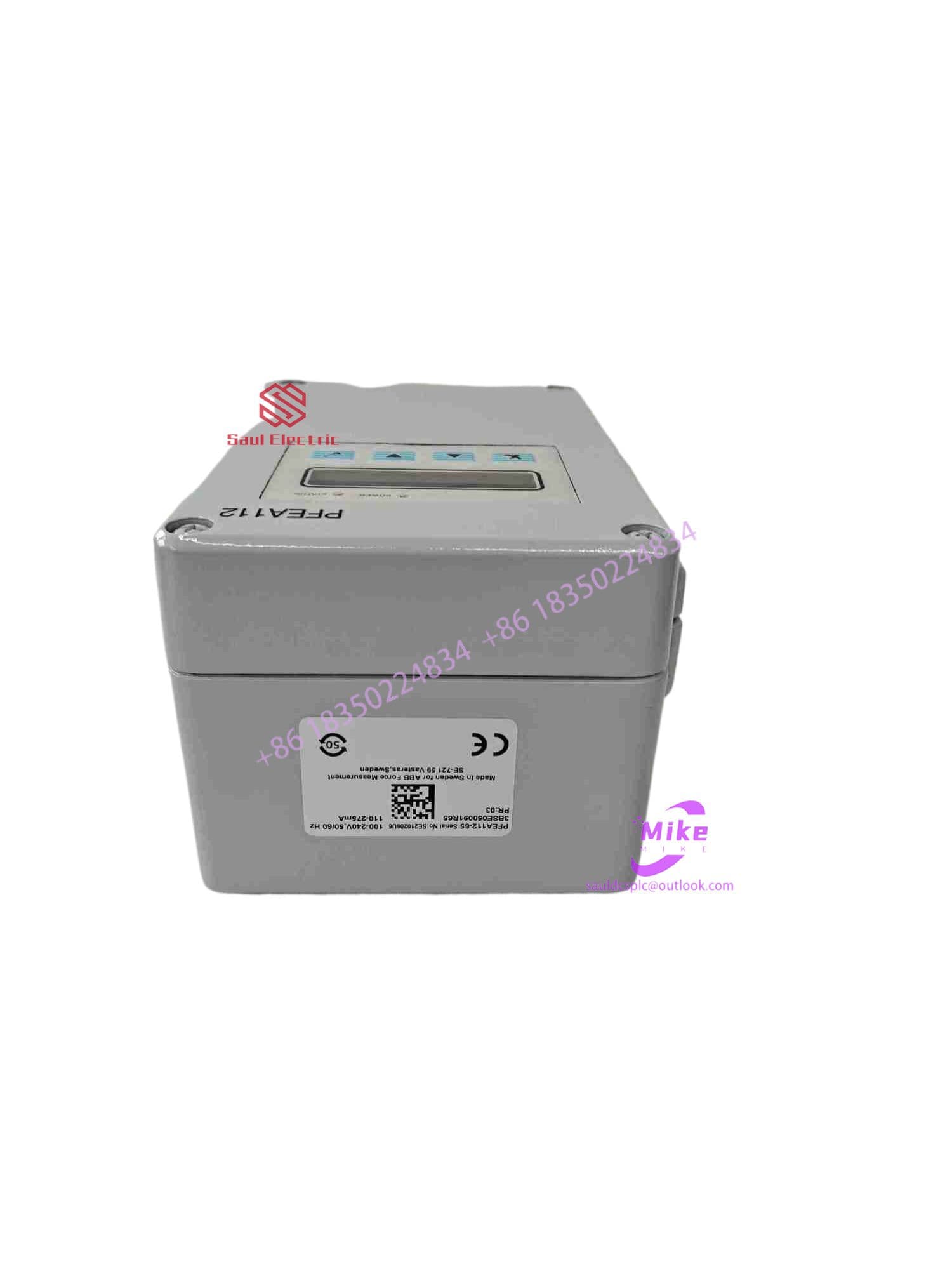
ABB PFEA112-65 3BSE050091R65 Tension Electronics
What can an Arduino development board be used for?
Arduino development boards can be used to do many cool things. You can easily add an LCD display, keyboard, or seven-segment display module and quickly build a simple system. A wealth of information and libraries are available on the Arduino.cc website. You can design your own electronic plug-ins or use shielding to build modular systems. Due to its versatility, Arduino can be used for simple, mundane tasks or complex applications. A simple example is the ability to turn on a device when the indoor temperature drops below a certain level. Expanding this application by adding a GSM module can be easy, allowing it to send a text message when this occurs. Arduino development boards can be used to implement complex home automation systems that can be controlled via a smartphone . Enthusiasts also use them as handling and control devices in robots, and kits are available for building simple wheeled robots.
Micontroller Project – Programming an Arduino Development Board
The Arduino board is programmed in C and provides advanced functionality as standard for reading and writing to analog and digital pins and the serial port. The source code is referred to as a “sketch”. The standard library can also be used for tasks such as outputting to an LCD panel or communicating with a GSM module. Enthusiasts have also contributed many other libraries and code, which can be found on the Arduino website.
The Arduino website provides a basic code editor/compiler for program development. However, this editor is essentially like a wordpad, offering no color-coded highlighting or sophisticated debugging features. Atmel Studio, a simplified and customized version of Visual Studio, offers an alternative that provides these functionalities.





